Key takeaways
- A catch-all domain accepts mail for any address, so a standard check cannot confirm a specific mailbox exists.
- Catch-alls are common on business domains, which makes them important for B2B lists.
- Not all catch-all addresses are bad, but they carry a higher bounce risk.
- Segment them, send to engaged ones first, and watch bounces closely.
- Advanced catch-all validation can reduce uncertainty, at a higher cost per check.
In this guide
- What is a catch-all email address?
- Why companies use catch-all domains
- Why verification tools flag catch-all addresses as risky
- The real risks of sending to catch-all addresses
- How common are catch-all addresses in your list?
- Should you send to catch-all addresses? A decision framework
- Best practices for sending to catch-all segments
- What advanced catch-all validation does
- A practical workflow for a B2B list
- Signs that a catch-all segment is hurting you
- Can you avoid collecting catch-all addresses?
- Catch-all vs other risky results
- Questions to ask about your verification results
- Key points to remember
- Frequently asked questions
What is a catch-all email address?
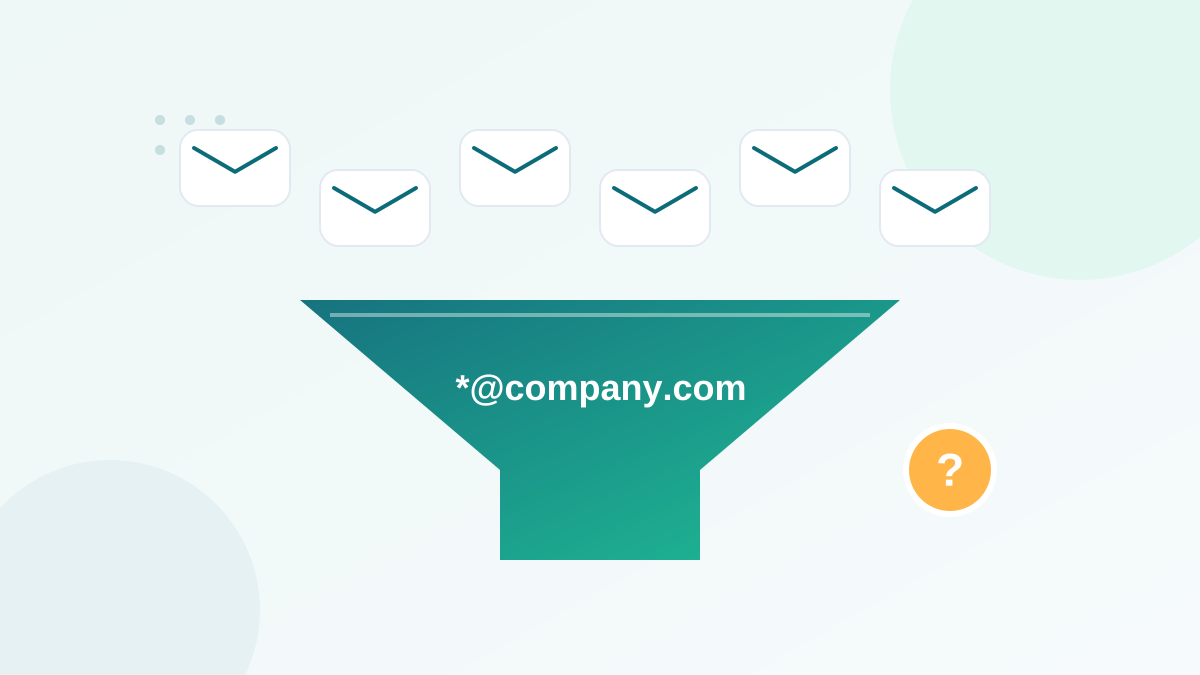
A catch-all (or accept-all) configuration is a mail server setting that accepts every email sent to a domain, whatever the part before the @. If company.com uses a catch-all, an email to anna@company.com, anna.smith@company.com or xyz123@company.com is accepted by the server, even if only the first mailbox really exists.
Where do the messages to non-existent names go? It depends on the setup. Some are delivered to a central mailbox read by someone, some are silently discarded, and some are accepted at first and bounced later.
Why companies use catch-all domains
- To never miss an email sent to a misspelled name or a former employee.
- For convenience on small business domains, where one person reads everything.
- As a default in some hosting and security configurations.
- For security tools that scan all incoming mail before deciding what to deliver.
Catch-all setups are especially common on business domains. That makes them an important topic for anyone sending B2B email.
Why verification tools flag catch-all addresses as risky
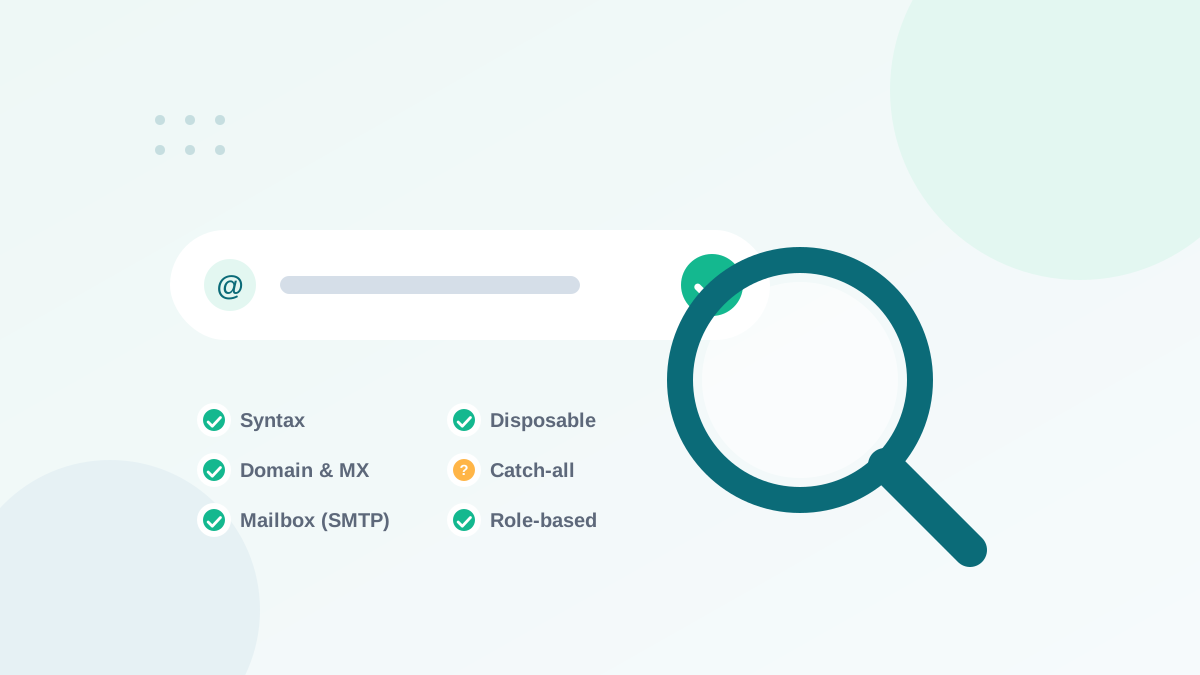
A standard email verification connects to the mail server and asks, without sending a message, whether it would accept mail for a specific address. (Here is how that process works.) Normally, the server says yes for real mailboxes and no for non-existent ones.
A catch-all server says yes to everything. So the check cannot tell a real mailbox from an invented one. The verification tool detects this behavior and reports the address as accept-all, catch-all or risky, rather than valid.
Catch-all does not mean invalid. It means "cannot be confirmed with a standard check". Some of these addresses are your best customers; others will bounce or disappear silently.
The real risks of sending to catch-all addresses
| Risk | Why it happens | Consequence |
|---|---|---|
| Delayed bounces | The server accepts first, then rejects internally | Higher bounce rate on later campaigns |
| Silent discards | Emails to non-existent names are deleted | No bounce, but no engagement either |
| Low engagement | Messages go to unread central mailboxes | Weaker sender reputation signals |
| Possible spam traps | Some catch-all domains feed all mail to monitoring | Reputation damage, see spam traps |
How common are catch-all addresses in your list?
It depends on your audience. Consumer lists, dominated by large webmail providers, usually contain few catch-all addresses. B2B lists can contain a significant share, because many companies configure their domain this way. After verifying your list, look at the share of catch-all results:
- A small share: handle them as a separate segment, no need to worry.
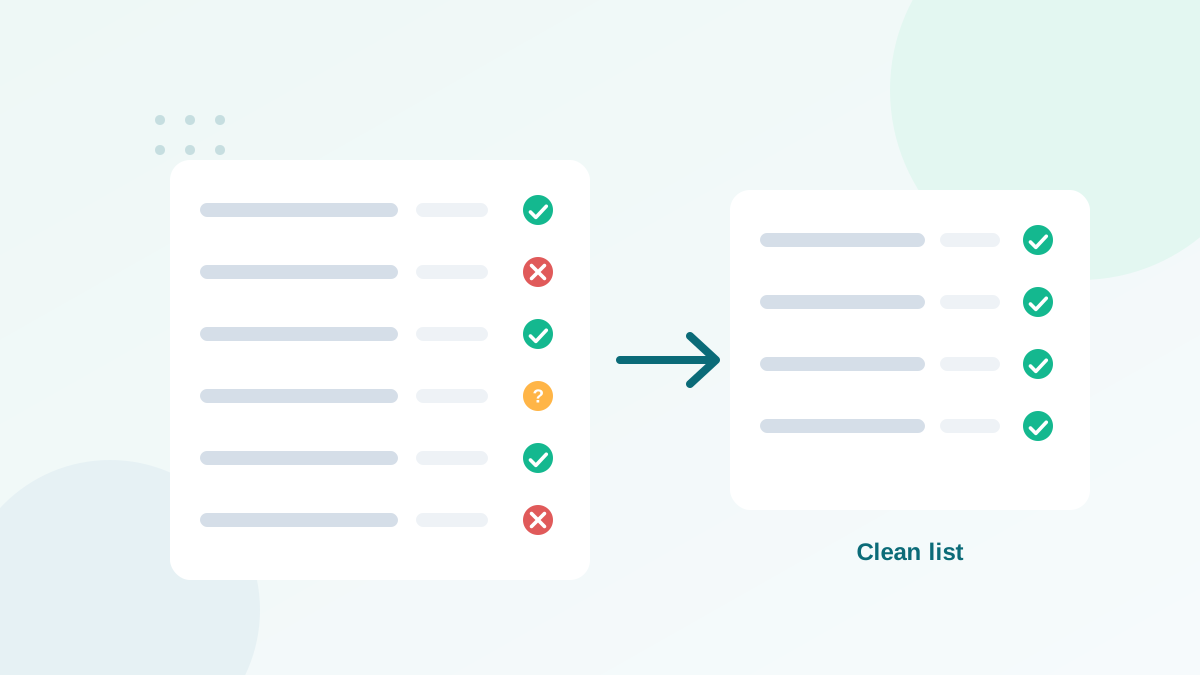
- A large share: do not delete them all; you could lose many real customers. Use the decision framework below.
Should you send to catch-all addresses? A decision framework
The right answer depends on what you know about each contact. Use these questions, in order:
- Has this contact engaged recently? If the person clicked, replied or bought in the last few months, the address works. Keep it.
- Did the contact opt in recently through a confirmed form? If yes, the risk is low. Keep it, and watch the first sends.
- Is the contact a known customer? Customer records with orders, invoices or support tickets are strong signals. Keep it.
- Is the contact old, imported or never engaged? This is where the risk concentrates. Either run an advanced catch-all validation, or send to this segment separately in small batches, or suppress it.
Best practices for sending to catch-all segments
- Isolate them. Create a dedicated segment so their results do not hide inside your main campaign.
- Send to engaged contacts first. Positive engagement from the main list protects your reputation.
- Send small batches. Start with a fraction of the segment and watch bounces and complaints.
- Remove bounces immediately. Any address that bounces is proven invalid.
- Apply a sunset rule. Catch-all contacts who never click after several emails should be removed.
- Use advanced validation when the stakes are high. Before a big campaign to a large B2B segment, the extra cost per check is often worth it.
What advanced catch-all validation does
Some verification services offer a separate, deeper check for catch-all addresses. Instead of relying only on the server's answer, they combine additional signals and methods to estimate whether a specific mailbox is likely to exist. Because it requires more resources, it costs more per address. DeBounce, for instance, prices catch-all validation at 10 credits per check, compared with 1 credit for a standard verification.
It does not give certainty in every case, but it can move many addresses from "unknown" to a clearer category, which helps you keep more good contacts and remove more bad ones.
A practical workflow for a B2B list
Here is the routine I use when a B2B list comes back from verification with a large catch-all segment:
- Export the catch-all segment with engagement data: last click, last reply, last purchase, signup date and source.
- Split it in three groups. Engaged in the last six months, recent signups without engagement yet, and old contacts with no engagement.
- Keep the engaged group in your normal sends. Their behavior already proves the address works.
- Send to recent signups through your welcome sequence. Remove any address that bounces on the first email.
- Validate the old, unengaged group with an advanced catch-all check, or suppress it if the group is small and the value is low.
- Send to the validated old contacts in small batches, a few hundred at a time, and stop if bounces rise.
- Review after a month. Contacts that still never click go to your sunset policy.
This approach protects your sender reputation without throwing away contacts that may represent real business relationships.
Signs that a catch-all segment is hurting you
- Bounces arriving hours or days after a campaign, mostly from business domains.
- A segment with almost no clicks over several campaigns.
- Rising bounce rate on B2B campaigns while consumer campaigns stay healthy.
- Warnings from your email platform about bounces on specific domains.
If you see these signs, pause the catch-all segment, follow the workflow above, and check your overall bounce rate benchmarks.
Can you avoid collecting catch-all addresses?
Not really, and you should not try to block them at signup. A person who types their real work address on a catch-all domain is a legitimate subscriber. What you can do is make sure that the address belongs to the person: double opt-in confirms it with a click, and a welcome email that gets a click or reply turns a risky contact into a proven one. Real-time verification on your forms will still flag the domain as accept-all, which is useful information to store with the contact.
Catch-all vs other risky results
| Result | Main issue | Typical handling |
|---|---|---|
| Catch-all / accept-all | Mailbox existence cannot be confirmed | Segment, use engagement data, validate if needed |
| Unknown | Server did not answer clearly (timeout, greylisting) | Re-verify later |
| Role-based | Shared address, more complaints | Keep only with clear opt-in |
| Disposable | Temporary address | Remove |
| Invalid | Does not exist | Remove |
Questions to ask about your verification results
Before deciding what to do with a catch-all segment, check a few points with your verification tool and your own data:
- Is the catch-all status domain-wide? If one company domain is catch-all, every address on it will be flagged the same way. Group results by domain to see whether a handful of large companies explain most of the segment.
- Do you have older engagement data from before the verification? Engagement history is often a better guide than any technical check.
- How old are the addresses? A catch-all address collected last month is far less risky than one collected five years ago, when the employee may have left.
- What is the value of the segment? For a high-value B2B segment, paying for advanced validation is cheap compared with losing real prospects. For a low-value segment, suppression can be the simplest choice.
Answering these questions usually turns a scary percentage in a verification report into a clear, manageable plan.
Key points to remember
Catch-all addresses are not good or bad by nature: they are uncertain. The mistake is to treat them like normal valid addresses and send to all of them at once, or to delete them all and lose real customers. Segment them, rely on engagement data, validate when the stakes justify it, and remove anything that bounces.
Catch-all handling is one step of a wider routine. Follow my complete list cleaning guide and keep an eye on your bounce rate after each send.
Frequently asked questions
What is a catch-all email address?
It is an address on a domain whose mail server accepts every email sent to it, whether the specific mailbox exists or not. Mail to non-existent names may be silently discarded or later bounced.
Are catch-all emails safe to send to?
They are risky rather than invalid. Many are real, especially in B2B, but some will bounce. Send to them in small batches and remove addresses that bounce.
Why do businesses use catch-all domains?
So they never miss an email sent to a misspelled name or an old employee address. It is convenient for them, but it hides which mailboxes really exist.
Can catch-all addresses be spam traps?
It is possible. Some catch-all domains feed every message into monitoring systems. This is one more reason to send carefully to unengaged catch-all contacts.
How does DeBounce handle catch-all addresses?
DeBounce flags them as accept-all in standard verification and offers a separate catch-all validation that costs more credits per check but tries to give a clearer answer.