Key takeaways
- Bounce rate = bounced emails ÷ emails sent × 100.
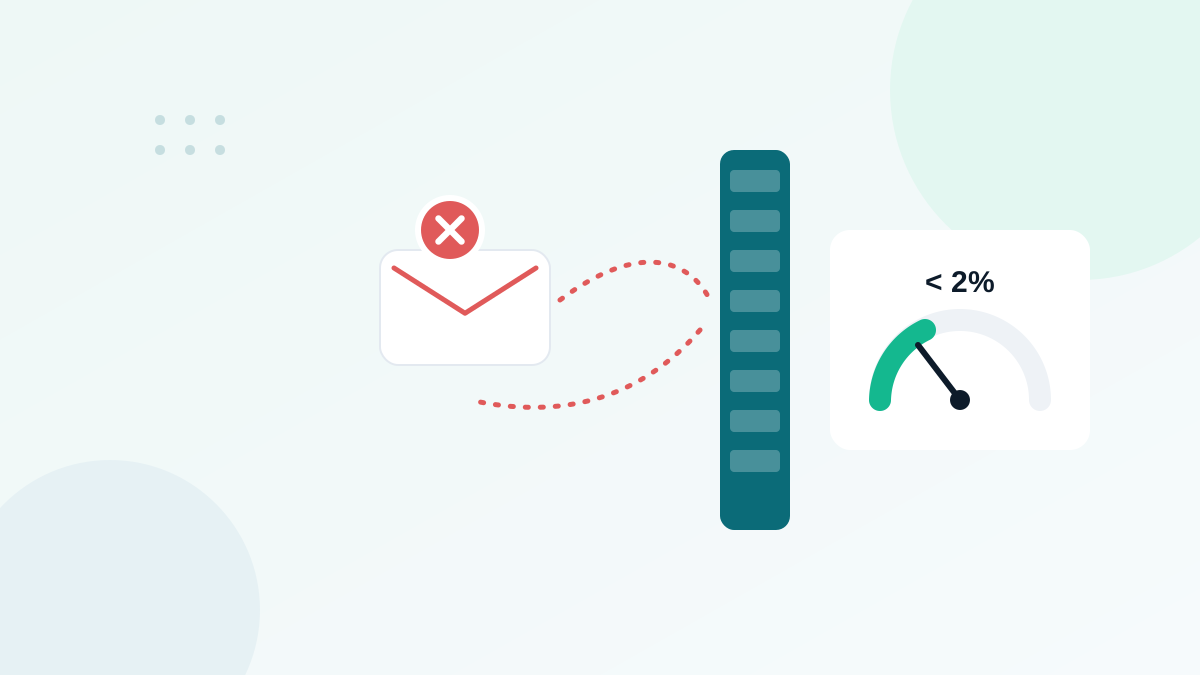
- Aim for a total bounce rate under 2% and a hard bounce rate under 0.5%.
- Hard bounces are permanent (the address does not exist); soft bounces are temporary (full mailbox, server issue).
- Most high bounce rates come from old, imported or unverified lists.
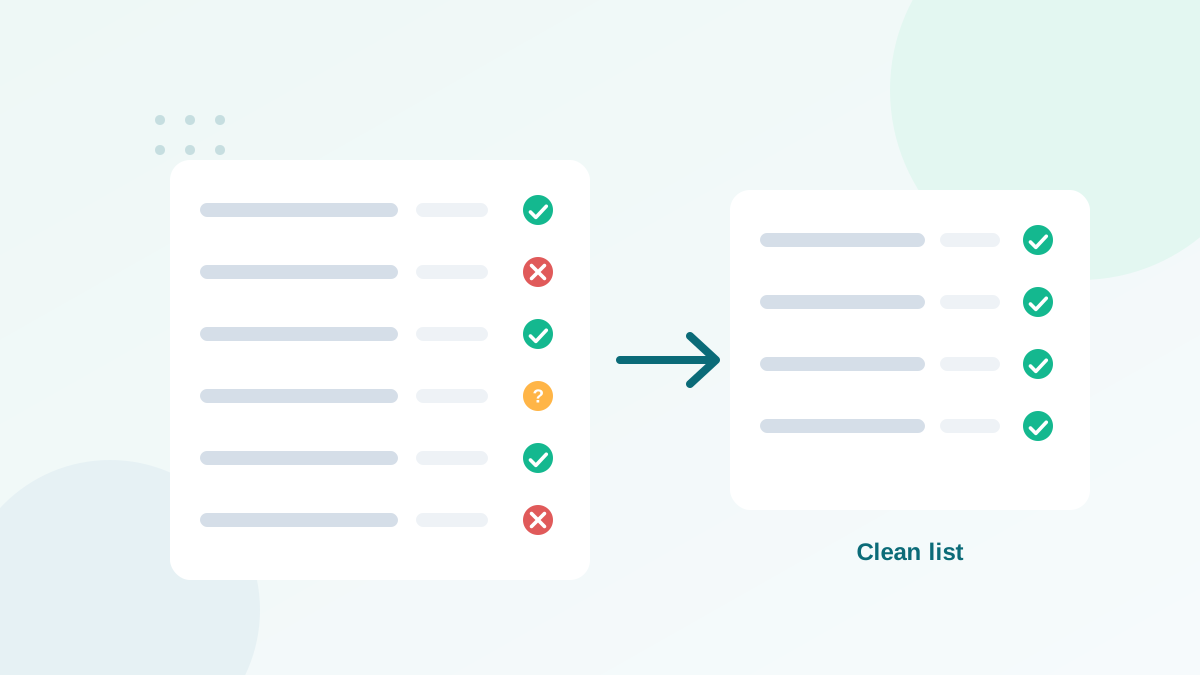
- Verify your list before sending and remove hard bounces immediately.
In this guide
- What is an email bounce?
- How to calculate your bounce rate
- Hard bounces vs soft bounces
- What is a good email bounce rate?
- Common bounce codes explained
- The real causes of a high bounce rate
- How to read a bounce report
- Why email platforms care so much about bounces
- Bounce rate by list source
- How to reduce your bounce rate: step-by-step plan
- Bounce rate vs related metrics
- Bounce rate checklist
- Frequently asked questions
What is an email bounce?
An email "bounces" when the receiving mail server refuses it and sends back an error message, called a bounce message or non-delivery report. Your email platform reads these messages and records the email as bounced instead of delivered.
Bounces matter for two reasons. First, the person never receives your message. Second, and more importantly, mailbox providers watch how often your emails bounce. A sender who regularly emails addresses that do not exist looks careless, or like a spammer using a purchased list.
How to calculate your bounce rate
The formula is simple:
Bounce rate (%) = (number of bounced emails ÷ number of emails sent) × 100Example: you send a campaign to 10,000 contacts and 150 bounce. Your bounce rate is 150 ÷ 10,000 × 100 = 1.5%.
Look at two numbers separately when your platform allows it: the hard bounce rate and the soft bounce rate. They have different causes and different fixes.
Hard bounces vs soft bounces
| Hard bounce | Soft bounce | |
|---|---|---|
| Nature | Permanent failure | Temporary failure |
| Typical causes | Address does not exist, domain does not exist, recipient server permanently blocks you | Mailbox full, server down or overloaded, message too large, temporary rate limiting |
| SMTP codes | Usually start with 5 (5.x.x) | Usually start with 4 (4.x.x) |
| Impact on reputation | High | Lower, unless repeated |
| What to do | Remove the address immediately | Let the platform retry; remove after repeated failures |
Most email platforms automatically suppress hard-bounced addresses and convert repeated soft bounces into hard bounces after several attempts.
What is a good email bounce rate?
Benchmarks vary by industry and by how lists are collected, but these are the targets I work with:
| Total bounce rate | Status | What it usually means |
|---|---|---|
| Under 1% | Excellent | Clean, recent, permission-based list |
| 1% to 2% | Healthy | Normal decay; keep regular cleaning |
| 2% to 5% | Warning | List needs verification and cleaning |
| Above 5% | Critical | Old, imported or unverified data; your platform may review or pause your account |
For hard bounces alone, aim for under 0.5%. A single campaign with a high hard bounce rate can do more damage than months of good sending can repair quickly.
Common bounce codes explained
Bounce messages include a status code. You do not need to memorize them, but recognizing the main ones helps you understand what happened.
| Code | Typical meaning | Type |
|---|---|---|
| 550 5.1.1 | Mailbox does not exist (user unknown) | Hard |
| 550 5.7.1 / 5.7.x | Rejected for policy reasons (authentication, reputation, content, blocklist) | Hard (policy) |
| 552 / 5.2.2 | Mailbox full (sometimes treated as permanent) | Soft or hard |
| 421 / 4.x.x | Service temporarily unavailable, try later | Soft |
| 450 / 451 | Mailbox temporarily unavailable, greylisting or local error | Soft |
Exact wording differs between providers. For example, Microsoft rejects non-compliant high-volume mail with a 550 5.7.x error since its 2025 authentication requirements, which is a policy bounce, not an invalid address. If you see many 5.7.x bounces, check your authentication first with my SPF, DKIM and DMARC guide.
The real causes of a high bounce rate
1. Old contacts
A list that was not emailed for a year has lost a significant share of its valid addresses. Restarting with a full send is the most common cause of bounce disasters I see.
2. Imported or purchased data
Lists from old CRMs, events, partners or, worse, list vendors contain many invalid addresses and often spam traps. Purchased lists also break consent rules.
3. Typos and fake signups
Forms without validation collect gmal.com, yaho.com, and invented addresses typed to get a freebie.
4. B2B job turnover
When an employee leaves, their work mailbox is usually closed. B2B lists bounce more over time than consumer lists.
5. Authentication and reputation issues
Not all bounces mean the address is bad. Policy bounces happen when a server refuses your email because of failed authentication, blocklisting or poor reputation. That is a sender problem, not a list problem. See why emails get filtered or rejected.
How to read a bounce report
Most email platforms give you a bounce report per campaign. Before acting, look at it with three questions in mind:
- How many bounces are hard, and how many are soft? A spike in hard bounces is a list problem. A spike in soft bounces is often temporary, linked to one provider or one day.
- Are bounces concentrated on one domain? If most bounces come from one provider (for example a single business domain or one webmail), the cause is probably on their side or in your reputation with them, not in your whole list.
- Which segment or source do the bounced contacts come from? Filter by signup source and date. If most bounced addresses come from one old import or one event, you have found the root cause.
This short analysis takes ten minutes and prevents the most common mistake: deleting addresses at random without fixing the source that keeps adding bad ones.
Why email platforms care so much about bounces
When you send through an email marketing platform, you usually share its sending infrastructure with many other customers. If one customer sends to a dirty list, the bounces and spam trap hits can affect the reputation of shared IP addresses, and therefore other customers' deliverability. This is why platforms monitor bounce rates closely, review accounts with unusual numbers, and may pause sending until the list is cleaned.
In practice, that means a high bounce rate is not only a deliverability risk: it is also a business continuity risk. A paused account the day before an important launch is a painful way to discover that a list needed cleaning.
Bounce rate by list source
Not all sources carry the same risk. From experience, here is how they usually compare:
| Source | Bounce risk | Why |
|---|---|---|
| Recent double opt-in signups | Very low | Address confirmed by a click |
| Recent single opt-in with real-time verification | Low | Address checked at entry |
| Customers with recent orders | Low | Address used for transactions |
| Single opt-in without verification | Medium | Typos and fake addresses get in |
| Contacts not emailed for 12+ months | High | Natural decay |
| Event badges, paper forms, business cards | High | Handwriting and transcription errors |
| Purchased or scraped lists | Very high | No consent, invalid addresses, spam traps |
How to reduce your bounce rate: step-by-step plan
- Read your bounce report. Separate hard, soft and policy bounces. The fix depends on the type.
- Suppress hard bounces now. Check that your platform has removed them, and that they cannot be re-imported.
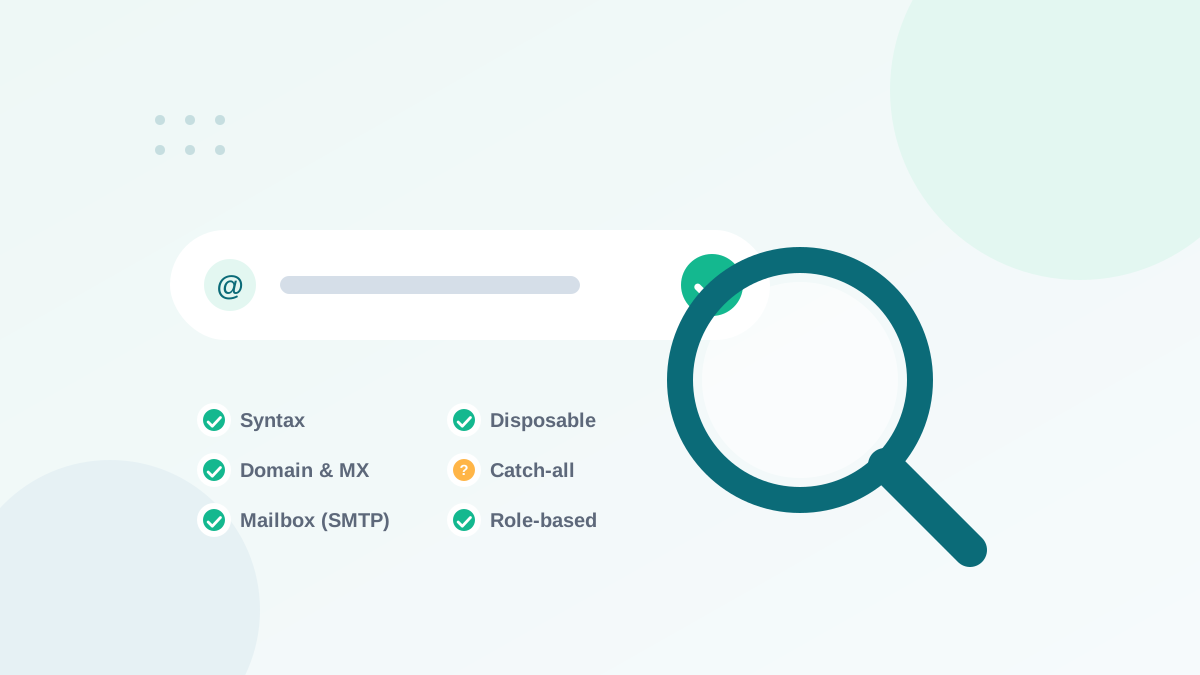
- Verify the rest of the list before the next send. A verification tool identifies invalid, disposable and risky addresses before they bounce. Here is how verification works.
- Fix policy bounces at the source. Check SPF, DKIM, DMARC and blocklists if you see many 5.7.x errors.
- Restart old lists gradually. Send to recent and engaged contacts first, then older segments in smaller batches.
- Protect your forms. Add real-time verification and bot protection so new bad addresses never enter.
- Clean on a schedule. Every three to six months, follow my list cleaning process.
Bounce rate vs related metrics
- Delivery rate: the share of emails accepted by receiving servers (100% minus bounce rate). Accepted does not mean inbox.
- Inbox placement rate: the share of delivered emails that land in the inbox rather than spam. It is not shown directly by most platforms; you estimate it with seed tests and engagement data.
- Spam complaint rate: the share of recipients who report your email as spam. Gmail asks senders to stay below 0.1%.
A low bounce rate is a necessary first step. It shows that your list is real. Inbox placement then depends on authentication, reputation and engagement.
Bounce rate checklist
- Total bounce rate under 2%, hard bounces under 0.5%
- Hard bounces automatically suppressed
- List verified before sending to old or imported segments
- Policy bounces investigated (authentication, blocklists)
- Real-time verification on signup forms
- Regular cleaning every 3 to 6 months
- Old lists restarted gradually, engaged contacts first
Some invalid addresses also act as spam traps, which hurt you even when they do not bounce. Verification and good collection habits protect you from both.
Frequently asked questions
What is a good email bounce rate?
Under 2% total is a healthy target for most senders, with hard bounces under 0.5%. Above 5%, many email platforms will review or pause your account.
What is the difference between a hard bounce and a soft bounce?
A hard bounce is permanent: the address or domain does not exist or rejects you. A soft bounce is temporary: the mailbox is full, the server is down or the message is too large.
Should I remove soft bounces from my list?
Not after one soft bounce. Most platforms retry and automatically convert an address to a hard bounce after several consecutive soft bounces. Remove addresses that keep soft bouncing.
Is bounce rate the same as delivery rate?
They are complementary. Delivery rate is the share of emails accepted by receiving servers. Accepted does not mean inbox: an accepted email can still land in spam.
Can a verification tool guarantee zero bounces?
No tool can guarantee zero, because mailboxes can close after you verify them and some servers hide their status. Verification typically removes the large majority of avoidable hard bounces.