Key takeaways
- Missing or broken SPF, DKIM and DMARC is the most common technical reason emails go to spam.
- Mailbox providers judge your sender reputation, mostly from complaints, bounces and engagement.
- Keep spam complaints below 0.1% and never let them reach 0.3% (Gmail's limit).
- Clean your list regularly: invalid addresses and spam traps silently damage your reputation.
- Spam trigger words matter far less than people think; relevance and consent matter far more.
In this guide
- How spam filters decide where your email goes
- Step 1: Diagnose before you fix
- Fixes for authentication problems
- Fixes for reputation problems
- Fixes for sending habits
- Fixes for content and format
- A 15-minute weekly deliverability routine
- Spam diagnosis table
- What does not really matter
- Frequently asked questions
How spam filters decide where your email goes
Gmail, Outlook, Yahoo and other mailbox providers do not use one simple rule. They combine hundreds of signals, which fall into four families:
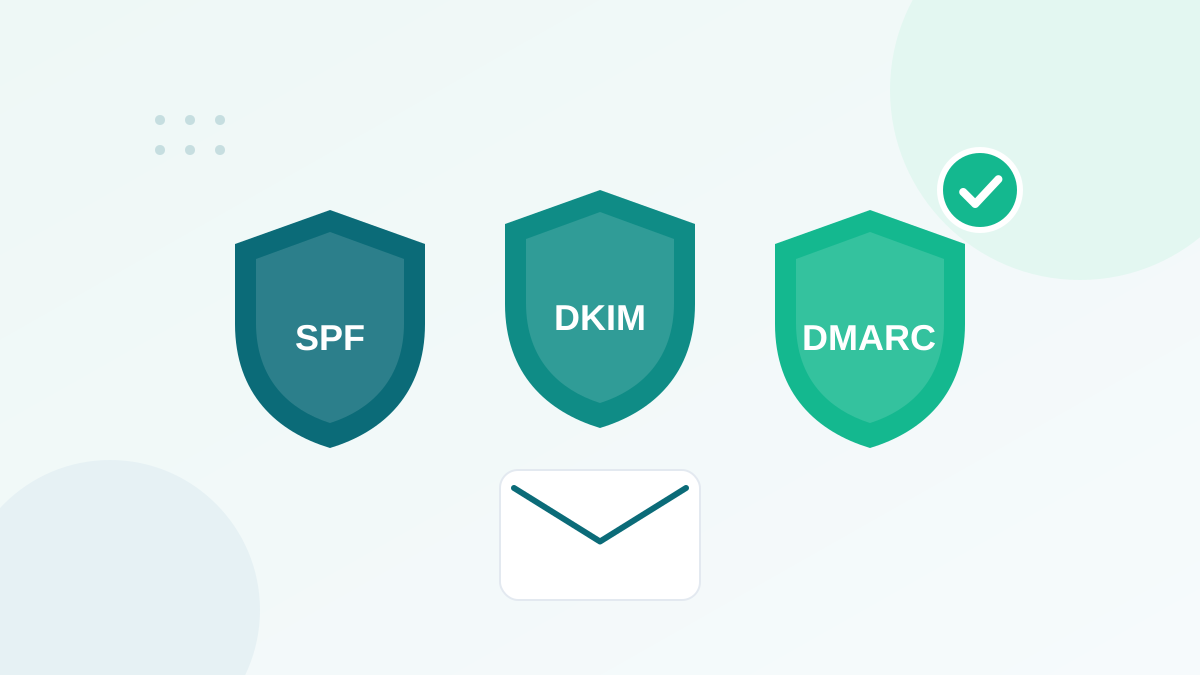
- Identity: is this email really from who it claims to be? This is checked with SPF, DKIM and DMARC.
- Reputation: how has this domain and this sending IP behaved in the past? Complaints, bounces and spam trap hits all lower it.
- Engagement: do recipients open, read, reply, move it out of spam, or delete it without reading?
- Content and format: is the message well built, honest, and similar to emails people usually want?
Content gets the most attention online, but identity and reputation carry most of the weight. That is why changing a few words in your subject line rarely fixes anything.
Step 1: Diagnose before you fix
Before changing anything, find out where the problem really is.
- Is it every provider, or just one? Compare open and click rates by domain (gmail.com, outlook.com, yahoo.com, business domains). A drop at one provider points to a reputation issue with that provider.
- Is it every email, or one type? If transactional emails arrive but newsletters do not, the problem is the marketing stream or the list.
- When did it start? A sudden change often follows an event: a list import, a new sending tool, a DNS change, a big campaign to old contacts.
- What do the tools say? Google Postmaster Tools shows your spam rate and authentication results for Gmail. Microsoft offers SNDS for senders with dedicated IPs. Your email platform reports bounces and complaints.
- Test real inboxes. Send to a few personal seed accounts at the main providers and note where the email lands.
Fixes for authentication problems
Fix 1: Set up SPF, DKIM and DMARC correctly
This is the number one cause I find in audits. Since 2024, Gmail asks all senders to set up SPF and DKIM, and requires bulk senders (around 5,000 emails or more per day to Gmail) to have SPF, DKIM and a DMARC record. Yahoo has similar rules, and Outlook started rejecting non-compliant high-volume mail in 2025. If you are not sure your setup is right, follow my step-by-step SPF, DKIM and DMARC guide.
Fix 2: Align your From domain
For DMARC to pass, the domain in your visible From address must match the domain authenticated by SPF or DKIM. Sending as news@yourbrand.com while your platform signs with its own domain only is a classic cause of failure. Authenticate your own domain inside your sending platform.
Fix 3: Stop sending from free addresses
Sending marketing emails "from" a Gmail, Yahoo or Outlook.com address through a third-party tool fails DMARC, because those providers publish strict DMARC policies. Always use your own domain.
Fixes for reputation problems
Fix 4: Keep spam complaints under 0.1%
Every time someone clicks "Report spam", your reputation drops. Gmail asks senders to keep their reported spam rate below 0.1% and never reach 0.3%. Above 0.3%, Gmail says senders become ineligible for mitigation support, and only become eligible again after seven consecutive days below that level. The causes of complaints are almost always the same: people did not expect your email, do not remember signing up, or cannot find how to unsubscribe.
Fix 5: Make unsubscribing effortless
A visible unsubscribe link is the best protection against complaints. For marketing emails, Gmail and Yahoo also require one-click unsubscribe through email headers (the List-Unsubscribe standard), processed within two days. Reputable email platforms add this automatically.
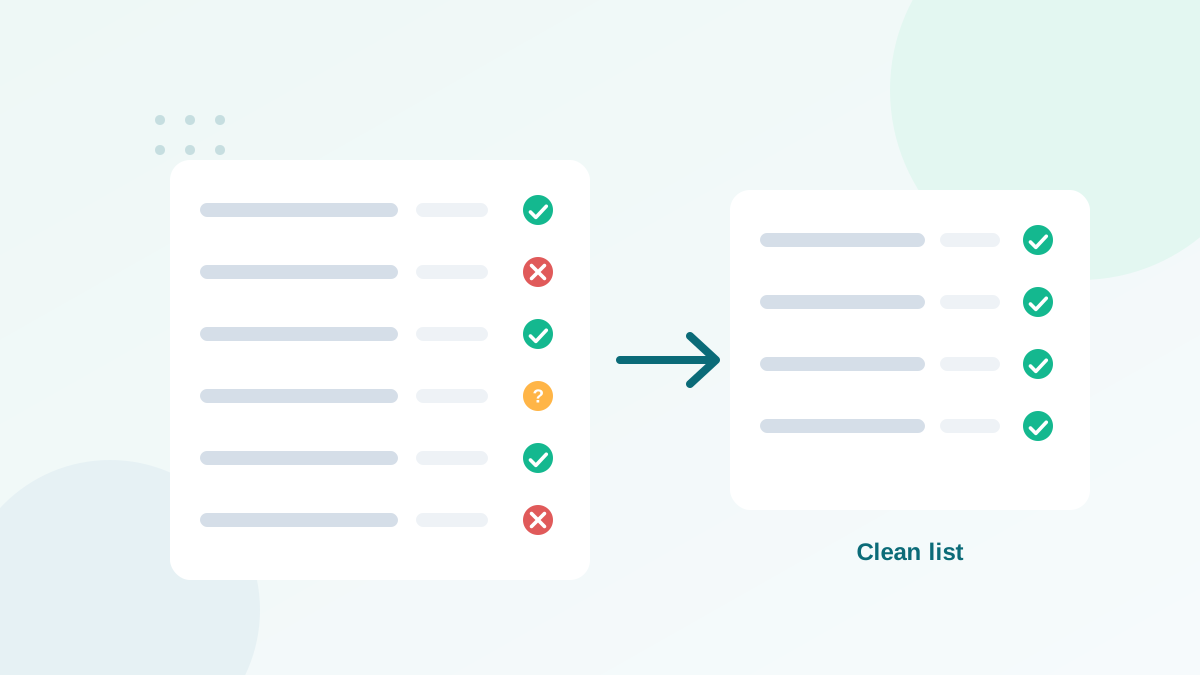
Fix 6: Remove invalid addresses before they bounce
High bounce rates tell mailbox providers that you do not manage your list. Old lists, imported files and addresses collected on paper are full of dead mailboxes. Verify them before sending, and keep your bounce rate under 2%. My guide to email bounce rates explains the benchmarks and causes.
Fix 7: Stay away from spam traps
Spam traps are addresses used to identify senders with poor list practices. Recycled traps hide in old, unengaged lists; typo traps enter through forms. Hitting them can lead to blocklisting. Read how spam traps work and how to avoid them.
Fix 8: Stop emailing people who never engage
Subscribers who have not opened or clicked in six to twelve months drag your engagement down and may have become recycled traps. Run a re-engagement campaign, then remove those who still do not react. The full process is in my list cleaning guide.
Fixes for sending habits
Fix 9: Send consistently
Mailbox providers like predictable senders. Sending nothing for months, then blasting your whole list, looks like spammer behavior. Keep a regular rhythm, and if you must restart after a long pause, start with your most engaged contacts.
Fix 10: Warm up new domains and IPs
A brand-new sending domain or dedicated IP has no reputation yet. Start with small volumes to your best subscribers and increase gradually over a few weeks. Gmail notes that new domains face stricter scrutiny.
Fix 11: Separate marketing and transactional streams
Many senders use a subdomain for marketing (for example news.yourbrand.com) and keep transactional mail on another. If marketing reputation suffers, password resets and receipts are less affected.
Fixes for content and format
Fix 12: Write honest subject lines
Misleading subject lines ("Re:", "Your order" when there is no order) increase complaints, and Gmail lists deceptive practices among the things to avoid. Be clear about what is inside.
Fix 13: Balance images and text, and keep HTML clean
An email made of one big image with no text looks suspicious and is unreadable when images are blocked. Use real text, add alt text to images, keep your HTML simple and your email size reasonable.
Fix 14: Limit links and avoid shorteners
Public link shorteners are widely used by spammers, and links to domains with a poor reputation hurt you. Link to your own domain, and keep the number of links reasonable.
Fix 15: Be relevant
The real spam filter is the reader. Emails that match what people signed up for get opened, read and replied to. Segment your list by interest and send the right content to the right people.
A 15-minute weekly deliverability routine
Once your emails are back in the inbox, keep them there with a short routine:
- Check Google Postmaster Tools for your spam rate and authentication status.
- Look at the bounce and complaint numbers of your last campaigns.
- Compare click rates by mailbox provider to spot a problem early.
- Make sure new signups are verified and receive your welcome email.
- Check that no new sending tool was added without SPF and DKIM.
Spam diagnosis table
| Symptom | Most likely cause | First fix |
|---|---|---|
| All emails to Gmail go to spam | Authentication or Gmail reputation | Check SPF/DKIM/DMARC, read Postmaster Tools |
| Outlook rejects emails with a 550 error | Missing authentication for a high-volume sender | Publish DMARC, align your domain |
| Spam placement started after a list import | Invalid addresses or spam traps | Verify and clean the imported list |
| Bounce rate above 5% | Old or unverified list | Verify the list, remove hard bounces |
| High complaints | Unexpected emails or hidden unsubscribe | Clarify consent, make unsubscribe obvious |
| Only one campaign went to spam | Content, links or a sudden volume spike | Review links, images and segment size |
What does not really matter
A few myths waste a lot of time:
- "Spam words" lists: words like "free" or "offer" do not send you to spam on their own. Reputation and engagement matter far more.
- Exclamation marks: one is fine; a subject line full of them looks cheap, but it is a minor factor.
- A dedicated IP as a cure: for most small and medium senders, a good shared IP is better. A dedicated IP only makes sense with high, steady volumes.
Fix identity first, protect your reputation with a clean list and honest practices, and the inbox follows. If you are just starting out, the beginner's guide to email marketing shows how to build these habits from day one.
Frequently asked questions
Why are my emails going to spam even though I have permission?
Permission is necessary but not enough. You also need correct authentication (SPF, DKIM, DMARC), a clean list, consistent sending and content people engage with. Check authentication first.
How do I check if my emails are going to spam?
Send to seed accounts at Gmail, Outlook and Yahoo, watch Google Postmaster Tools for spam rate and reputation, and compare open and click rates by mailbox provider.
Do spam trigger words still matter?
Very little on their own. Modern filters rely on reputation and engagement. Avoid misleading subject lines and all-caps shouting, but do not obsess over individual words.
How long does it take to fix a bad sender reputation?
Usually a few weeks of clean, consistent sending to engaged subscribers. Gmail, for example, requires seven consecutive days below a 0.3% spam rate before mitigation is possible again.
Will a dedicated IP fix my spam problem?
Rarely. A dedicated IP only helps high-volume senders with steady traffic. For most senders, a shared IP from a reputable provider plus good list hygiene works better.