Key takeaways
- Clean your list every three to six months, and always before sending to an old or imported list.
- Start with verification: remove invalid, disposable and undeliverable addresses before anything else.
- Treat role-based, catch-all and unknown results as risky, and send to them carefully, if at all.
- Run a re-engagement campaign for inactive subscribers, then remove those who still do not respond.
- Prevention is cheaper than cleaning: verify addresses at signup with real-time verification.
In this guide
- What "cleaning an email list" really means
- Why every list gets dirty
- What a dirty list costs you
- The 7-step email list cleaning process
- A worked example: cleaning a 10,000-contact list
- What you need to clean a list
- When to clean your list
- Prevention: keep the list clean as it grows
- Mistakes to avoid when cleaning
- List cleaning checklist
- Frequently asked questions
What "cleaning an email list" really means
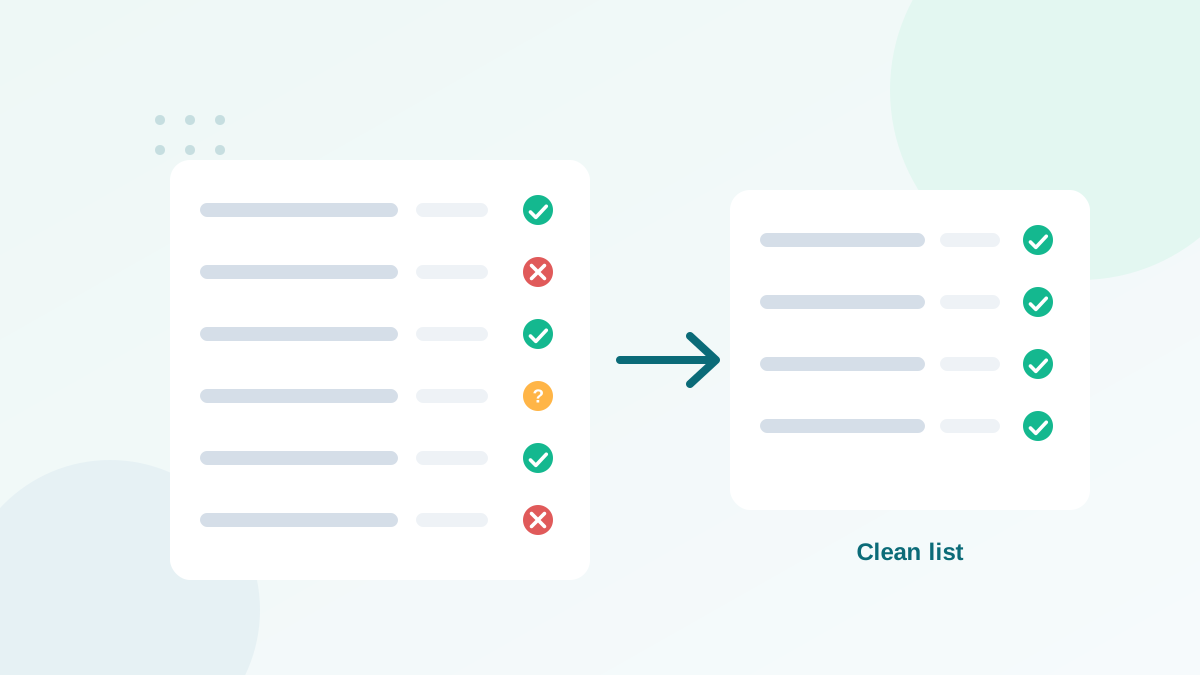
Email list cleaning (or list hygiene) is the process of removing contacts who should no longer receive your emails: addresses that do not exist, temporary and fake addresses, people who stopped engaging long ago, duplicates, and contacts who complained or unsubscribed.
The goal is not a smaller list. The goal is a list where almost every address belongs to a real person who wants your emails. That is what mailbox providers reward with inbox placement.
Why every list gets dirty
Even if you never bought a contact and use double opt-in, your list decays over time. Commonly cited industry estimates put this decay at around a fifth to a quarter of a list per year, depending on the audience. B2B lists decay faster, because people change jobs and their work addresses are closed.
- Job changes: the address
anna@company.comstops working when Anna leaves. - Abandoned inboxes: people create new personal addresses and stop checking the old one.
- Typos at signup:
gmial.com,hotmal.com, missing letters. - Disposable addresses: temporary inboxes used to grab a freebie, which stop existing after a few minutes or hours.
- Bots and fake signups: automated form submissions, sometimes with real people's addresses.
- Disengagement: real people who simply stopped reading.
What a dirty list costs you
| Problem | Direct effect | Long-term effect |
|---|---|---|
| Invalid addresses | Hard bounces | Lower sender reputation, possible account review by your platform |
| Spam traps | Silent reputation damage | Spam folder placement, blocklisting |
| Inactive contacts | Low engagement rates | Mailbox providers treat your emails as less wanted |
| Complainers | Spam reports | Gmail's 0.3% limit reached faster |
| Duplicates | Same person gets two emails | Annoyance, complaints, wasted budget |
| All of the above | Higher platform bill | You pay to email people who will never read |
The 7-step email list cleaning process
Here is the process I follow for clients, in this order. The order matters: verification first, so you do not waste a re-engagement campaign on addresses that will bounce.
Step 1: Export and back up your list
Export all contacts from your email platform with useful fields: email, signup date, source, last open, last click, last purchase, status. Keep a backup copy untouched. You will thank yourself if anything goes wrong.
Step 2: Verify every address
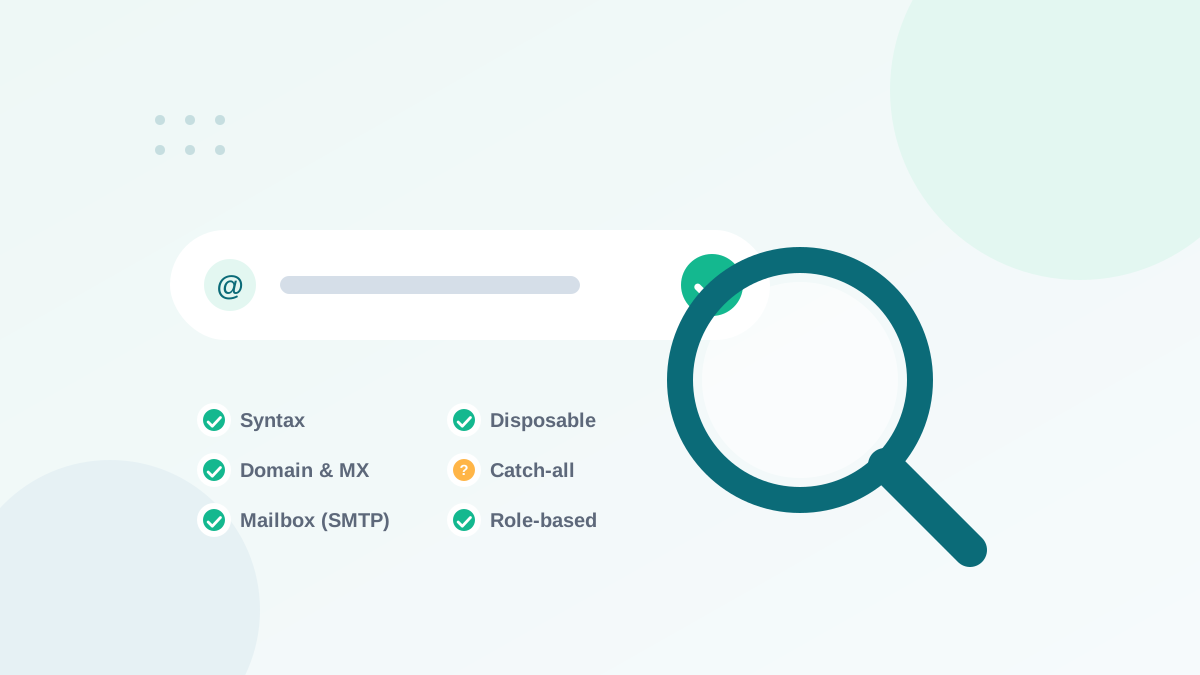
Upload the list to an email verification tool. It checks each address without sending an email: syntax, domain, mail server and mailbox. You get each contact classified in groups such as:
| Result | Meaning | Action |
|---|---|---|
| Valid / deliverable | The mailbox exists and accepts mail | Keep |
| Invalid / undeliverable | The address or domain does not exist | Remove |
| Disposable | Temporary inbox | Remove |
| Role-based | Shared address like info@, sales@ | Keep only if they opted in and engage |
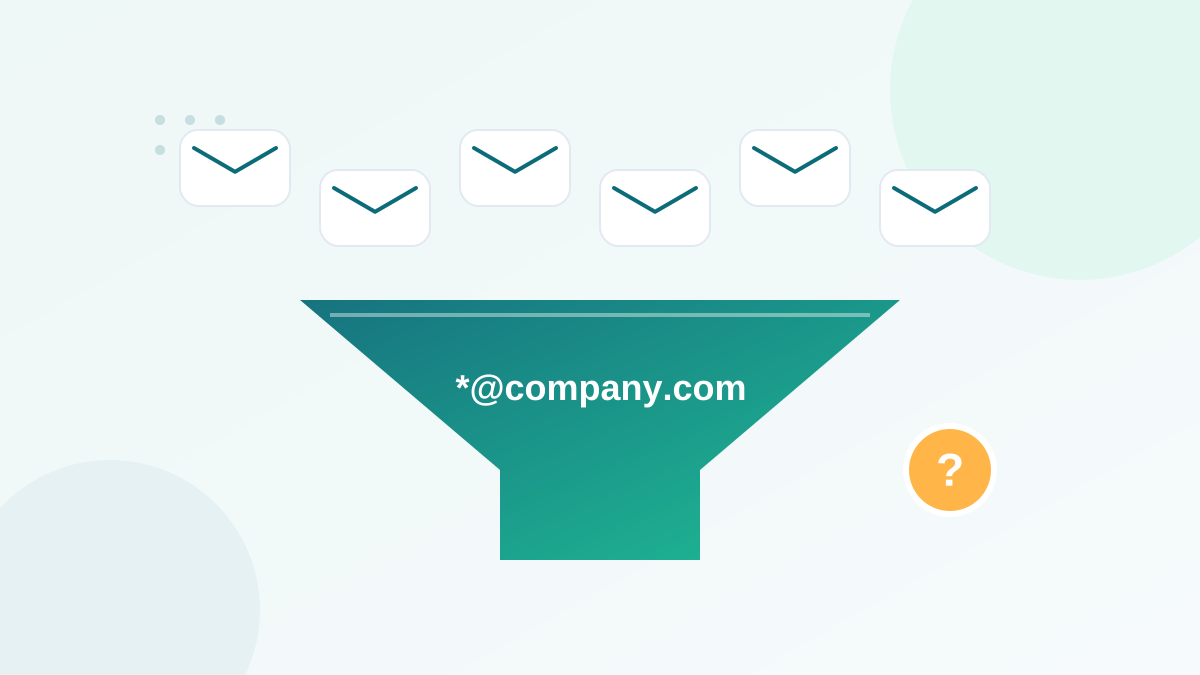
| Catch-all / accept-all | The domain accepts everything; mailbox cannot be confirmed | Segment, send carefully |
| Unknown | The server did not give a clear answer | Re-verify later or treat as risky |
If you want to understand what happens behind these checks, read how email verification works. For the catch-all group, my guide on catch-all emails explains how to decide.
Step 3: Remove duplicates and obvious junk
Most verification tools remove duplicates automatically. Also remove obvious test entries (test@test.com, your own test addresses repeated hundreds of times) and entries with names like "asdf".
Step 4: Honor unsubscribes and complaints
Make sure every contact who unsubscribed or reported spam is suppressed. Never re-import them from an old file. Your email platform keeps a suppression list: protect it.
Step 5: Segment inactive subscribers
Define "inactive" for your rhythm. For a weekly newsletter, a common rule is no click in 6 months. For a monthly newsletter, 9 to 12 months. Note: because privacy features can register automatic opens, base this rule on clicks (or purchases and replies) rather than opens alone.
Step 6: Run a re-engagement campaign
Send inactive subscribers two or three emails over about two weeks:
- "Do you still want to hear from us?" A simple, honest question with a big "Yes, keep me subscribed" button.
- A reminder with value: your best resource or a special offer.
- A last call: "We'll remove you on [date] unless you click below."
Contacts who click stay. The others are removed or moved to a suppression segment.
Step 7: Re-import and monitor
Import the cleaned list, or apply the changes directly in your platform. Then watch your next campaigns: bounce rate, complaints, clicks. You should see fewer bounces and better engagement within a few sends. Track your bounce rate against healthy benchmarks.
A worked example: cleaning a 10,000-contact list
To make the process concrete, here is a typical scenario. The figures are illustrative, but the pattern is the one I meet most often with businesses that have not cleaned their list for a year or more.
| Stage | Contacts | What happens |
|---|---|---|
| Starting list | 10,000 | Mix of newsletter signups, customers and an old event import |
| Verification | −600 | Invalid and disposable addresses removed |
| Duplicates and junk | −150 | Same people imported twice, test entries |
| Suppressions checked | −50 | Old unsubscribes that had been re-imported by mistake |
| Catch-all and unknown | 700 set aside | Moved to a separate segment for careful sending |
| Inactive (no click in 9 months) | 2,000 re-engaged | Three-email re-engagement flow; about one in ten clicks and stays |
| Final active list | About 6,700 | Plus the catch-all segment, sent to separately |
On paper, the list "lost" a third of its size. In practice, the business keeps every person who reads its emails, stops paying to email people who do not, and gives Gmail and Outlook a much better picture of its sending. Campaigns after a cleaning like this one typically show a lower bounce rate and higher click rates, simply because the denominator is now made of real readers.
What you need to clean a list
- Your email platform's export, with engagement fields (last click, last open, signup date and source).
- A spreadsheet tool to sort, filter and keep a backup.
- An email verification tool for step 2, since mailbox checks cannot be done by hand.
- An automation in your email platform for the re-engagement flow and the sunset policy.
- One or two hours for a first cleaning; much less for the next ones once the routine is in place.
When to clean your list
- Every 3 to 6 months for an active list.
- Before any campaign to contacts not emailed in 3+ months.
- Before importing a list from a CRM, an event, an old platform or a merger.
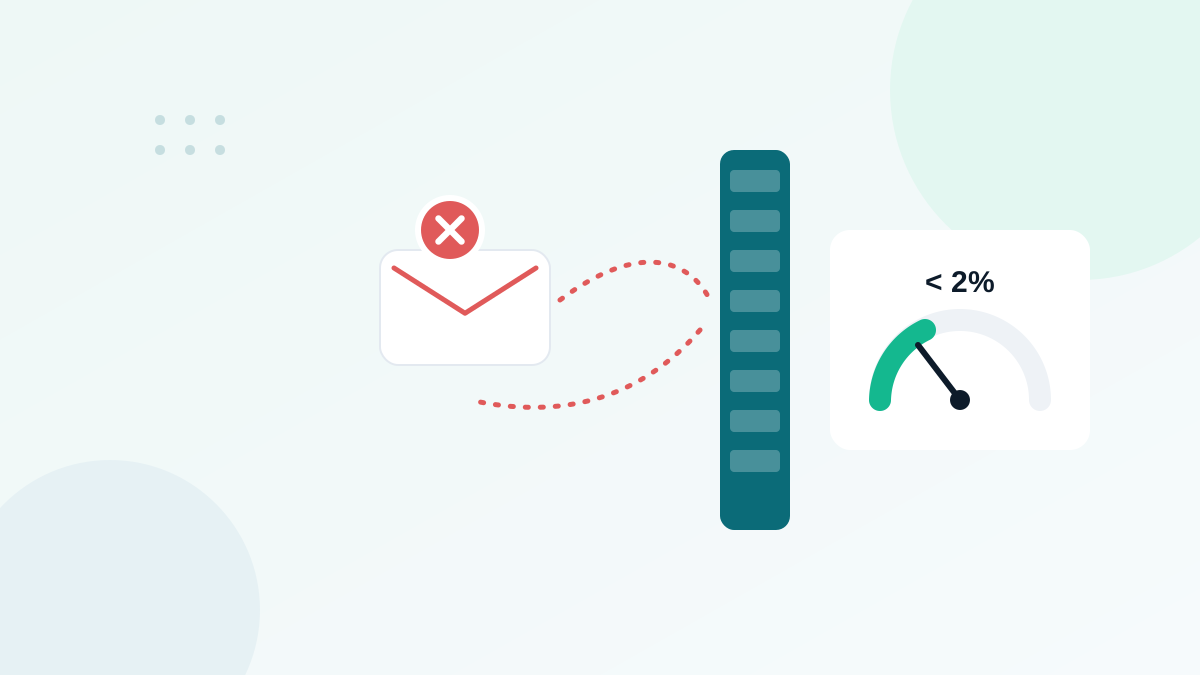
- When your bounce rate goes above 2% or your spam placement increases.
- Before migrating to a new email platform, because many platforms review new accounts' first sends.
Prevention: keep the list clean as it grows
Cleaning fixes the past. Prevention protects the future. Four habits do most of the work:
- Real-time verification at signup. An API or form widget checks the address while it is typed and blocks invalid or disposable addresses.
- Double opt-in for sources with a high risk of fake signups, like giveaways.
- Bot protection on all forms (honeypot field, CAPTCHA).
- Automatic sunset policy: an automation that flags subscribers with no clicks for X months and starts the re-engagement flow.
These habits also keep spam traps out: typo traps are stopped at the form, and recycled traps are removed by your sunset policy before they can hurt you.
Mistakes to avoid when cleaning
- Deleting catch-all contacts blindly: in B2B, many of them are real customers. Segment and test instead.
- Using opens as the only activity signal: automatic opens make some inactive people look active.
- Sending to the whole old list "just once" before cleaning: that single send can do lasting damage.
- Cleaning once and forgetting: decay is continuous, so cleaning must be regular.
- Re-adding removed contacts from an old export. Keep a suppression file.
List cleaning checklist
- Backup exported
- All addresses verified
- Invalid and disposable addresses removed
- Duplicates and test entries removed
- Unsubscribes and complaints suppressed
- Catch-all and unknown segmented
- Inactive subscribers re-engaged, non-responders removed
- Real-time verification active on forms
- Next cleaning date in your calendar
A clean list is the foundation of good deliverability. Combined with proper authentication (see SPF, DKIM and DMARC explained), it fixes most of the reasons emails end up in spam.
Frequently asked questions
How often should I clean my email list?
Every three to six months for an active list, and always before you send to a list that has not been emailed in more than three months or that you imported from another system.
Will cleaning my list reduce my sales?
Usually the opposite. Removing addresses that bounce or never engage improves inbox placement, so more of your real subscribers see your emails.
What is the difference between list cleaning and list verification?
Verification checks whether each address can receive email. Cleaning is the broader process: verification plus removing inactive, unsubscribed, duplicate and complaining contacts.
Can I clean my list manually?
You can remove obvious duplicates, typos and hard bounces manually, but you cannot check if a mailbox exists without a verification tool. For more than a few hundred contacts, use a tool.
Should I delete unsubscribed contacts?
Do not email them, but keep them on a suppression list so they are never re-imported by mistake. Most email platforms do this automatically.