Key takeaways
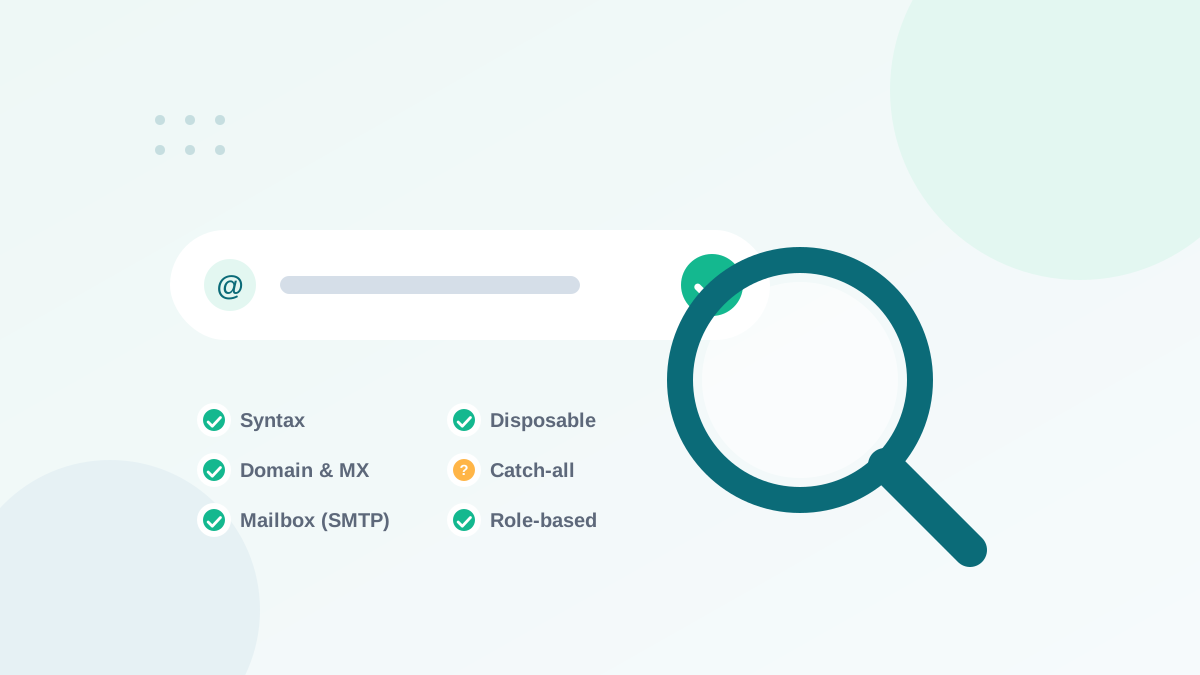
- Verification runs layered checks: syntax, domain, MX records, then a conversation with the mail server.
- You can check syntax and MX records yourself, but mailbox checks need a dedicated tool.
- Never verify by sending test emails to unknown addresses: it creates bounces.
- Catch-all domains and greylisting servers can return "unknown" results; treat them as risky.
- Use bulk verification for lists, and real-time API verification on signup forms.
In this guide
- What email verification is
- How email verification works: the 6 layers
- Understanding verification results
- Free ways to verify a single email address
- Bulk verification: cleaning a whole list
- Real-time verification on signup forms
- Single opt-in, double opt-in or real-time verification?
- A quick example of each check
- Limits of email verification
- How to choose an email verification tool
- Verification checklist
- Frequently asked questions
What email verification is
Email verification (also called email validation) is the process of checking whether an email address is real and able to receive messages, without sending an email to it. It answers one practical question: if I send to this address, will it be delivered, will it bounce, or is it risky?
Verification is used in two moments: in bulk, to clean an existing list before a campaign, and in real time, to check an address the moment someone types it into a form.
How email verification works: the 6 layers
Verification tools run a series of checks, from the simplest to the most technical. Each layer catches a different kind of problem.
1. Syntax check
Is the address correctly formatted? It must have a local part, one @ sign and a domain: name@domain.com. Spaces, double dots, missing @ or invalid characters fail here. This check catches obvious typos like john.smith@gmail or john@@gmail.com.
2. Domain check
Does the domain exist? A typo like gmial.com may or may not be registered; a made-up domain does not exist at all. Many tools also detect common misspellings of popular domains and suggest corrections.
3. MX record check
Can the domain receive email? A domain receives email through mail servers listed in its MX (Mail Exchange) records in DNS. A domain without MX records (and without a fallback) cannot receive mail, so every address on it is undeliverable.
4. Disposable and role-based detection
Tools compare the domain and local part with known lists:
- Disposable addresses come from temporary email services that create inboxes lasting minutes or hours. People use them to grab a freebie without giving a real address.
- Role-based addresses such as
info@,sales@,support@oradmin@are shared by several people. They often generate more complaints and lower engagement, and some platforms restrict them.
5. SMTP mailbox check
This is the core of professional verification. The tool connects to the domain's mail server and starts the beginning of an email conversation (the SMTP protocol), asking, in effect, "would you accept mail for this address?" Then it disconnects before any message is sent. The server's answer tells whether the mailbox exists.
This step requires infrastructure with a good reputation, careful rate limiting and many retries, which is why it is hard to do yourself and why dedicated tools exist.
6. Catch-all and risk analysis
Some servers answer "yes" to every address, real or not. These are catch-all (accept-all) domains, and a simple SMTP check cannot confirm anything on them. Good tools detect this behavior and classify the address as risky instead of valid. My guide on catch-all emails explains what to do with them.
Understanding verification results
| Result | What it means | Recommended action |
|---|---|---|
| Deliverable / safe | The mailbox exists and accepts mail | Send |
| Undeliverable / invalid | Bad syntax, no domain, no MX or mailbox does not exist | Remove |
| Disposable | Temporary inbox | Remove or block at signup |
| Role-based | Shared team address | Keep only with clear opt-in and engagement |
| Accept-all / catch-all | The server accepts everything | Segment, send carefully |
| Unknown | No clear answer (timeout, greylisting, protection) | Retry later, or treat as risky |
Free ways to verify a single email address
If you only need to check one or two addresses, you can do part of the work yourself:
- Read it carefully. Look for obvious typos in popular domains:
gamil,hotmial,outlok,.coninstead of.com. - Check the domain. Open the domain in a browser. A business email on a domain with no website is not necessarily invalid, but it is a signal.
- Look up MX records. Free DNS lookup tools show whether the domain has mail servers. No MX record means the domain cannot receive email.
- Use free credits from a verification tool. Most professional tools offer free checks. This is the only reliable way to check the mailbox itself.
Sending a test email to see if it bounces creates exactly what you want to avoid: bounces on your sending reputation. With a list, it can get your account flagged. Use a verification tool instead.
Bulk verification: cleaning a whole list
For a list, manual checks are impossible. Bulk verification works like this:
- Export your list as a CSV file (or connect your email platform directly if the tool supports it).
- Upload it to the verification tool. Duplicates are usually removed automatically.
- Wait for processing. Small lists take minutes; large lists can take longer because servers are contacted carefully.
- Download the results with a status for each address.
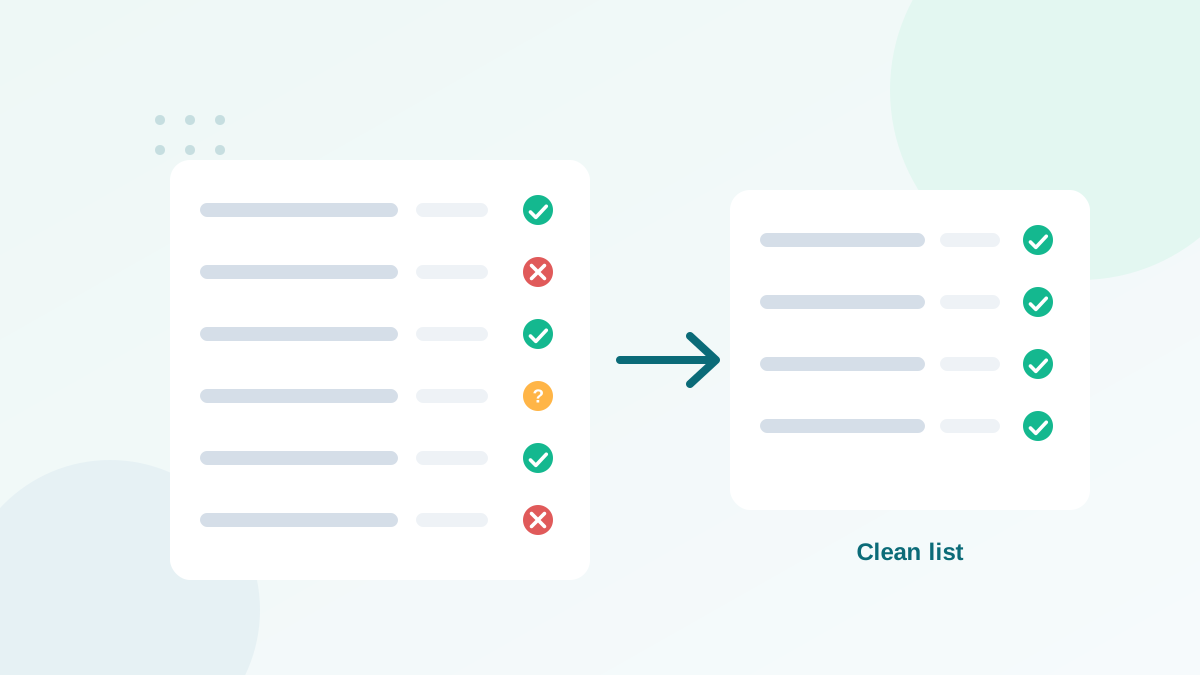
- Remove invalid and disposable addresses, segment risky ones, then re-import.
This is step 2 of my complete email list cleaning process.
Real-time verification on signup forms
The best bad address is the one that never enters your list. Real-time verification checks the address while the visitor fills in your form, through an API or a small script.
- Catches typos instantly and can suggest corrections ("Did you mean gmail.com?").
- Blocks disposable addresses used to grab freebies.
- Stops many bot signups that use random addresses.
- Protects against typo spam traps, which are addresses on misspelled domains. Read more about how spam traps work.
Real-time verification pairs well with double opt-in for high-risk sources, such as giveaways. For a normal newsletter form, real-time verification alone often keeps the list clean while keeping signup friction low. See also how to build a list the right way.
Single opt-in, double opt-in or real-time verification?
These three options are often confused. They solve different problems and can be combined.
| Method | What it proves | Strength | Weakness |
|---|---|---|---|
| Single opt-in | Someone typed an address | Fastest list growth | Typos, fake and disposable addresses enter |
| Double opt-in | The owner of the address clicked a confirmation link | Strongest proof of consent and validity | Some real people never confirm |
| Real-time verification | The address can receive email | Stops bad addresses without extra steps for the user | Does not prove the owner signed up |
My usual recommendation: real-time verification on every form, plus double opt-in on sources with a high risk of abuse (giveaways, free downloads promoted on social media). For lists collected years ago, run a bulk verification before you send anything.
A quick example of each check
Here is how different addresses would fail or pass the layers described above:
| Address | Fails at | Result |
|---|---|---|
anna.smith@gmail | Syntax (no top-level domain) | Invalid |
anna@gmial.com | Domain / typo detection | Invalid or flagged typo |
anna@no-mail-domain.example | MX records | Invalid |
x7k2@temporary-inbox.example | Disposable detection | Disposable |
info@smallbusiness.example | Role-based detection | Role-based (risky) |
old.employee@company.example | SMTP mailbox check | Invalid (mailbox closed) |
anyone@catchall.example | Catch-all analysis | Accept-all (risky) |
Limits of email verification
Verification is powerful but not magic. Be aware of its limits:
- Catch-all servers hide whether a mailbox exists.
- Greylisting servers temporarily refuse unknown connections, creating unknown results that may need a retry.
- Large providers protect their servers against probing, so tools rely on several signals to classify their addresses.
- Results age. An address valid today can be closed next month. Re-verify lists that have not been emailed for a few months.
- Verification is not consent. A valid address does not mean the person agreed to receive your emails.
How to choose an email verification tool
| Criterion | Why it matters |
|---|---|
| Accuracy and clear categories | You need to know what to remove, keep and segment |
| Catch-all handling | Essential for B2B lists |
| Pricing model | Pay-as-you-go credits that never expire suit occasional cleaning |
| Real-time API | To protect your signup forms |
| Integrations | To verify directly from your email platform or CRM |
| Data protection | Your contacts are personal data; check GDPR commitments and data retention |
| Free trial credits | To test on your own data before paying |
Verification checklist
- Never verify by sending test emails
- Verify lists before sending to old or imported contacts
- Remove invalid and disposable results
- Segment catch-all, role-based and unknown results
- Add real-time verification to every signup form
- Re-verify lists not emailed for 3+ months
- Track your bounce rate after each campaign
Frequently asked questions
Is email verification legal?
Yes. Verification checks whether an address can receive mail; it does not send a message or access the mailbox. You still need a lawful basis for any emails you later send.
How accurate is email verification?
Good tools are highly accurate on most domains, but no tool is perfect. Catch-all servers, greylisting and temporary errors create a small share of uncertain results.
Can I verify an email address for free?
You can check syntax and MX records with free online lookups, and most verification tools give free credits. DeBounce, for example, offers 100 free credits.
What does "unknown" mean in verification results?
The receiving server did not give a clear answer, often because it was slow, used greylisting or blocks verification. Retry later or treat the address as risky.
Does verification work for Gmail and Outlook addresses?
Large providers often protect their servers, so tools combine several signals to classify these addresses. Results are usually reliable, but some may come back as unknown.