Key takeaways
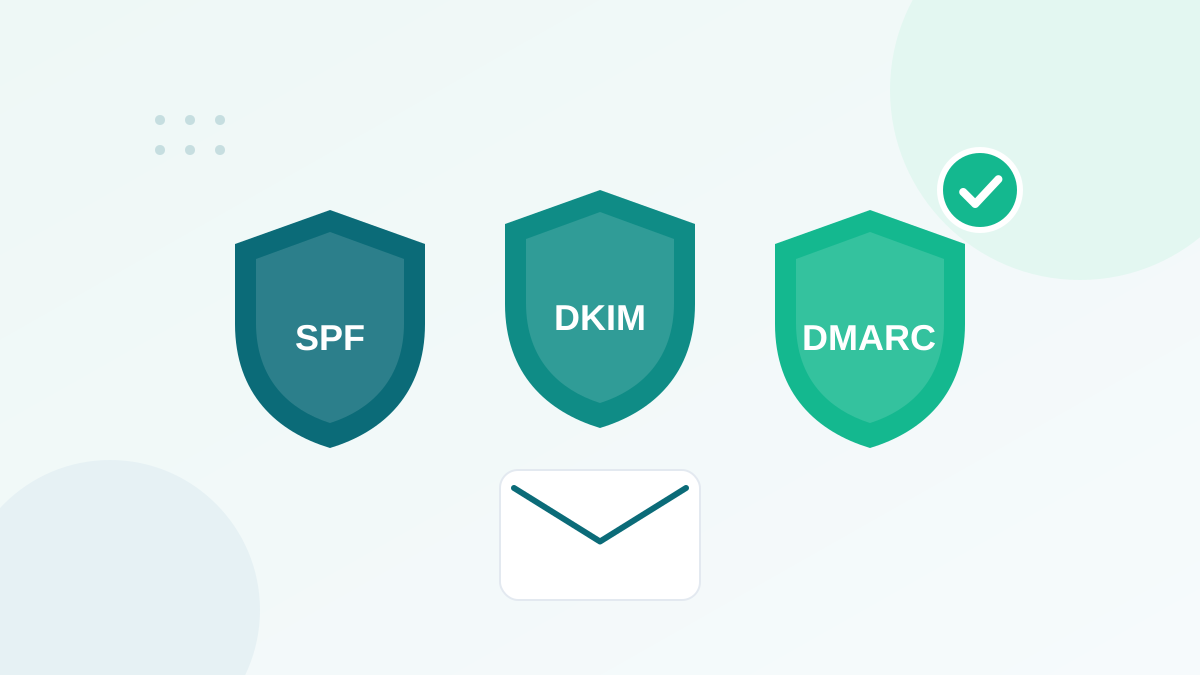
- SPF lists the servers allowed to send for your domain; DKIM signs each email; DMARC tells receivers what to do when checks fail.
- Gmail, Yahoo and Outlook now require authentication, and bulk senders (around 5,000+ emails a day) must also publish DMARC.
- Your visible From domain must align with the SPF or DKIM domain for DMARC to pass.
- Start DMARC with p=none and reports, then move to quarantine and reject once all legitimate senders pass.
- Keep only one SPF record per domain and stay under the 10 DNS lookup limit.
In this guide
- Why email authentication exists
- The 30-second version
- SPF explained
- DKIM explained
- DMARC explained
- What Gmail, Yahoo and Outlook require in 2026
- Step-by-step setup
- How to check your setup
- Common mistakes and how to fix them
- Example: a complete setup for a small business
- Authentication is necessary, but not sufficient
- Frequently asked questions
Why email authentication exists
The basic email protocol was designed decades ago without any way to prove who sent a message. Anyone could write "From: your bank" on an email. SPF, DKIM and DMARC were created to fix that. Together, they let a receiving server check that an email claiming to come from your domain really does.
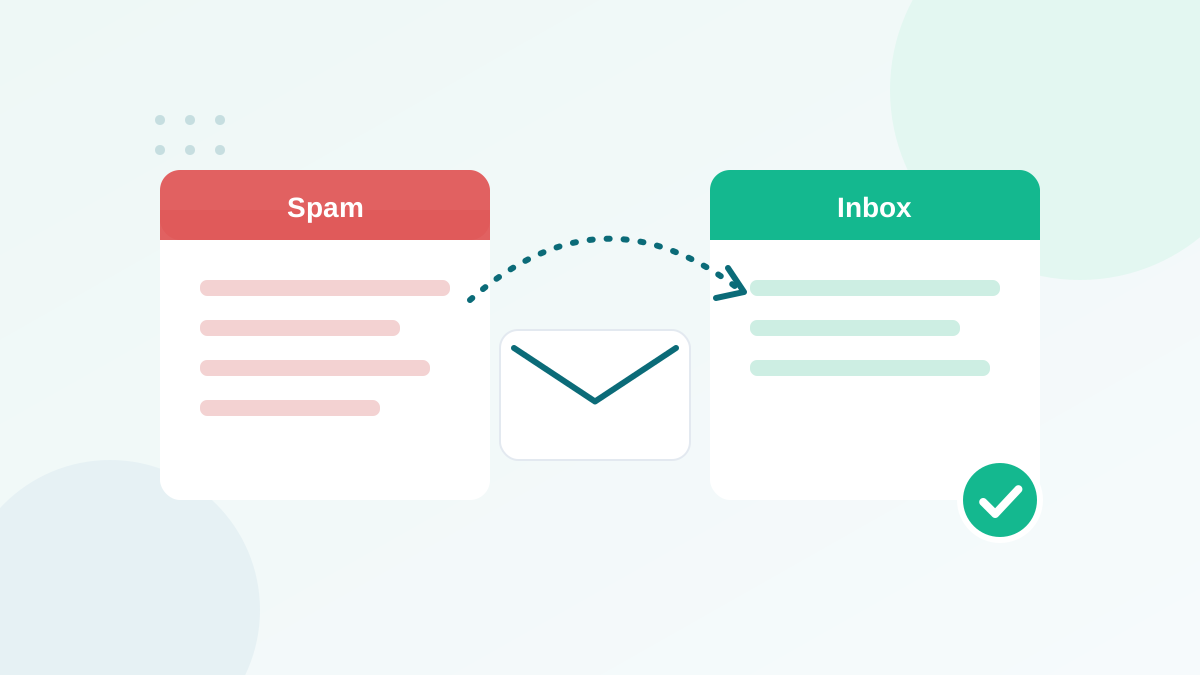
For you as a sender, authentication does two things: it protects your brand from people who try to send fake emails in your name, and it is now a requirement to reach the inbox at the largest mailbox providers.
The 30-second version
| Protocol | Question it answers | How it works | Where it lives |
|---|---|---|---|
| SPF | Is this server allowed to send for this domain? | A list of authorized senders | One TXT record on your domain |
| DKIM | Was this email really signed by the domain, and unchanged? | A cryptographic signature in each email | A public key in DNS (TXT or CNAME) |
| DMARC | What should happen if checks fail, and who should get reports? | A policy plus alignment rules | A TXT record at _dmarc.yourdomain.com |
A useful image: SPF is the guest list at the door, DKIM is the wax seal on the letter, and DMARC is the instruction to security about what to do with anyone who fails either check.
SPF explained
SPF (Sender Policy Framework) is a DNS record that lists the servers and services allowed to send email for your domain. When a server receives an email, it checks the technical sender address (the "envelope from" or Return-Path) and looks up the SPF record of that domain.
A typical SPF record looks like this:
v=spf1 include:_spf.google.com include:spf.example-esp.com ~allv=spf1identifies the record as SPF.- Each
include:authorizes a service (here, a mailbox provider and an email platform). Your providers tell you exactly what to add. ~all(softfail) or-all(fail) says what to do with any other server.
The three SPF rules people break
- Only one SPF record per domain. Two separate SPF records cause a permanent error. Merge everything into one.
- Maximum 10 DNS lookups. Every
includecounts, and some include others. Too many and SPF fails. Remove services you no longer use. - SPF alone does not protect your visible From address. It checks the technical sender, which the reader never sees. That gap is why DMARC exists.
DKIM explained
DKIM (DomainKeys Identified Mail) adds a digital signature to every email. Your sending service signs each message with a private key. The matching public key is published in your DNS. The receiving server uses it to check that the email was signed by your domain and was not modified on the way.
DKIM records are published under a "selector", for example:
selector1._domainkey.yourdomain.com TXT "v=DKIM1; k=rsa; p=MIIBIjANBgkqh..."Many email platforms ask you to add CNAME records instead, which point to keys they manage and rotate for you. Either way, copy the exact records your provider shows you. Use 2048-bit keys when you have the choice.
DKIM has one big advantage over SPF: the signature travels with the message, so it usually survives forwarding.
DMARC explained
DMARC (Domain-based Message Authentication, Reporting and Conformance) ties everything together. It does three things:
- Alignment: it requires that the domain in the visible From address matches the domain that passed SPF or DKIM.
- Policy: it tells receivers what to do when an email fails: nothing (
none), send to spam (quarantine) or block (reject). - Reporting: it asks receivers to send you reports, so you can see who is sending email using your domain.
A starter DMARC record:
_dmarc.yourdomain.com TXT "v=DMARC1; p=none; rua=mailto:dmarc-reports@yourdomain.com"A DMARC email passes when at least one of SPF or DKIM passes and is aligned with the From domain. Aligning DKIM is the most reliable option, because it survives forwarding.
What Gmail, Yahoo and Outlook require in 2026
| Requirement | All senders to Gmail | Bulk senders (about 5,000+/day) |
|---|---|---|
| SPF and DKIM | Required | Required |
| DMARC record | Strongly recommended (p=none is enough) | Required, at least p=none |
| From domain alignment | Recommended | Required with SPF or DKIM |
| Valid reverse DNS (PTR) and TLS | Required | Required |
| One-click unsubscribe | Recommended for marketing | Required for marketing messages |
| Spam rate | Below 0.1%, never 0.3% | Below 0.1%, never 0.3% |
Yahoo follows very similar rules. Microsoft announced that from May 2025, domains sending more than 5,000 emails per day to Outlook.com, Hotmail and Live addresses must pass SPF and DKIM and publish DMARC with at least p=none, aligned with SPF or DKIM. Non-compliant messages are rejected. Gmail has also said it is increasing enforcement on non-compliant traffic since late 2025, with temporary and permanent rejections.
The practical conclusion: whatever your volume, set up all three. It costs nothing and removes one of the main reasons emails go to spam.
Step-by-step setup
- List every service that sends email for your domain. Your mailbox provider (Google Workspace, Microsoft 365), your email marketing platform, your shop, your CRM, your invoicing and helpdesk tools. Forgotten senders are the main reason DMARC breaks things.
- Build one SPF record. Add the
includegiven by each service to a single record. Check the lookup count with an SPF checker. - Enable DKIM in each service. Each tool gives you records to add. Publish them, then click "verify" in the tool.
- Publish DMARC with p=none. Add a reporting address. Use a dedicated mailbox or a DMARC reporting service, because reports arrive daily as XML files.
- Read reports for two to four weeks. Identify legitimate sources that fail and fix them (usually missing DKIM on your own domain).
- Move to quarantine, then reject. Once all legitimate mail passes, increase protection gradually, optionally with the
pcttag to apply the policy to a percentage of mail first. - Re-check whenever you add a tool. Every new service that sends in your name needs SPF and DKIM before it goes live.
How to check your setup
- Look at the headers. In Gmail, open an email you sent, click the three dots, then "Show original". You will see SPF, DKIM and DMARC results with PASS or FAIL.
- Use a DNS lookup tool. Free tools let you read your SPF, DKIM and DMARC records and highlight syntax errors.
- Watch Google Postmaster Tools. It shows authentication rates and spam rate for your domain at Gmail.
- Read DMARC aggregate reports. They reveal every server sending with your domain, including ones you forgot.
Common mistakes and how to fix them
| Mistake | Consequence | Fix |
|---|---|---|
| Two SPF records | SPF permanent error | Merge into one record |
| More than 10 lookups | SPF fails | Remove unused includes, consolidate |
| DKIM only on the platform's domain | DMARC alignment fails | Authenticate your own domain in the platform |
| Jumping straight to p=reject | Legitimate emails blocked | Start with p=none and read reports |
| No reporting address | You fly blind | Add rua= to your DMARC record |
| Forgetting subdomains | Spoofing via subdomains | Use the sp= tag or records per subdomain |
Example: a complete setup for a small business
Imagine a small business that uses Google Workspace for its mailboxes and an email marketing platform for newsletters. A clean setup would look like this (records simplified for readability):
yourbrand.com          TXT  "v=spf1 include:_spf.google.com include:[your ESP's SPF value] ~all"
google._domainkey      TXT  "v=DKIM1; k=rsa; p=[key generated in Google Workspace]"
[esp-selector]._domainkey  CNAME / TXT  [record given by your email platform]
_dmarc.yourbrand.com   TXT  "v=DMARC1; p=none; rua=mailto:dmarc@yourbrand.com"
After a few weeks of clean reports, the DMARC record is tightened to p=quarantine, then p=reject. Each new tool that starts sending in the company's name gets its own DKIM record before going live.
Authentication is necessary, but not sufficient
Authentication proves who you are. It does not prove you are a good sender. Gmail, Yahoo and Outlook still look at your complaints, bounces and engagement. A perfectly authenticated domain sending to an old, unverified list will still struggle. Pair your DNS setup with good list hygiene: keep your bounce rate low, avoid spam traps, and clean your list regularly.
DNS changes can affect all email for your domain. If you are unsure, ask your hosting provider or IT contact to review records before publishing.
Frequently asked questions
Do I need SPF, DKIM and DMARC if I send few emails?
Yes. Gmail asks every sender to set up SPF and DKIM, and having all three is the best protection against spoofing and spam filtering, whatever your volume.
What happens if I set DMARC to reject too early?
Legitimate emails from tools you forgot to authenticate (a CRM, an invoicing tool, a helpdesk) can be rejected. Start with p=none, read the reports, then tighten.
Can I have two SPF records?
No. Two SPF records on the same domain cause a permanent error and SPF fails. Merge all your senders into a single record.
What does DMARC alignment mean?
Alignment means the domain in the visible From address matches the domain validated by SPF or DKIM. Without alignment, DMARC fails even if SPF and DKIM pass.
How long do DNS changes take to work?
Usually minutes to a few hours, sometimes up to 48 hours depending on your DNS provider and record TTL. Recheck with a lookup tool after publishing.