Key takeaways
- Spam traps are addresses used by mailbox providers and blocklist operators to identify poor list practices.
- There are three main types: pristine (never used), recycled (abandoned then reactivated) and typo traps.
- Hitting traps can lead to spam folder placement, blocklisting or account suspension.
- Traps cannot be identified with certainty, so prevention is the only reliable strategy.
- Confirmed opt-in, regular verification and removing long-inactive contacts keep traps out.
In this guide
- What is a spam trap?
- The 3 main types of spam traps
- How spam traps hurt your deliverability
- Can you detect spam traps in your list?
- 8 ways to avoid spam traps
- What to do if you think you hit a spam trap
- Who runs spam traps, and why
- Where spam traps hide in a normal business list
- Spam traps and engagement: why inactivity is a warning sign
- Spam traps vs other list problems
- Spam trap prevention checklist
- Frequently asked questions
What is a spam trap?
A spam trap is an email address that is not used by a real person to communicate. It exists to identify senders who collect addresses without permission or who do not maintain their lists. Mailbox providers, anti-spam organisations and blocklist operators run these addresses and watch who sends to them.
Spam traps are never published as "traps". They look exactly like normal addresses. They never sign up for anything, never open, never click and never complain. If they receive your marketing email, it proves something is wrong with how you collected or maintained your list.
The 3 main types of spam traps
| Type | How it is created | How it gets on your list | Severity |
|---|---|---|---|
| Pristine (pure) | Created specifically as a trap, never used by a person | Purchased lists, scraping, harvested addresses | Very high |
| Recycled | A real address abandoned for a long time, then reactivated as a trap | Old contacts you kept emailing without engagement | Medium to high |
| Typo | Addresses on misspelled domains, such as common webmail typos | Signup forms without validation | Medium |
Pristine traps
These addresses were never used by anyone. They are hidden on web pages or in data sources where only address harvesters would find them. The only way to reach a pristine trap is to send to addresses you did not collect with permission. Hitting one is a strong signal of a purchased or scraped list, and it is treated very seriously.
Recycled traps
A real person once used the address, then abandoned it. After a long period during which it rejected mail, the provider reactivated it as a trap. If you are still sending to that address after all that time, it means you are not removing people who stopped engaging and bouncing. This is the most common type of trap for legitimate senders with old lists.
Typo traps
These are addresses on misspelled domains of popular providers, or common typos of real addresses. They enter your list when someone mistypes their address in your form and you never confirm it.
How spam traps hurt your deliverability
- Lower sender reputation at the provider that owns the trap.
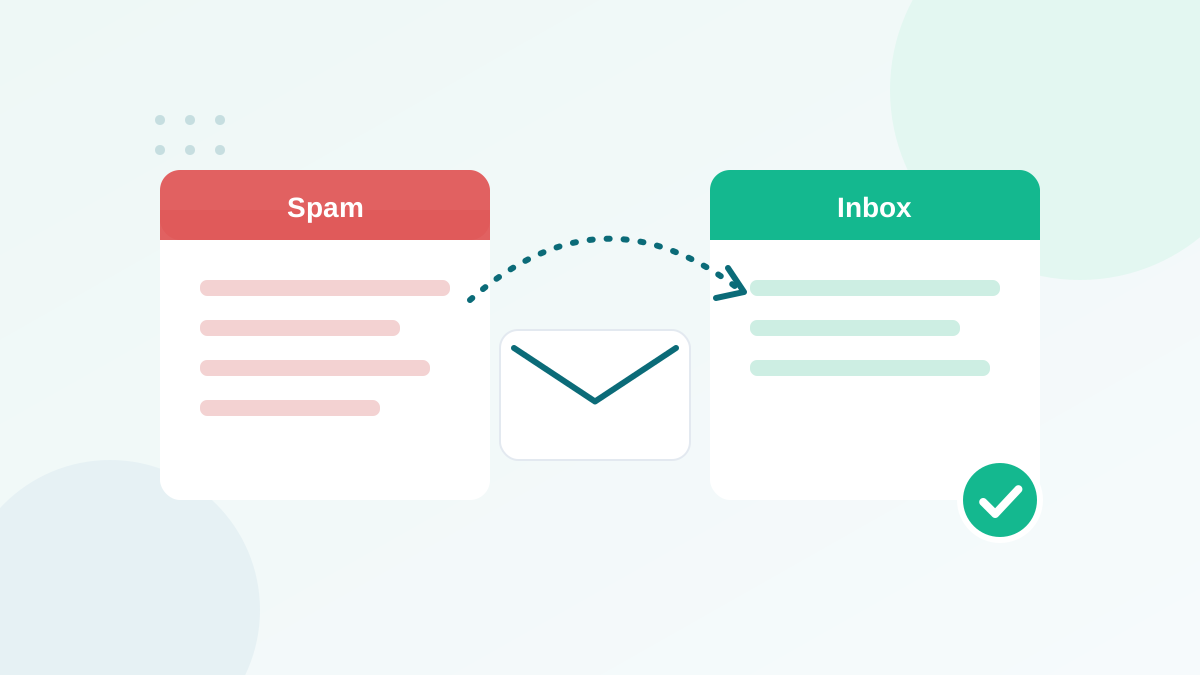
- More emails sent to spam, even for engaged subscribers.
- Blocklisting of your domain or sending IP by a blocklist operator.
- Account review or suspension by your email platform, which is notified of blocklistings that affect its infrastructure.
The effect depends on the type of trap and how many you hit. A single typo trap is rarely dramatic. Repeated hits on pristine traps can cause serious, lasting damage. Because you are usually not notified directly, the first sign is often a drop in inbox placement. If that is happening, use my diagnosis in why are my emails going to spam.
Can you detect spam traps in your list?
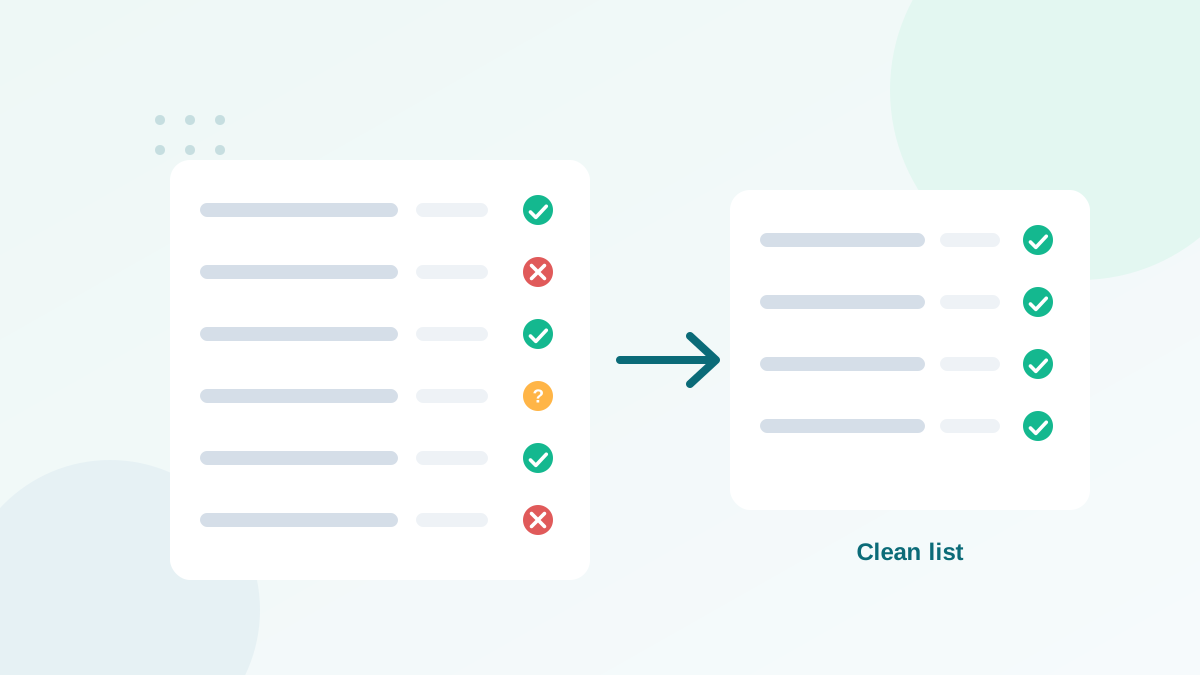
Not with certainty, and that is by design. If traps were easy to detect, bad senders would simply remove them and continue. Some verification tools flag addresses they consider risky or toxic, and they remove invalid, disposable and typo addresses where traps often hide. That reduces risk, but nothing replaces good collection and maintenance practices.
No service can identify every spam trap. Treat verification as one layer of protection, not as a license to email old or purchased data.
8 ways to avoid spam traps
- Never buy, rent or scrape lists. This is the only reliable protection against pristine traps.
- Use confirmed opt-in for risky sources. A trap never clicks a confirmation link, so double opt-in blocks typo and pristine traps at the door.
- Verify addresses in real time on forms. Real-time verification catches misspelled domains and invalid addresses before they enter. See how to verify an email address.
- Remove hard bounces immediately. An address that bounces today could become a recycled trap later.
- Apply a sunset policy. Stop emailing subscribers who have not clicked or interacted for a long period, after a re-engagement attempt.
- Verify old and imported lists before any send. Lists from old CRMs, events or previous platforms are the most dangerous.
- Be careful with catch-all segments. Send to them in small batches and remove non-engaged contacts. Details in catch-all emails explained.
- Monitor your reputation. Watch Google Postmaster Tools, your platform's deliverability reports and major blocklists.
What to do if you think you hit a spam trap
- Pause sending to old and uncertain segments. Keep sending only to recent, engaged contacts.
- Find the source. Which list, import or form brought in the problem contacts? Check signup dates and sources.
- Clean the list. Verify everything, remove invalid and disposable addresses, and remove long-inactive contacts. Follow my list cleaning process.
- Check blocklists. If your domain or IP is listed, follow the specific delisting process. Many listings expire after a period of clean sending.
- Fix the cause. Add verification to forms, stop using the bad source, and set a sunset policy.
- Restart gradually. Increase volume slowly, starting with your most engaged subscribers.
Who runs spam traps, and why
Spam traps are operated by several kinds of organisations, each with its own goal:
- Mailbox providers use trap data to train their filters and adjust the reputation of domains and IPs sending to their users.
- Blocklist operators use traps to identify sources of unsolicited email and add them to lists that many mail servers consult before accepting a message.
- Anti-abuse and security companies use trap networks to detect new spam campaigns early and to measure the hygiene of senders.
None of them publish their trap addresses, and they constantly add new ones. This is why any claim of "100% spam trap removal" should make you cautious.
Where spam traps hide in a normal business list
Most businesses that hit traps did not buy a list. The traps came in through ordinary, everyday sources. These are the usual suspects I look at first:
| Source | Likely trap type | Fix |
|---|---|---|
| Newsletter form without validation | Typo traps | Real-time verification, double opt-in |
| Contacts not emailed for years | Recycled traps | Verify before sending, re-engage, sunset |
| Event or trade show lists | Typo and recycled traps | Verify, send a confirmation email first |
| Partner or "shared" lists | Pristine and recycled traps | Do not use; ask partners to promote your signup page |
| Old CRM exports | Recycled traps | Verify and send only to recently engaged contacts |
| Contest entries | Typo traps, fake signups | Double opt-in and bot protection |
Spam traps and engagement: why inactivity is a warning sign
A spam trap never opens, never clicks and never replies. So if part of your list has shown no real activity for a long time, it is exactly where recycled traps would sit. That does not mean every inactive subscriber is a trap. Most are just real people who lost interest. But it explains why removing long-inactive contacts improves deliverability in two ways at once: better engagement rates, and fewer hidden traps.
Base inactivity rules on clicks, replies and purchases rather than opens, because automatic opens triggered by privacy features can make a trap or an abandoned mailbox look active.
Spam traps vs other list problems
| Problem | Visible in reports? | Main prevention |
|---|---|---|
| Invalid address | Yes, as a hard bounce | Verification |
| Spam trap | No (accepted silently) | Permission, opt-in, sunset policy |
| Complainer | Yes, as a spam report | Relevance, easy unsubscribe |
| Inactive subscriber | Yes, as no clicks | Re-engagement, removal |
The common thread: a list built with permission and maintained regularly almost never has a serious spam trap problem. Combine these habits with a low bounce rate and correct authentication, and your reputation stays strong.
Spam trap prevention checklist
- No purchased, rented or scraped addresses, ever
- Real-time verification on every form
- Double opt-in for giveaways and other risky sources
- Hard bounces removed automatically
- Sunset policy for long-inactive subscribers
- Old and imported lists verified before sending
- Catch-all segments handled separately
- Reputation and blocklists monitored
Frequently asked questions
How do I know if I hit a spam trap?
You usually do not get a direct notification. Signs include a sudden drop in inbox placement, a blocklist listing or a warning from your email platform.
Can a verification tool detect spam traps?
Some tools flag known risky or toxic addresses, but no tool can detect every trap, because traps are designed to look like normal addresses. Combine verification with good list practices.
How do I get off a blocklist after hitting a spam trap?
Fix the cause first (bad source, old contacts), clean your list, then follow the delisting process of the specific blocklist. Some delist automatically after a period of clean sending.
Are recycled spam traps common?
They are one of the most common problems for senders who keep emailing old, unengaged contacts. Removing addresses that have not engaged for a long time greatly reduces the risk.
Does double opt-in prevent spam traps?
It prevents most typo and pristine traps from entering through your forms, because a trap never clicks the confirmation link. It does not protect old contacts that later become recycled traps.