Key takeaways
- Warm-up means increasing volume gradually so mailbox providers can learn your sending behavior.
- Start with your most engaged, recently verified contacts, never with old or imported data.
- Increase volume step by step over several weeks, and slow down if bounces or complaints rise.
- Monitor Postmaster Tools, bounces, complaints and inbox placement during the whole period.
- Automated "warm-up tools" that exchange fake emails cannot replace real engagement.
In this guide
- Why warm-up exists
- When you need to warm up
- Prepare before the first email
- A sample warm-up schedule
- Signals to watch every day
- Provider-specific notes
- Dedicated IP warm-up
- What about automatic warm-up tools?
- Common warm-up mistakes
- Warm-up when migrating to a new platform
- Example warm-up log
- Content to send during warm-up
- How to know warm-up is finished
- Warm-up checklist
- Frequently asked questions
Why warm-up exists
Mailbox providers judge senders by their history: how much they send, how regularly, and how recipients react. A new sending domain or a new dedicated IP has no history at all. To a filter, a brand-new identity that suddenly sends 50,000 emails looks exactly like a spammer who just bought a domain.
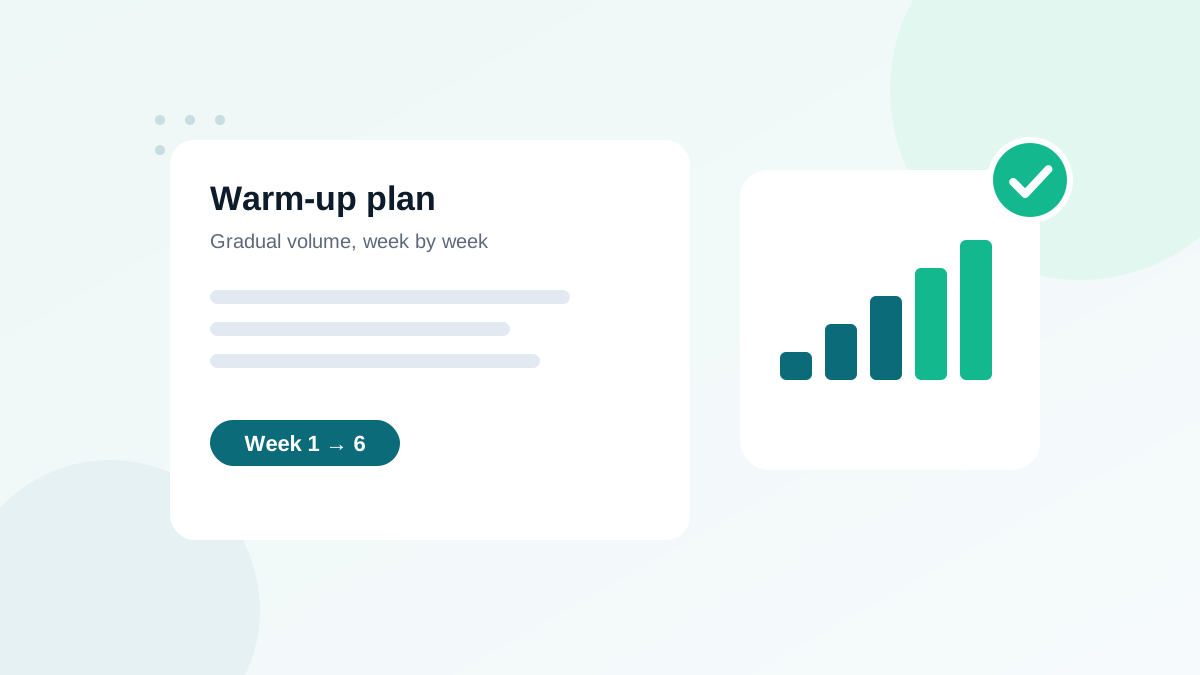
Warm-up is the process of building that history on purpose: you start with small volumes sent to people who are very likely to open and click, then increase step by step. Providers see consistent volume and positive engagement, and gradually allow more mail into the inbox.
When you need to warm up
| Situation | Warm-up needed? | What to warm up |
|---|---|---|
| New domain or new sending subdomain | Yes | Domain reputation |
| New dedicated IP | Yes | IP and domain reputation |
| Moving to a new email platform on a shared IP | Recommended, lighter | Gradual restart of volume |
| Restarting after months without sending | Yes | Rebuild trust gradually |
| Same domain, same platform, regular sends | No | Keep a steady rhythm |
On a shared IP, the provider keeps the IP warm with its other customers, but your domain still has to earn its reputation. That is why a new domain needs warm-up even on a shared platform.
Prepare before the first email
- Authenticate everything. SPF, DKIM and DMARC must pass and align from day one. See SPF, DKIM and DMARC explained.
- Set up monitoring. Add the domain to Google Postmaster Tools, check that your platform reports bounces and complaints, and prepare a few seed addresses for inbox placement tests.
- Choose your warm-up segment. Your most engaged contacts: people who clicked or bought in the last 30 to 90 days, recent confirmed signups, active customers.
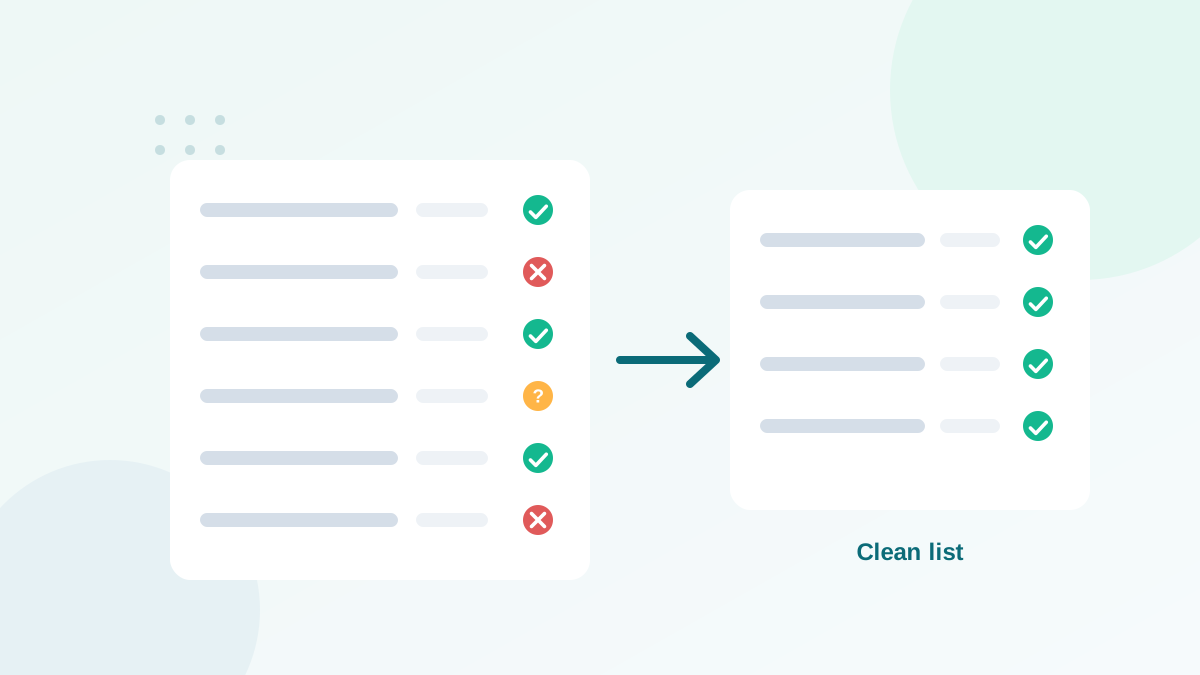
- Verify that segment. A new domain cannot afford bounces. Remove invalid and risky addresses before the first send. See how email verification works.
- Plan your content. Your best, most expected emails: welcome messages, popular newsletters, useful updates. Avoid aggressive promotions during warm-up.
A sample warm-up schedule
Here is a schedule I use as a starting point for a new domain targeting around 50,000 emails per send. Adjust it to your volume and, above all, to your results.
| Week | Emails per day (approx.) | Who receives them |
|---|---|---|
| Week 1 | 200 to 500 | Most engaged contacts (clicked in the last 30 days) |
| Week 2 | 1,000 to 2,000 | Engaged in the last 60 days |
| Week 3 | 3,000 to 5,000 | Engaged in the last 90 days |
| Week 4 | 8,000 to 12,000 | Add recent signups and active customers |
| Week 5 | 15,000 to 25,000 | Add contacts engaged in the last 6 months |
| Week 6+ | Full volume | Rest of the verified, consenting list |
The pattern matters more than the exact numbers: roughly doubling volume when results are good, sending every day or every few days, and widening the audience only from most engaged to less engaged.
If bounces rise above 2%, complaints approach 0.1%, or delivery errors and rate-limiting appear, stay at the current volume (or step back) for several days. Warm-up is driven by signals, not by the calendar.
Signals to watch every day
| Signal | Healthy | Warning |
|---|---|---|
| Hard bounces | Under 0.5% | Above 1%: stop and verify the segment |
| Spam complaints | Under 0.05% | Approaching 0.1%: pause and review targeting |
| Deferrals / rate limiting | Rare | Frequent "try again later" messages: reduce volume |
| Clicks and replies | Stable or rising | Falling sharply: possible spam placement |
| Seed test placement | Inbox or tabs | Spam at one provider: slow down for that provider |
Provider-specific notes
- Gmail: watch spam rate and delivery errors in Postmaster Tools. Gmail notes that new domains face stricter scrutiny.
- Microsoft (Outlook.com, Hotmail): often the slowest to trust new senders; expect some junk placement at first. See Outlook-specific fixes.
- Yahoo and AOL: sensitive to complaints; keep frequency moderate. See Yahoo sender requirements.
- Business domains: security gateways can be strict with new domains; B2B lists may need a slower ramp.
Dedicated IP warm-up
For a new dedicated IP, the logic is the same but stricter: providers also build an IP reputation from zero. Volume must stay consistent, because an IP that sends a lot one day and nothing for a week never stabilizes. Many platforms offer a managed warm-up that spreads your traffic between a shared pool and the new IP. If your volume is not high and steady, a dedicated IP may not be the right choice at all; see dedicated vs shared IP.
What about automatic warm-up tools?
Some tools promise to warm up your domain by exchanging emails with a network of mailboxes that open, reply and move messages out of spam automatically. They are popular for cold email. I do not rely on them for marketing domains:
- Mailbox providers work to detect artificial engagement patterns.
- The "reputation" they create does not reflect how your real audience reacts.
- Real engagement from real subscribers is what builds lasting trust.
Use real, engaged contacts and patience. It is slower, and it lasts.
Common warm-up mistakes
- Starting with the whole list, or with old, unverified contacts.
- Sending irregularly: big send on Monday, nothing until next month.
- Increasing volume despite warning signs because the plan says so.
- Launching a big promotion during week one.
- Skipping authentication or monitoring "until later".
- Switching domains to escape a bad reputation: providers can connect the dots, and the new domain inherits the problem if the cause is not fixed. See how sender reputation works.
Warm-up when migrating to a new platform
Moving from one email platform to another is a lighter version of warm-up. Your domain keeps its reputation, but the new platform's IPs and your sending pattern on them are new. In practice:
- Authenticate the domain on the new platform before importing contacts.
- Import only clean data: exclude bounced, unsubscribed and complained contacts from the old platform.
- Send the first campaigns to engaged segments, then add the rest over two to three weeks.
- Keep the old platform active during the transition if possible, so you can split volume.
Example warm-up log
| Day | Sent | Hard bounces | Complaints | Decision |
|---|---|---|---|---|
| 1 | 300 | 0.3% | 0% | Continue |
| 4 | 800 | 0.4% | 0.02% | Continue |
| 8 | 1,800 | 1.6% | 0.04% | Hold: verify next segment |
| 11 | 1,800 | 0.3% | 0.02% | Continue |
| 15 | 4,000 | 0.4% | 0.03% | Continue |
A log like this makes decisions objective. On day 8, the bounce rate signals that the next segment was not clean; the team pauses, verifies, and resumes without damage.
Content to send during warm-up
- Welcome and onboarding emails to recent subscribers: high engagement by nature.
- Your most popular newsletter format, the one with the best historical clicks.
- Useful announcements customers expect, such as new features or service updates.
- Personal-style emails that invite replies.
Keep aggressive promotions, long-awaited sales to the whole list and re-engagement campaigns to inactive contacts for after the warm-up. These carry a higher complaint risk and are better absorbed once your reputation exists.
How to know warm-up is finished
Warm-up is complete when you send your normal volume, to your normal audience, for two to three weeks without warning signs: bounces under 2%, complaints well under 0.1%, no rate-limiting errors, stable clicks by provider and seed tests landing in the inbox or tabs. From then on, the key is consistency. A domain that goes silent for months loses part of its history and may need a shorter warm-up again.
Warm-up checklist
- SPF, DKIM and DMARC aligned before day one
- Postmaster Tools and bounce/complaint reporting ready
- Warm-up segments verified and ordered by engagement
- Volume increased gradually, roughly doubling when results are good
- Daily review of bounces, complaints, deferrals and clicks
- Full volume reached only after several weeks of stable signals
Frequently asked questions
How long does email warm-up take?
Typically four to eight weeks, depending on your target volume and how your metrics behave. Higher targets need longer.
Do I need to warm up a shared IP?
Not the IP, because the provider maintains it. You still need to build the reputation of a new sending domain gradually.
Can I send to my whole list on day one?
No. A large first send from a new domain or IP looks like spam behavior and can lead to throttling or blocking.
Do automatic warm-up tools work?
They can generate activity, but mailbox providers increasingly detect artificial engagement. Real engagement from real subscribers is what builds lasting reputation.
Should I verify my list before warm-up?
Yes. Bounces during warm-up damage a reputation that does not exist yet. Verify the segments you plan to use before the first send.