Key takeaways
- One-click unsubscribe uses two headers: List-Unsubscribe (with an HTTPS URL) and List-Unsubscribe-Post.
- The receiving inbox sends a POST request; the user does not have to visit a page or log in.
- Gmail and Yahoo require it for marketing and promotional mail sent in bulk.
- Unsubscribe requests should be processed within two days.
- Keep a visible unsubscribe link in the email body too; the header does not replace it.
In this guide
- What one-click unsubscribe is
- The two headers
- The technical rules of RFC 8058
- Who must use it
- Why it matters for deliverability
- How to check your emails
- Common mistakes
- Footer link vs one-click header
- Building it yourself vs using a platform
- What happens behind the button
- Preference centers and one-click
- Legal requirements vs mailbox requirements
- How one-click unsubscribe affects your metrics
- Testing the endpoint safely
- One-click unsubscribe checklist
- Frequently asked questions
What one-click unsubscribe is
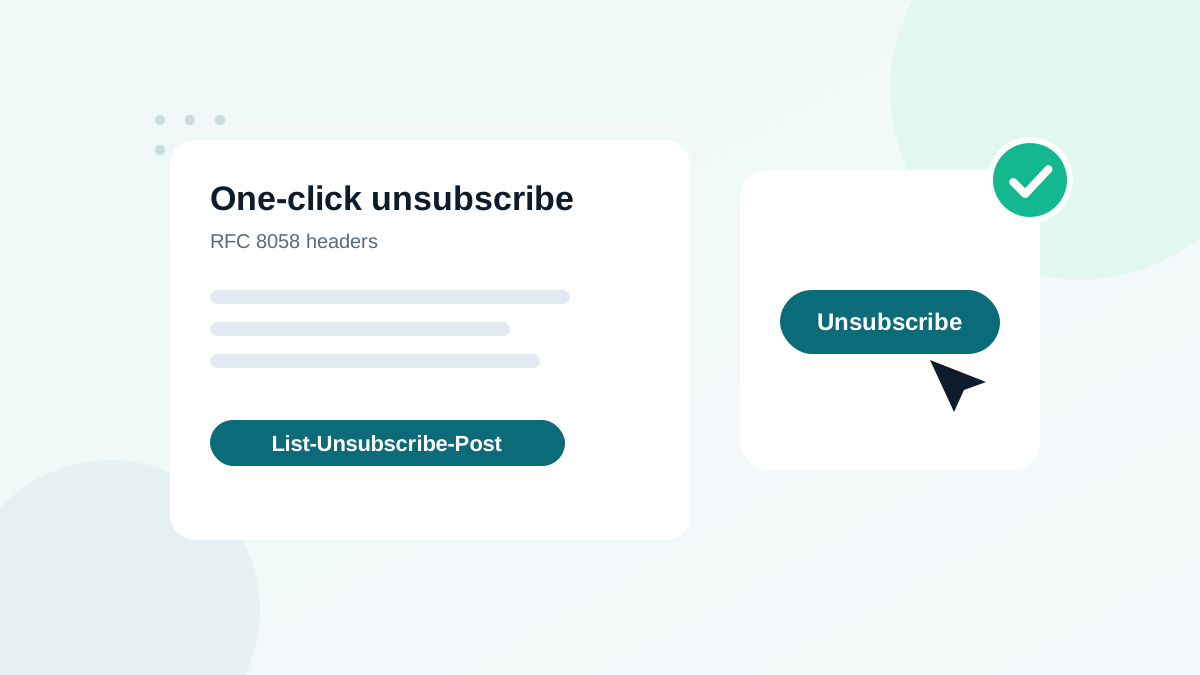
One-click unsubscribe lets a recipient leave your list directly from their email client, using a button that Gmail, Yahoo, Apple Mail and others display next to your sender name or at the top of the message. The user clicks once, and the inbox tells your system to unsubscribe them. No landing page, no login, no confirmation form.
It works through two email headers, standardized in RFC 8058. It is different from the unsubscribe link in your footer, and since 2024 it is required by Gmail and Yahoo for marketing and promotional mail sent in bulk.
The two headers
List-Unsubscribe: <https://yourbrand.com/unsubscribe?u=8f3a2c&l=news>, <mailto:unsubscribe@yourbrand.com?subject=unsubscribe>
List-Unsubscribe-Post: List-Unsubscribe=One-Click| Header | Role | Rules |
|---|---|---|
List-Unsubscribe | Gives the address(es) to unsubscribe | Must contain one HTTPS URL for one-click; a mailto address can be added as a fallback |
List-Unsubscribe-Post | Declares that the URL supports one-click via POST | Exact value: List-Unsubscribe=One-Click |
When the user clicks the inbox's unsubscribe button, the mailbox provider sends an HTTPS POST request to the URL with the body List-Unsubscribe=One-Click. Your server must unsubscribe the recipient identified by the URL.
The technical rules of RFC 8058
- HTTPS only: the one-click URL must use HTTPS.
- POST, not GET: the action must happen on a POST request. GET requests can be triggered by link scanners and security tools, which would unsubscribe people by accident.
- No extra steps: no login, no cookies, no confirmation page for the POST request.
- Identify the recipient in the URL: use an opaque token, not the plain email address, so the link cannot be abused.
- Signed headers: the message must have a valid DKIM signature that covers both headers, so they cannot be altered in transit.
- Fast processing: Gmail and Yahoo ask senders to honor unsubscribes within two days.
Who must use it
| Type of email | One-click required? |
|---|---|
| Newsletters, promotions, marketing automations | Yes, for bulk senders to Gmail and Yahoo |
| Receipts, password resets, security alerts | No (transactional) |
| Account or service notifications | Usually no, if purely informational |
| Transactional emails packed with promotions | Risky: may be treated as marketing |
Even if you are not technically a bulk sender, add one-click unsubscribe to all marketing mail. It reduces spam complaints, which protects your sender reputation.
Why it matters for deliverability
An unhappy subscriber has two buttons: unsubscribe or report spam. If unsubscribing is hidden or slow, they click "Report spam". Every complaint hurts you, and Gmail and Yahoo set a complaint limit of 0.3%. A one-click unsubscribe button turns potential complaints into harmless unsubscribes. In audits, I regularly see complaint rates fall after senders make unsubscribing easier.
How to check your emails
- Send a real campaign to a Gmail address you control.
- Open "Show original" and search for
List-Unsubscribe. Both headers must be present, with an HTTPS URL. - Check DKIM: DKIM must pass for your domain. The
h=list in the DKIM-Signature header should includelist-unsubscribeandlist-unsubscribe-post. - Look for the unsubscribe button in Gmail next to the sender name. Note: Gmail may not display it for every sender, for example new senders with little history, even when headers are correct.
- Test the process with a test address: click the button, then check that the contact is unsubscribed in your platform.
- Check Postmaster Tools: the compliance view shows whether Gmail considers your one-click unsubscribe compliant. See Google Postmaster Tools.
Common mistakes
| Mistake | Consequence |
|---|---|
| Only a mailto: address in List-Unsubscribe | Not one-click compliant for Gmail and Yahoo |
| Missing List-Unsubscribe-Post header | Inbox cannot use one-click |
| URL unsubscribes on GET | Security scanners unsubscribe people by accident |
| URL requires login or a confirmation page for the POST | Breaks RFC 8058 |
| Headers not covered by DKIM | Providers may ignore them |
| Unsubscribes processed manually once a week | Exceeds the two-day requirement, more complaints |
| Footer unsubscribe link removed | Still required: a visible link in the body |
Footer link vs one-click header
You need both. The header gives inboxes a standardized button. The visible link in the email body is required by anti-spam laws in many countries and by Yahoo for bulk senders, and it is what people look for when reading on devices or clients that do not show the button. The footer link can lead to a preference page, as long as unsubscribing completely stays simple.
Building it yourself vs using a platform
If you send through your own application, you must generate a unique token per recipient and list, build an HTTPS endpoint that accepts POST requests, process them immediately, and add both headers before DKIM signing. That is a real development and maintenance task.
Most reputable email marketing platforms do all of this automatically for marketing campaigns. Check your platform's documentation and test one campaign as described above.
What happens behind the button
- A subscriber clicks "Unsubscribe" next to your sender name in Gmail or Yahoo.
- The mailbox provider reads your
List-Unsubscribeheader and finds the HTTPS URL. - It checks that
List-Unsubscribe-Postis present and that DKIM covers both headers. - It sends a POST request to the URL with the body
List-Unsubscribe=One-Click. - Your system reads the token in the URL, identifies the contact and list, and unsubscribes them.
- The subscriber sees a confirmation inside their inbox, without visiting your website.
If any step fails, the provider may fall back to the mailto address, show nothing, or consider you non-compliant.
Preference centers and one-click
A preference center lets subscribers choose topics or frequency instead of leaving completely. It is a good idea, but it must not replace one-click. Use the one-click header for full unsubscribes, and link the preference center from your footer for people who want fewer emails. Both together reduce complaints and keep more subscribers.
Legal requirements vs mailbox requirements
Do not confuse the two. Anti-spam laws (such as CAN-SPAM in the United States, GDPR and ePrivacy rules in Europe, or CASL in Canada) require a working way to unsubscribe and set deadlines to honor requests, which vary by law. Mailbox provider rules, such as Gmail's and Yahoo's, add the technical one-click headers and a two-day processing target. You need to meet both: the law protects the recipient's rights, and the provider rules protect your access to the inbox.
This is general information, not legal advice.
How one-click unsubscribe affects your metrics
After enabling one-click unsubscribe, many senders see two changes: unsubscribes rise a little, and spam complaints fall. That is the expected and healthy result. People who no longer want your emails leave cleanly instead of hurting your reputation. Do not judge the change by the unsubscribe number alone; look at complaints, inbox placement and clicks over the following weeks.
Testing the endpoint safely
If you build or maintain your own unsubscribe endpoint, test it with a dedicated test contact. Send a POST request with the body List-Unsubscribe=One-Click to the URL from the header, then confirm that the contact is unsubscribed and that a simple GET request to the same URL does not unsubscribe anyone. Also check that an invalid or expired token returns an error without revealing whether an address exists.
One-click unsubscribe checklist
- List-Unsubscribe header with an HTTPS URL
- List-Unsubscribe-Post: List-Unsubscribe=One-Click
- Both headers covered by a passing DKIM signature on your domain
- POST requests processed without login or confirmation
- Unsubscribes applied within two days, ideally instantly
- Visible unsubscribe link kept in the email body
- Compliance confirmed in Postmaster Tools
For the full list of provider rules, see Yahoo and AOL sender requirements and SPF, DKIM and DMARC explained. If complaints are still high after enabling it, look at consent and list quality: how to clean your email list.
Frequently asked questions
Is a footer unsubscribe link enough?
No, not for bulk marketing mail to Gmail and Yahoo. You need the one-click headers as well as a visible link in the body.
Do transactional emails need one-click unsubscribe?
No. Receipts, password resets and other transactional messages are exempt. Mixed messages with heavy promotion may be treated as marketing.
Does the unsubscribe URL have to be HTTPS?
Yes. RFC 8058 one-click requires an HTTPS URL that accepts a POST request.
Why does Gmail not show the unsubscribe button for my emails?
Gmail shows it only when the headers are present and valid, the message is authenticated, and the sender has enough reputation. Absence of the button is not always an error.
Do I need to build this myself?
Not if you use a reputable email platform. Most add the headers automatically to marketing campaigns.