Key takeaways
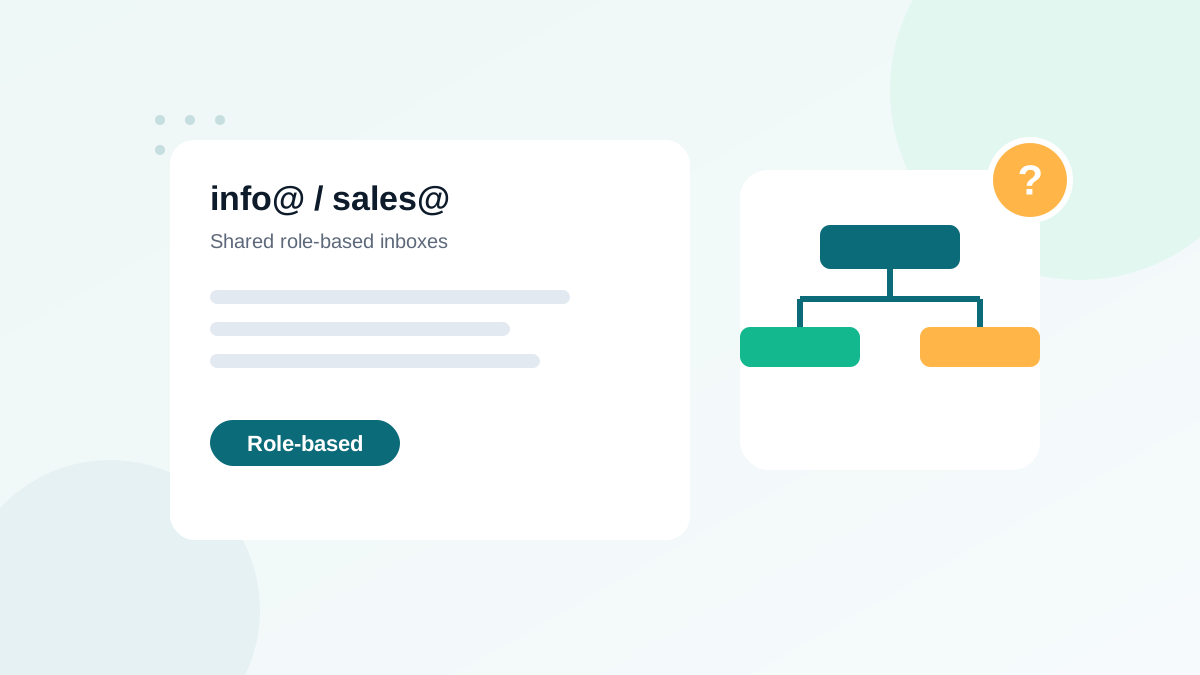
- Role-based addresses are shared inboxes such as info@, sales@, support@, admin@ or contact@.
- They often reach several people, some of whom never asked for your emails.
- That leads to more complaints and lower engagement on average.
- Keep them when a real person opted in with that address and engages; remove them when they came from scraping or imports.
- Some email platforms restrict role-based addresses, so check your provider's rules.
In this guide
- What a role-based email address is
- Why role-based addresses are risky for marketing
- When keeping a role address is fine
- Decision table
- How to find role addresses in your list
- Role addresses in B2B campaigns
- Role addresses and other verification statuses
- What to tell your sales or marketing team
- How role addresses behave in practice
- Getting a personal address from role contacts
- Role addresses and email platform rules
- Glossary of common role addresses
- Role addresses in transactional email
- A quick example
- Checklist
- Frequently asked questions
What a role-based email address is
A role-based address (or role account) is an email address tied to a function, department or group rather than to one person. Typical examples:
| Category | Common local parts |
|---|---|
| General contact | info@, contact@, hello@, office@, mail@ |
| Sales and marketing | sales@, marketing@, partners@ |
| Support | support@, help@, service@ |
| Technical and admin | admin@, webmaster@, it@, postmaster@, abuse@ |
| Finance and HR | billing@, accounts@, invoices@, jobs@, hr@ |
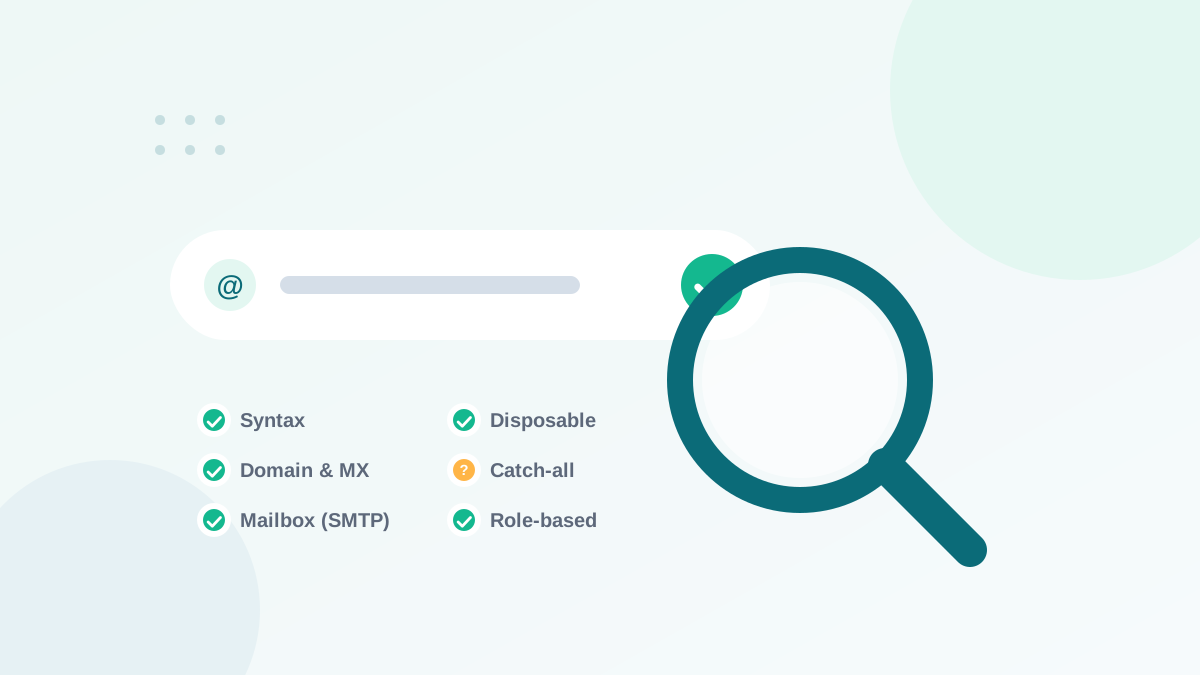
Verification tools tag these addresses as "role-based" or "role". The address is usually valid. The tag is a warning about risk, not about deliverability.
Why role-based addresses are risky for marketing
- Several readers: a shared inbox is often read by multiple people, and not all of them asked for your emails.
- More complaints: a colleague who does not know why your newsletter arrives may click "Report spam".
- Lower engagement: marketing emails get lost among support tickets, invoices and orders.
- Changing owners: the person who subscribed may leave, but the address stays.
- Scraped origin: role addresses are the ones most often harvested from websites, which means many arrive in lists without consent.
- Platform rules: some email platforms restrict or block imports of role addresses.
These addresses exist to receive reports about spam and technical problems. Marketing sent to them looks careless at best, and is sometimes used as a signal by anti-spam systems. Remove them from marketing lists.
When keeping a role address is fine
Role addresses are not automatically bad. In my B2B client work, many small businesses use info@ as their only address. Keep a role address when:
- Someone opted in with it through your own form, ideally with double opt-in.
- It engages: clicks, replies or purchases in recent months.
- It is the business's main address and there is no personal alternative.
- Your platform allows it under its terms.
Remove or suppress it when it came from scraping, a purchased list or an unclear import, or when it shows no engagement over a long period.
Decision table
| Situation | Decision |
|---|---|
| info@ of a customer, opted in, clicks regularly | Keep |
| sales@ collected at a trade show, never engaged | Verify, send one confirmation, remove if no response |
| support@ found on a website | Do not add: no consent |
| abuse@, postmaster@, webmaster@ | Remove from marketing |
| Role address in a transactional context (invoices) | Keep for transactional emails |
How to find role addresses in your list
With a verification tool
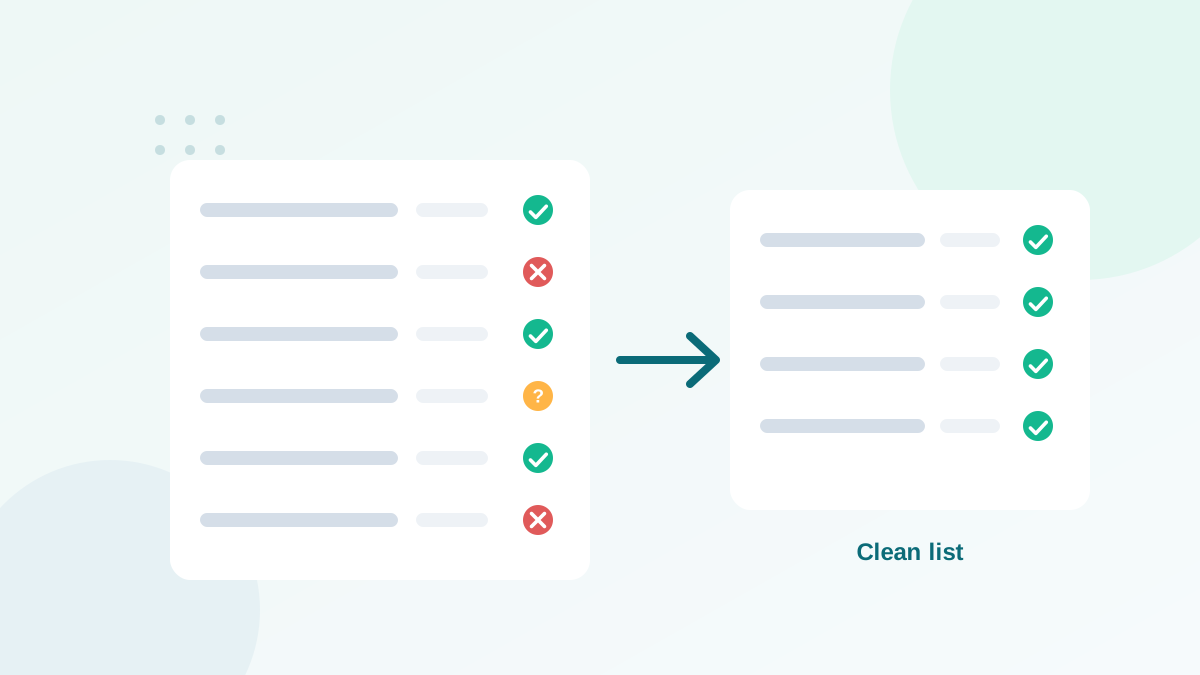
A bulk verification tags every role-based address automatically. Export the results and filter on that status. This is the most complete method, because tools recognize many variations.
With a spreadsheet
For a quick check, filter the local part (the text before @) on common role words. In Excel or Google Sheets, a formula extracting the text before the @ and comparing it with a list of role words works well. See cleaning an email list in Excel for formulas.
Role addresses in B2B campaigns
B2B senders face a trade-off. Personal business addresses perform better, but some companies only publish role addresses. Good practices:
- Ask for a personal business address on your forms, with a clear benefit (for example, "so the right person receives your report").
- Do not block role addresses at signup in B2B; flag them instead and treat them as a separate segment.
- Send role-address segments less frequently and with clearly relevant content.
- Watch complaint rates on that segment specifically.
For cold outreach, role addresses are particularly risky. If you prospect, keep it separate from your marketing domain and follow local laws.
Role addresses and other verification statuses
A role address can also be catch-all, if the company's domain accepts everything. In that case, both risks combine. Segment carefully and follow the advice in catch-all emails explained. And when a role address belongs to a known complainer or trap network, it moves into the "toxic" category; see toxic email addresses.
What to tell your sales or marketing team
Teams often see role addresses as easy leads, because they are public. A simple rule avoids most problems: a public address is not permission. Role addresses enter your marketing list only when someone at that company subscribed through your own form.
How role addresses behave in practice
Across the B2B lists I audit, role-based segments show a recognizable pattern compared with personal business addresses:
| Behavior | Personal business address | Role-based address |
|---|---|---|
| Opens and clicks | Higher on average | Lower on average |
| Spam complaints | Lower | Higher |
| Replies | From the person who subscribed | From whoever reads the inbox that day |
| Stability over time | Ends when the person leaves | Lasts, but owners change |
The pattern is a tendency, not a rule. Many role addresses at small companies are read by the owner and perform very well. That is why engagement data should decide, not the address alone.
Getting a personal address from role contacts
When an important contact uses a role address, you can invite them to switch without pressure:
- Add a line to your newsletter: "Is this the right inbox? Update your address so this reaches you directly."
- Link to a preference page where they can change their address.
- For customers, ask during onboarding which person should receive product news.
Each switch replaces a shared, riskier address with a personal one that performs better.
Role addresses and email platform rules
Some email platforms refuse role addresses in imports, others accept them with warnings, and some block specific ones such as abuse@ or postmaster@. Read your platform's acceptable use policy before importing. If an import is refused because of role addresses, remove them from that file, verify the rest and import again, rather than trying to bypass the rule.
Glossary of common role addresses
| Address | Usual purpose | Marketing? |
|---|---|---|
| info@, contact@, hello@ | General inbox | Only with opt-in |
| sales@ | Incoming sales requests | Only with opt-in |
| support@, help@ | Customer support tickets | Rarely appropriate |
| billing@, accounts@ | Invoices and payments | Transactional only |
| jobs@, hr@ | Recruitment | No |
| noreply@ | Outgoing only | No, usually not monitored |
| abuse@, postmaster@, webmaster@ | Technical and abuse reports | Never |
Role addresses in transactional email
Role addresses are often the right recipients for transactional messages. Invoices to billing@ or order confirmations to purchasing@ make sense, because those inboxes exist for that purpose. The caution applies to marketing. Keep transactional and marketing streams separate, so a role address used for invoices is not automatically added to your newsletter.
A quick example
A B2B software company verifies its list of 12,000 contacts and finds about 900 role-based addresses. Instead of deleting them, it splits them: those that clicked in the last six months stay in normal campaigns; those that came from a purchased file years ago are removed; the rest receive one email inviting them to confirm their subscription or update to a personal address. A few weeks later, the role segment is smaller, more engaged, and the complaint rate of the whole list has dropped. The figures are illustrative, but the method works on any list.
Checklist
- Role addresses tagged during every verification
- abuse@, postmaster@ and webmaster@ removed from marketing
- Role addresses kept only with opt-in and engagement
- Scraped or unclear-origin role addresses never imported
- Separate segment and complaint monitoring for role addresses
Role-address handling is one step of a wider routine; see how to clean your email list and how email verification works.
Frequently asked questions
Are role-based emails invalid?
No. They usually exist and accept mail. Verification tools flag them because of the higher risk of complaints and low engagement, not because they bounce.
Can I add role-based addresses from a website to my list?
Not for marketing without consent. Collecting addresses from websites is not permission, and in many countries it breaks anti-spam rules.
Why do role addresses generate complaints?
Several people may read the shared inbox. The person who signed up may have left, and colleagues who receive your email may report it as spam.
Should B2B senders keep role-based addresses?
For small companies, info@ is sometimes the only address. Keep it if the contact opted in and engages; otherwise, try to get a personal business address.
How do I find role-based addresses in my list?
A verification tool tags them automatically. You can also filter local parts such as info, sales, admin, support, contact, office and hello.