Key takeaways
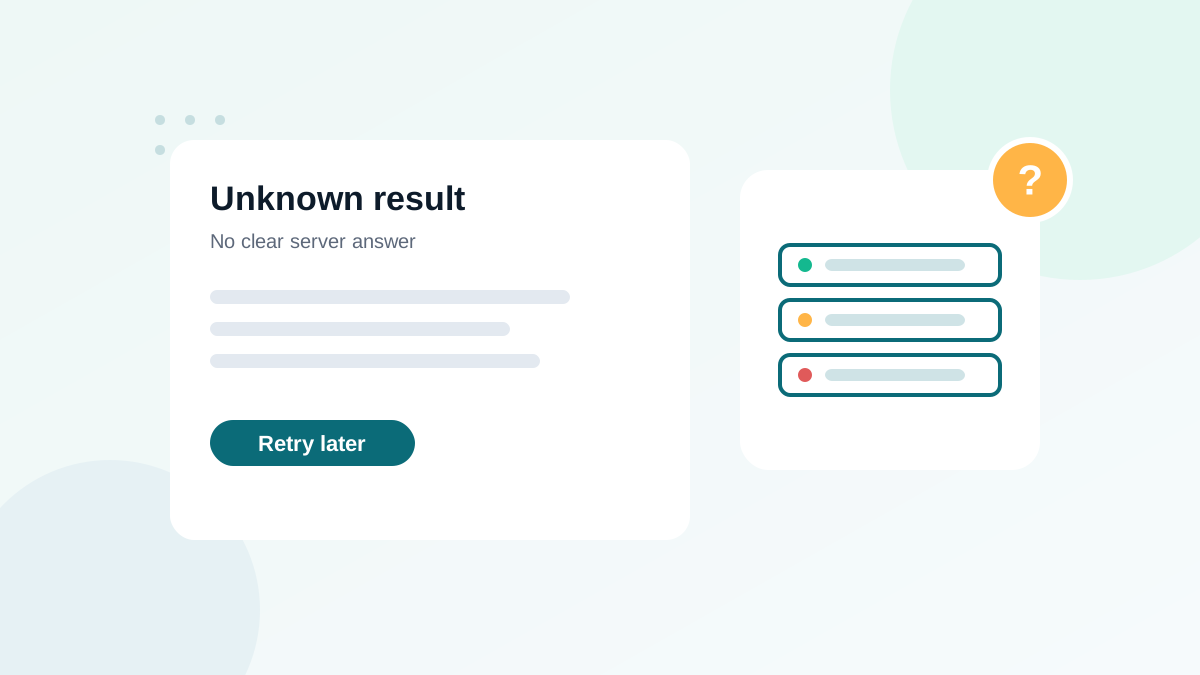
- "Unknown" means the receiving server did not give a clear answer during verification.
- Common causes: timeouts, greylisting, temporary errors or servers that block verification.
- Retrying later often converts many unknowns into clear results.
- Treat remaining unknowns as risky: segment them and send carefully, or suppress if the value is low.
- Unknown is different from catch-all, which means the server accepts everything.
In this guide
- What "unknown" means
- Why verification returns unknown
- How common are unknowns?
- A step-by-step way to handle unknowns
- Decision table
- Do unknown results cost credits?
- Unknowns and bounce risk
- Reducing unknowns at the source
- Unknown results by type of domain
- Example of a re-verification round
- Communicating unknowns to your team
- Unknown results in real-time verification
- Mistakes to avoid with unknown results
- Tracking unknowns in your platform
- When unknowns signal a bigger problem
- Summary
- Checklist
- Frequently asked questions
What "unknown" means
When a verification tool cannot get a clear answer from the receiving mail server, it labels the address "unknown" (some tools say "unverifiable" or "risky"). It does not mean the address is bad. It means the tool could not confirm either way at the time of the check.
That is different from other uncertain categories:
| Status | Meaning | Main cause |
|---|---|---|
| Unknown | No clear answer from the server | Timeouts, greylisting, temporary errors, blocking |
| Catch-all / accept-all | The server accepts every address | Domain configured to accept all mail; see catch-all emails |
| Risky | Exists but carries a risk | Role-based, disposable, known problem address (depends on the tool) |
Why verification returns unknown
Timeouts
The mail server did not answer within the time the tool allows. Overloaded or slow servers are common for small business domains.
Greylisting
Greylisting is an anti-spam technique: the server temporarily refuses connections from senders it does not know, expecting legitimate servers to retry later. A verifier that does not retry long enough sees only the temporary refusal.
Rate limiting and protection
Large providers and security gateways limit or block verification attempts. They may answer with generic responses that do not confirm whether a mailbox exists.
Temporary errors
Maintenance, DNS problems or full mailboxes can produce temporary error codes during the check.
How common are unknowns?
It depends on your list. Consumer lists dominated by a few large providers usually produce few unknowns. B2B lists with many small company domains, and lists with many domains behind strict security gateways, produce more. If the share of unknowns is unusually high, re-verify before drawing conclusions.
A step-by-step way to handle unknowns
- Re-verify after a delay. Wait a few hours or until the next day, then verify the unknowns again. Greylisting and temporary errors often clear up, and many unknowns become valid or invalid.
- Use engagement history. An unknown address that clicked or bought in the last few months works. Keep it.
- Check the domain. If many unknowns share the same domain, it is the domain's server behavior, not the addresses. Look at how that domain performs in your past campaigns.
- Segment the rest. Put remaining unknowns in a separate segment instead of your main sends.
- Send in small batches. Send your best content to the unknown segment in small batches and watch bounces closely.
- Remove what bounces or never engages. After a few sends, unknown contacts that never click should go into your sunset policy.
Decision table
| Unknown address that... | Decision |
|---|---|
| Clicked, replied or bought recently | Keep in normal sends |
| Signed up recently through a confirmed form | Keep, monitor first sends |
| Became valid on re-verification | Keep |
| Became invalid on re-verification | Remove |
| Stays unknown, old, never engaged | Small-batch test or suppress |
| Belongs to a high-value B2B account | Keep, consider other contact channels to confirm |
Do unknown results cost credits?
Policies differ. Some providers state that they do not charge for unknown results; others count every check. Read your tool's pricing terms, because a list with many unknowns can make the effective price per useful result very different between providers. DeBounce's pricing details are explained in DeBounce pricing.
Unknowns and bounce risk
As a group, unknown addresses bounce more often than valid ones, but much less often than invalid ones. Sending your entire unknown segment at once in a big campaign can push your bounce rate above safe levels. Spreading them out and mixing them with engaged contacts keeps your averages healthy while you learn which addresses work.
Reducing unknowns at the source
- Verify in real time at signup: addresses checked when entered are confirmed by the user's own action and the welcome email.
- Use double opt-in for risky sources: a confirmed click proves the address works, whatever the verifier says.
- Verify lists regularly: old lists produce more uncertain results.
- Re-verify before big sends rather than relying on a check from months ago.
Unknown results are also one of the reasons tools disagree with each other; see email verification accuracy for how to compare tools fairly.
Unknown results by type of domain
| Domain type | Typical unknown share | Why |
|---|---|---|
| Large consumer providers | Low | Well-known infrastructure, tools have experience with them |
| Small business domains | Higher | Slow or overloaded servers, greylisting |
| Domains behind security gateways | Higher | Gateways block or blur verification attempts |
| Universities and public bodies | Variable | Strict policies and custom setups |
If unknowns cluster on a few domains, look at how those domains performed in your past campaigns. A domain with good historical delivery can be trusted more than its verification result suggests.
Example of a re-verification round
Imagine a list of 20,000 addresses with 900 unknown results after the first check. Re-verifying the unknowns the next day typically splits them into three groups: a large part becomes valid, a smaller part becomes invalid, and the rest stays unknown. In this illustrative case, you would keep the new valid ones, remove the new invalid ones, and handle only the remaining unknowns as a risky segment. A second round costs few credits and often removes most of the uncertainty.
Communicating unknowns to your team
When you report list quality to a manager or client, separate unknown from invalid. Saying "6% of the list is bad" when half of that is unknown overstates the problem and can lead to deleting real contacts. A clear report shows valid, invalid, risky (role, catch-all, unknown) and removed, with what you plan to do for each group.
Unknown results in real-time verification
On signup forms, an unknown result should never block the visitor. Accept the address, send the welcome or confirmation email, and let the result of that send tell you more. If the confirmation is clicked, the address works. If it bounces, remove it automatically. This keeps forms friendly while protecting the list.
Mistakes to avoid with unknown results
- Deleting all unknowns: you lose real contacts, often valuable B2B ones.
- Treating unknowns as valid and sending a big campaign to all of them at once.
- Re-verifying immediately: temporary problems need a few hours to clear.
- Ignoring engagement data that already proves an address works.
- Mixing unknowns with catch-all results, which have a different cause and a different solution.
Tracking unknowns in your platform
Add the verification status as a contact field in your email platform. You can then build an "unknown, not engaged" segment automatically, exclude it from big campaigns, and include it in a careful, low-volume flow. After each send, contacts who click move to your normal audience, and those who bounce are removed automatically. Over a few weeks, the unknown segment resolves itself.
When unknowns signal a bigger problem
If unknowns suddenly rise across your whole list, the cause may be on the verification side, such as temporary blocks against the tool's infrastructure, rather than in your data. Wait a day, re-verify a small sample and contact the provider's support if the share stays unusually high.
Summary
Unknown results are a normal part of email verification. They are not a verdict on the address, only a sign that the server did not answer clearly. Retry them, rely on engagement, segment what remains and let careful sending reveal which addresses work. Handled this way, unknowns cost you very little and you keep the real contacts hidden among them.
Checklist
- Unknowns re-verified after a delay
- Engaged unknowns kept
- Remaining unknowns segmented, not mixed with valid addresses
- Small-batch sends with bounce monitoring
- Non-engaging unknowns moved to the sunset policy
- Pricing terms for unknowns checked with your provider
Frequently asked questions
Do unknown results cost credits?
It depends on the provider. Some do not charge for unknowns, others do. Check the pricing terms of your tool.
How long should I wait before re-verifying unknowns?
Retrying after a few hours or the next day often works, because temporary errors and greylisting clear up.
Are unknown addresses usually valid?
Many are, especially on large or well-protected providers. But a share will bounce, which is why they should be handled as a separate segment.
What is greylisting?
Greylisting is a technique where a server temporarily refuses mail from unknown senders and accepts it on a later retry. It can make verification return unknown.
Should I delete unknown addresses?
Not automatically. Use engagement history: keep those who clicked recently, retry the rest, and remove those that stay unknown and never engage.