Key takeaways
- Most typos happen in the domain: gmial.com, hotmal.com, yaho.com, outlok.com.
- Top-level domain typos are common too: .con, .cmo, .co instead of .com.
- Some typo domains are registered and can act as spam traps.
- A "did you mean" suggestion at signup fixes most typos without blocking users.
- Never auto-correct silently in bulk; review suggestions before changing data.
In this guide
- Why typos matter more than you think
- The most common domain typos
- Top-level domain typos
- Other frequent mistakes
- How to prevent typos at signup
- How to fix typos in an existing list
- Typos in B2B lists
- Why regex does not catch typos
- How "Did you mean" suggestions work
- Localize your typo list
- Measuring typo prevention
- Typos in transactional emails
- Typos and the local part
- Provider-specific rules to know
- Typo checklist for form owners
- A quick example
- Typo prevention checklist
- Frequently asked questions
Why typos matter more than you think
An email typo is not just a lost subscriber. It has three costs:
- A real person never receives your emails, including the resource, order confirmation or password reset they asked for.
- Your bounce rate rises, because many typo domains do not exist or have no mailbox for that name.
- Some typo domains are traps. Certain misspelled domains of popular providers are registered and used to identify senders who do not validate addresses. These are typo spam traps; see spam traps explained.
The most common domain typos
| Intended domain | Frequent typos |
|---|---|
| gmail.com | gmial.com, gamil.com, gmal.com, gmai.com, gnail.com, gmaill.com, gmail.co, gmail.con |
| hotmail.com | hotmal.com, hotmial.com, hotmai.com, hotmil.com, hotmaill.com, hotmail.con |
| yahoo.com | yaho.com, yahooo.com, yhoo.com, yahho.com, yahoo.con |
| outlook.com | outlok.com, outllok.com, outloo.com, outlook.co |
| icloud.com | iclod.com, icoud.com, icloud.co |
| aol.com | aol.co, aoll.com, aol.con |
Top-level domain typos
| Typed | Probably meant | Careful |
|---|---|---|
| .con | .com | Almost always a typo |
| .cmo, .cm, .comm | .com | .cm is a real country domain (Cameroon) |
| .co | .com | .co is a real country domain (Colombia) used by many businesses |
| .nt, .ne | .net | .ne is a real country domain (Niger) |
| .og, .orgg | .org | Check context |
This is why automatic correction is dangerous. name@company.co may be perfectly valid.
Other frequent mistakes
- Missing @ or double @:
annagmail.com,anna@@gmail.com. - Comma instead of dot:
anna@gmail,com. - Spaces: before, after or inside the address, often from copy and paste.
- Dot errors:
anna.@gmail.com,anna..smith@gmail.com. - Website instead of email:
www.company.comtyped in the email field. - Autocorrect on mobile: capitals or words replaced by the phone's dictionary.
How to prevent typos at signup
1. Use the right input type
<input type="email" autocomplete="email"> shows a keyboard with @ and dot on mobile, lets browsers autofill the saved address, and blocks the most basic format errors. Autofill alone prevents a large share of typos.
2. Show "Did you mean...?" suggestions
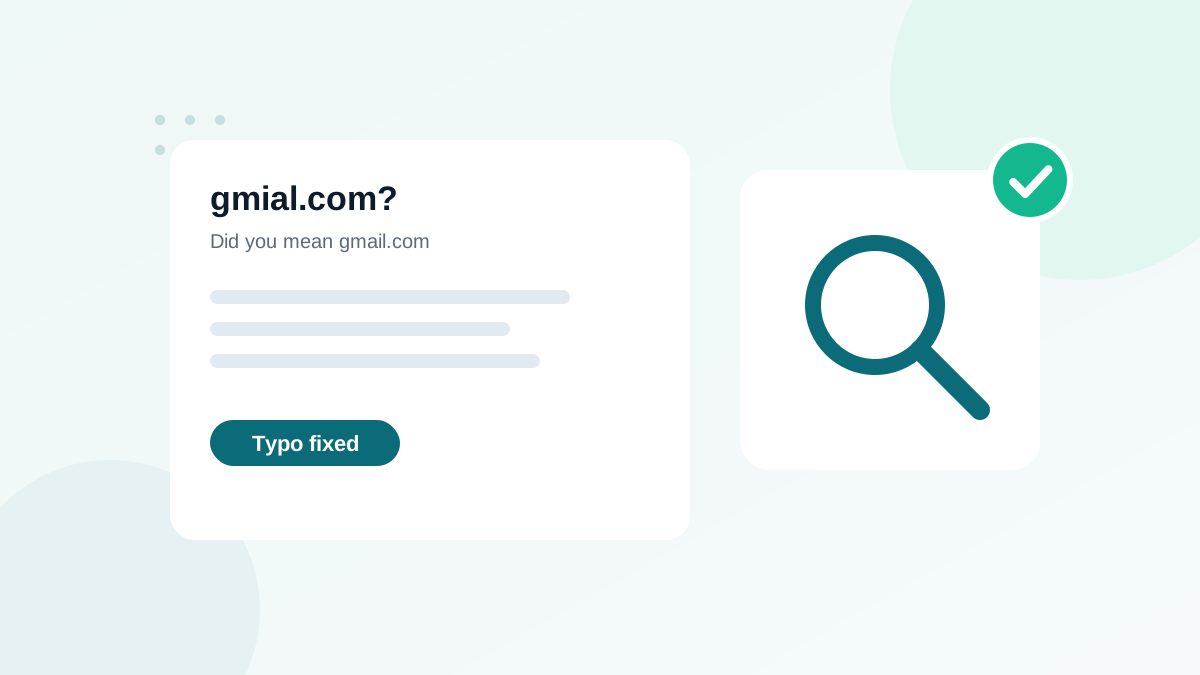
When the domain is close to a popular one, suggest the correction: "Did you mean anna@gmail.com?", with a one-click fix. The user stays in control. This is the most user-friendly method.
3. Verify in real time
Real-time verification checks whether the domain and mailbox exist. A typo domain is flagged even if it is not in your suggestion list. See real-time email verification.
4. Avoid "confirm your email" fields
Asking people to type their address twice adds friction and does not stop copy-paste errors. Suggestions and verification work better.
5. Use double opt-in for risky sources
A typo address never confirms. Double opt-in keeps it out of your marketing list automatically.
How to fix typos in an existing list
- Extract the domain of each address in a spreadsheet and count addresses per domain.
- Look at rare domains that resemble major providers. These are your typo candidates.
- Review each candidate. Is the correction obvious (
gmial.com)? Is the original possibly real (.co)? - Correct only obvious cases, and keep a note of what you changed.
- Verify the corrected addresses before sending. A corrected address might still not exist.
- Send a confirmation email to corrected contacts if you plan to use them for marketing, because you changed data they entered.
Spreadsheet formulas for this are in cleaning an email list in Excel and verifying emails in Google Sheets.
Typos in B2B lists
In business lists, typos hide in company domains: a missing letter, an extra hyphen, an old domain after a rebrand. They are harder to spot because there is no list of "expected" domains. Here, verification is the only reliable method: a misspelled company domain usually has no MX record or no matching mailbox. The background on MX checks is in MX record lookup.
Why regex does not catch typos
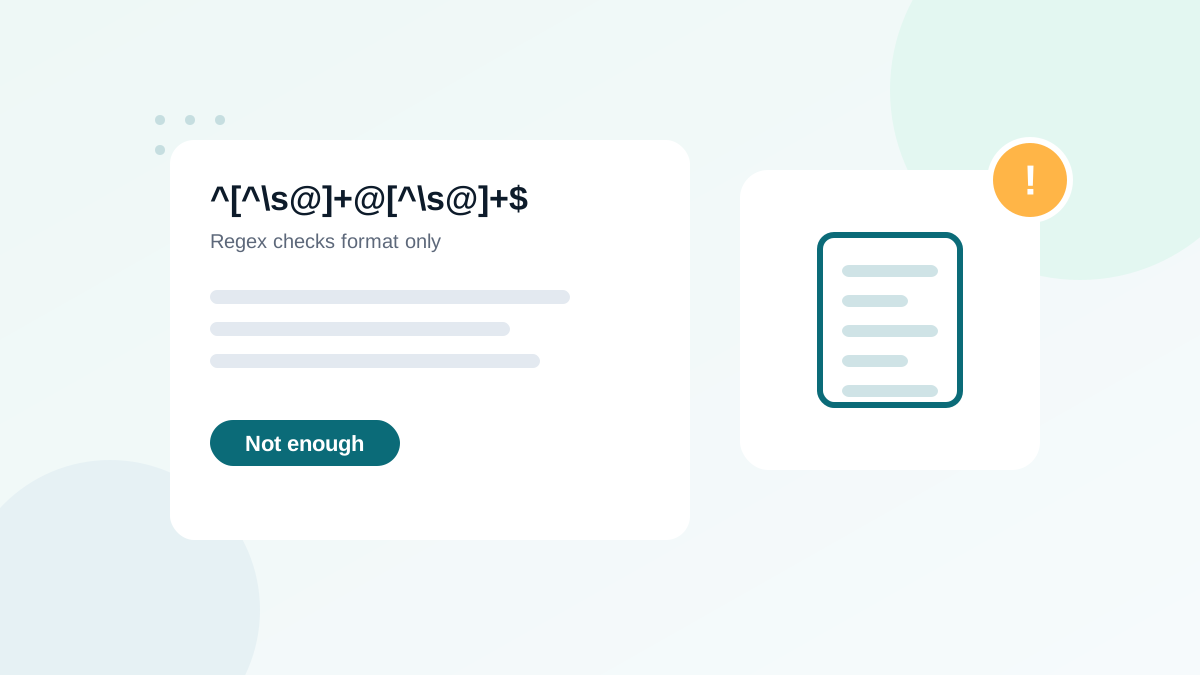
anna@gmial.com has a perfectly valid format. Regex only checks the shape of an address, not whether the domain is the right one. Typo detection needs either a suggestion list or a verification service. More on that in email validation regex: why it is not enough.
How "Did you mean" suggestions work
Typo suggestion scripts compare the domain the user typed with a list of popular domains. If the typed domain is very close to a known one, for example one letter missing, swapped or doubled, the script proposes the corrected version. The comparison usually relies on a measure of "edit distance": the number of single-character changes needed to turn one word into another.
| Typed | Closest known domain | Changes needed | Suggest? |
|---|---|---|---|
| gmial.com | gmail.com | Swap two letters | Yes |
| hotmal.com | hotmail.com | One missing letter | Yes |
| gmail.co | gmail.com | One missing letter | Yes (gmail.co is not used by Gmail) |
| company.co | company.com? | Unknown company | No: .co may be correct |
Good scripts only suggest for well-known providers, where the right answer is clear, and leave company domains alone.
Localize your typo list
Popular providers differ by country. If your audience is in France, Germany, Morocco or elsewhere, add the main local providers and their frequent typos to your suggestion list. Check your own domain report: the most common domains in your list are the ones worth protecting.
Measuring typo prevention
After adding suggestions and verification, track the share of signups that triggered a suggestion and were corrected. It shows how many customers you would have lost without the fix. In many forms, this number is higher than people expect, especially on mobile traffic.
Typos in transactional emails
For shops and SaaS products, a typo means more than a lost subscriber: the customer never receives the receipt, the download link or the password reset. That generates support tickets and refunds. Real-time verification on checkout and account creation pays for itself quickly in these contexts.
Typos and the local part
Typos in the part before the @ are harder to detect, because there is no list of "correct" names. ana.smith@gmail.com instead of anna.smith@gmail.com may be a real address belonging to someone else, which is a privacy problem as well as a deliverability one. The only reliable protections are real-time verification (which catches addresses that do not exist) and double opt-in (which proves the owner signed up).
Provider-specific rules to know
- Some providers ignore dots in the local part, so
a.nna@andanna@may reach the same inbox. Others treat them as different addresses. - Many providers support plus addressing (
anna+news@), which users choose on purpose. Never remove the plus part. - Case usually does not matter, so lowercasing is safe for deduplication.
Because rules vary by provider, do not "correct" local parts automatically. Fix domains when the correction is obvious, and leave the rest to verification.
Typo checklist for form owners
- Review your domain report once per quarter
- Keep your suggestion list updated with your audience's main providers
- Test your form on mobile with autofill and without
A quick example
A newsletter publisher reviews its domain report and finds dozens of addresses on gmial.com, gamil.com and hotmal.com. After adding a "Did you mean" suggestion to its signup form, new typo domains almost disappear from the report. The old ones are reviewed, corrected where obvious, verified, and sent a confirmation email before rejoining the list.
Typo prevention checklist
- type="email" and autocomplete="email" on every email field
- "Did you mean" suggestion for popular domains
- Real-time verification of domain and mailbox
- Double opt-in for high-risk sources
- Existing list reviewed for typo domains, corrections verified
- No silent bulk auto-correction
Frequently asked questions
Why are typo domains dangerous?
Some misspelled domains are registered and accept all mail. They can be used as typo spam traps, and sending to them hurts your reputation.
Should I correct typos automatically?
At signup, show a suggestion and let the user confirm. In existing lists, review typo corrections before applying them; .co is a real country domain, for example.
What is the most common email typo?
Misspellings of the largest providers, such as gmial.com or gamil.com, and .con instead of .com are among the most frequent.
Do typos happen more on mobile?
Yes. Small keyboards and autocorrect increase errors. Using type="email" helps mobile keyboards show the right keys.
Will verification catch typo addresses?
Yes, most of them: a typo domain usually has no valid mailbox, or is flagged as risky. Some tools also suggest the corrected domain.