Key takeaways
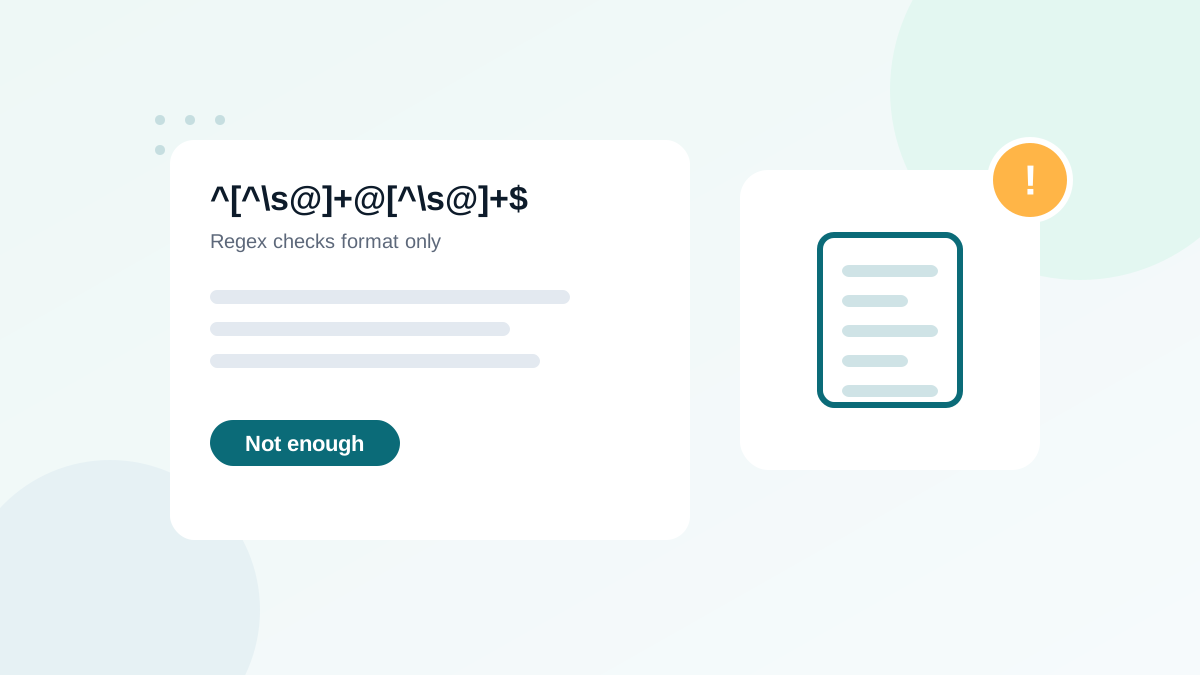
- A regex can only check the format of an address, never whether it exists.
- A fully RFC 5322-compliant regex is huge and still not useful in practice.
- A simple, permissive pattern plus a server-side check is better than a strict, complex one.
- Over-strict patterns reject real addresses with plus signs, long domains or new top-level domains.
- Combine regex with typo suggestions, MX lookups and verification for real quality.
In this guide
- What a regex can and cannot do
- The myth of the perfect email regex
- A practical pattern
- A slightly stricter version
- Mistakes that reject real customers
- Use built-in validators when you can
- What to add beyond regex
- Regex in spreadsheets and tools
- Testing your pattern
- Regex in different languages
- Regex and HTML5
- Why strictness backfires
- Length limits worth enforcing
- Regex in databases and data cleaning
- Internationalized email addresses
- When to update your pattern
- A quick example
- Summary
- Frequently asked questions
What a regex can and cannot do
A regular expression (regex) checks whether a piece of text matches a pattern. For email, it can tell you whether an input looks like an email address: some characters, an @, a domain with a dot. That is useful to catch obvious typing mistakes.
What a regex can never do is tell you whether the address exists. qwerty12345@gmail.com passes every regex in the world. So does anna@gmial.com, a typo that will bounce or hit a trap. Regex is the first filter, not the solution.
The myth of the perfect email regex
The official format of email addresses, defined in RFC 5322 and related standards, allows things almost nobody uses: quoted local parts with spaces, comments in parentheses, IP addresses in square brackets. A regex that follows the full standard exists, but it is hundreds of characters long, unreadable, hard to maintain, and still does not check whether the mailbox exists.
In practice, you want a pattern that accepts every address real people use and rejects obvious mistakes. That is much simpler.
A practical pattern
This pattern is permissive and safe for most forms:
^[^\s@]+@[^\s@]+\.[^\s@]+$In plain English: one or more characters that are not spaces or @, then one @, then a domain containing at least one dot, with no spaces anywhere.
| Input | Result | Why |
|---|---|---|
anna@example.com | Accepted | Normal address |
anna.smith+news@sub.example.co.uk | Accepted | Plus sign and subdomains are valid |
anna@example | Rejected | No dot in the domain |
anna@@example.com | Rejected | Two @ signs |
anna smith@example.com | Rejected | Space |
anna@gmial.com | Accepted | Valid format, but a typo: regex cannot see it |
Add a maximum length check (254 characters for the whole address is the commonly used limit) and you have a solid first layer.
A slightly stricter version
If you want to reject a few more errors, such as dots at the start or two dots in a row, you can use a more detailed pattern:
^(?!\.)(?!.*\.\.)[A-Za-z0-9._%+'-]+(?<!\.)@(?:[A-Za-z0-9-]+\.)+[A-Za-z]{2,}$It accepts plus signs, apostrophes, hyphens, subdomains and any top-level domain of two letters or more. Be aware that it rejects internationalized addresses with non-Latin characters. If your audience uses them, prefer the simpler pattern or a library that supports them.
Mistakes that reject real customers
| Mistake | Example of a rejected real address |
|---|---|
| Limiting the TLD to 2 to 4 letters | hello@studio.photography |
| Forbidding the plus sign | anna+shop@gmail.com |
| Forbidding apostrophes | o'connor@example.ie |
| Forbidding hyphens in domains | info@my-company.com |
| Allowing only one dot in the domain | anna@mail.example.co.uk |
| Case-sensitive matching without A-Z | Anna@Example.com |
Every rejected real address is a lost subscriber or customer, and often a frustrated one. When in doubt, be permissive in the regex and strict in the later layers.
Use built-in validators when you can
Most platforms already have a maintained validator, which is better than a home-made pattern:
- HTML:
<input type="email">validates in the browser and improves mobile keyboards. - PHP:
filter_var($email, FILTER_VALIDATE_EMAIL). - Python: the
email-validatorpackage. - Form builders and CMS: email field types usually include validation.
Code examples for each are in how to validate emails in PHP, Python and JavaScript.
What to add beyond regex
- Typo suggestions for common domains ("Did you mean gmail.com?"). See common email typos.
- MX lookup to confirm the domain can receive email. See MX record lookup.
- Mailbox verification through a verification service, in real time or in bulk.
- Double opt-in for sources at risk of abuse.
Regex in spreadsheets and tools
Regex is also handy for cleaning lists: Google Sheets has REGEXMATCH, many text editors support regex search, and database queries can filter with patterns. Use the simple pattern above to flag rows that need attention, then verify the rest. See verifying emails in Google Sheets for a worked example.
Testing your pattern
Before deploying a pattern, test it against a list of real addresses from your own customers (anonymized if needed) and a list of known bad inputs. A good pattern accepts 100% of the real ones. If it rejects even one legitimate address, loosen it. Keep the test list in your code repository so future changes are checked automatically.
Regex in different languages
The simple pattern works almost everywhere, with small syntax differences:
// JavaScript
/^[^\s@]+@[^\s@]+\.[^\s@]+$/.test(email)

# Python
import re
re.fullmatch(r"[^\s@]+@[^\s@]+\.[^\s@]+", email) is not None

// PHP (prefer filter_var, but if you need a regex)
preg_match('/^[^\s@]+@[^\s@]+\.[^\s@]+$/', $email) === 1
Always trim the input first. A trailing space copied from another document is the most common reason a valid address fails a regex.
Regex and HTML5
The HTML type="email" input uses its own built-in rule, roughly equivalent to a permissive pattern. You can add a pattern attribute to make it stricter, but that usually creates more problems than it solves. The best front-end setup is type="email", autocomplete="email", a typo suggestion, and server-side validation.
Why strictness backfires
Developers often tighten email regex after seeing junk in a database. The junk usually comes from bots, not from loose patterns, and a stricter regex does not stop bots: they can type perfectly formatted fake addresses. Meanwhile, real customers with unusual but valid addresses get blocked and leave. The right response to junk is bot protection and verification, explained in how to stop fake signups and bots, not a longer regex.
Length limits worth enforcing
- Whole address: 254 characters maximum is the commonly used limit.
- Local part (before @): 64 characters maximum under the standard.
- Each domain label: 63 characters maximum.
These limits catch absurd inputs and some injection attempts without rejecting real users.
Regex in databases and data cleaning
Regex is also useful outside forms, to find problems in existing data. Examples:
- Find addresses with spaces: search for
\sin the email column. - Find addresses ending in
.con: search for\.con$. - Find entries without an @: rows that do not match
@. - Find several addresses in one cell: search for
[,;]between two @ signs.
These searches take seconds in a spreadsheet or database and fix many problems before verification. Spreadsheet methods are in cleaning a list in Excel.
Internationalized email addresses
Email standards now allow non-Latin characters in addresses, for example accented letters or other scripts in the local part and domain. Support is still uneven across providers and software. If you serve international audiences, test your validation with such addresses, and prefer validators that support them over custom ASCII-only patterns.
When to update your pattern
Review your validation when you see support requests from customers who could not sign up, or when you expand to new countries. Real refused customers are the clearest sign that a pattern is too strict.
A quick example
A company used a strict regex that limited top-level domains to four letters. Customers with addresses on newer domains such as .agency or .studio could not sign up and wrote to support. Replacing the pattern with the simple version shown above fixed the problem immediately, and adding real-time verification blocked the junk that the strict pattern was meant to stop. The lesson: be permissive on format, strict on existence.
Summary
- Regex checks format only, never existence
- Prefer a simple, permissive pattern or a built-in validator
- Never restrict TLD length, plus signs, apostrophes or hyphens
- Validate on the server as well as in the browser
- Add typo suggestions, MX checks and verification for real list quality
Frequently asked questions
What is the best regex for email validation?
A simple pattern that requires one @, no spaces and a dot in the domain is a good practical choice. Prefer your language's built-in validator when available.
Why does my regex reject valid emails?
Common causes are forbidding plus signs, limiting top-level domains to 2 to 4 letters, or not allowing hyphens and subdomains.
Can regex detect fake email addresses?
No. A fake address such as abc@gmail.com has a perfectly valid format. Only mailbox verification can tell whether it exists.
Should I validate emails case-sensitively?
No. Domains are case-insensitive, and almost all providers treat the local part as case-insensitive too. Store addresses in a normalized form.
Is regex validation enough for a newsletter form?
It is a minimum. Add real-time verification or double opt-in to keep typos and fake addresses out of your list.