Key takeaways
- Disposable addresses come from services that create inboxes lasting minutes, hours or days.
- They are used to get a lead magnet or trial without sharing a real address.
- Detection relies on constantly updated lists of disposable domains and on behavioral signals.
- Block them at signup with real-time verification, and remove existing ones with bulk verification.
- Not every privacy-friendly address is disposable: email aliases from mainstream providers forward to a real inbox.
In this guide
- What a disposable email address is
- Why disposable addresses hurt your list
- Disposable vs alias vs normal address
- How disposable detection works
- Block disposable addresses at signup
- Remove disposable addresses from an existing list
- Free trials and abuse
- Should you ever accept disposable addresses?
- Disposable addresses and other risky types
- Signs your list already contains many disposable addresses
- Fix the offer, not only the form
- Disposable domains in B2B forms
- Common mistakes when blocking disposable addresses
- Disposable addresses and analytics
- Checklist
- Frequently asked questions
What a disposable email address is
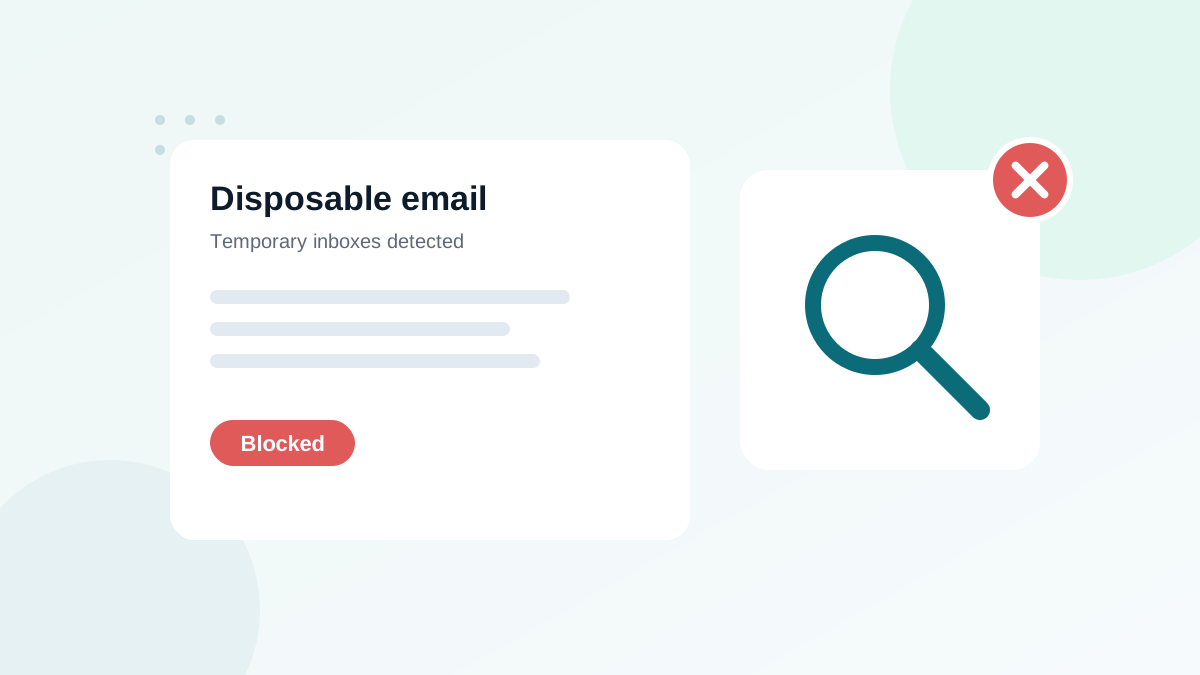
A disposable email address (also called temporary, throwaway or burner email) is an inbox created for a short time, usually in one click on a dedicated website, without registration. It receives a few messages, then expires after minutes, hours or days. Some services rotate through thousands of domains to avoid being blocked.
People use them for understandable reasons: to download a resource without receiving marketing, to test a service, or to avoid spam. For a sender, though, these addresses have almost no value. They never become customers, and they usually bounce within days.
Why disposable addresses hurt your list
- Bounces: once the inbox expires, every email sent to it bounces, which hurts your bounce rate.
- Fake growth: your list looks bigger than your real audience, which distorts every metric.
- Wasted cost: you pay your email platform for contacts that will never read anything.
- Abuse of free offers: free trials and discounts get claimed repeatedly by the same person.
- Weaker engagement: zero opens and clicks from these contacts drag your averages down.
Disposable vs alias vs normal address
| Type | Lifetime | Reaches a real person? | What to do |
|---|---|---|---|
| Normal address | Long-term | Yes | Accept |
| Privacy alias (forwarding) | Long-term, until the user disables it | Yes, forwarded to a real inbox | Accept: the user simply protects their address |
| Plus address (name+news@) | Long-term | Yes | Accept |
| Disposable address | Minutes to days | Only briefly | Block at signup, remove from lists |
The distinction matters. Privacy-conscious subscribers who use forwarding aliases are real and often engaged. Blocking them would push away good subscribers. Good detection targets temporary inbox services, not privacy features.
How disposable detection works
Verification services combine several methods:
- Known domain lists: large, constantly updated databases of domains used by temporary email services.
- Infrastructure signals: new domains that share mail servers or DNS patterns with known disposable services.
- Behavior over time: domains that appear suddenly in many signups and then disappear.
Static, public lists of disposable domains are a useful start, but they age quickly: new domains appear every day. A maintained verification service catches far more of them.
Block disposable addresses at signup
The most effective place to stop them is the form itself. Options, from simplest to most robust:
| Method | Effort | Effectiveness |
|---|---|---|
| Static blocklist of domains in your form code | Low | Low to medium, ages quickly |
| Real-time verification widget | Low | High |
| Verification API called from your backend | Medium | High, fully controllable |
| Double opt-in | Low | Medium: temporary inboxes can still confirm |
Double opt-in alone does not solve the problem: a temporary inbox can receive and click the confirmation link, then expire. Combine it with real-time verification. My guide on real-time email verification explains the setup.
What message to show
When you block a disposable address, show a friendly message such as: "Please use a permanent email address so you can receive your download and future updates." Avoid accusing the visitor. Some will simply enter their real address.
Remove disposable addresses from an existing list
- Export your list or connect your email platform to a verification tool.
- Run a bulk verification. Disposable addresses are flagged with their own status.
- Remove or suppress them. Most will already be dead; the rest will not engage.
- Find the source. Check which form or offer collected them. A free download promoted on social media is a common culprit.
- Fix that form with real-time verification so it does not happen again.
This fits into a regular cleaning routine; see how to clean your email list.
Free trials and abuse
For SaaS products and shops, disposable addresses are also a fraud signal. The same person creates many trial accounts or claims the same first-order discount repeatedly. Blocking disposable domains at account creation reduces this abuse significantly. For high-value offers, combine it with other signals such as payment method checks.
Should you ever accept disposable addresses?
There are a few cases where accepting them can make sense: a one-time download where you do not plan any follow-up, or a public tool where you do not need contact. But if you plan to send marketing emails, a disposable address will not help you. Most businesses are better off blocking them politely.
Disposable addresses and other risky types
| Result | Problem | Typical handling |
|---|---|---|
| Disposable | Temporary, will expire | Block and remove |
| Role-based | Shared inbox, more complaints | Keep only with opt-in; see role-based emails |
| Catch-all | Mailbox cannot be confirmed | Segment; see catch-all emails |
| Invalid | Does not exist | Remove |
Signs your list already contains many disposable addresses
- Welcome emails bounce days after signup, while signup itself looked fine.
- Many contacts from one free offer never open a single email.
- The same person appears to claim a trial or discount several times with different addresses.
- Unusual, short-lived domains appear in your domain report.
To confirm, export the contacts that joined through your free offers, verify them, and look at the disposable share. If it is high, that offer attracts people who want the freebie but not the relationship.
Fix the offer, not only the form
Blocking disposable addresses solves the technical problem. It is also worth asking why people use them on your form. Common reasons are a fear of spam, an unclear promise about what they will receive, or an offer that attracts the wrong audience. Three adjustments often help:
- State the frequency clearly near the form: "One useful email per week, unsubscribe in one click."
- Deliver real value in the first email, so people see why their real address is worth giving.
- Align the lead magnet with what you sell, so it attracts future customers rather than collectors of free files.
These changes reduce temporary addresses at the source and usually improve engagement of the whole list. More ideas are in how to build an email list.
Disposable domains in B2B forms
In B2B, disposable addresses are often a sign of competitors or students downloading your content. If your forms are meant for professionals, you can also ask for a work address politely, but do not block free webmail providers by default: many small business owners use them.
Common mistakes when blocking disposable addresses
- Blocking all free webmail providers by mistake. Gmail, Outlook and Yahoo addresses are not disposable.
- Blocking privacy relay services that forward to real inboxes, which pushes away privacy-conscious customers.
- Using a list copied years ago: it misses new services and may contain domains that are no longer disposable.
- Showing a harsh error message that makes visitors leave instead of entering their real address.
- Only checking in the browser, where bots can bypass the check.
Disposable addresses and analytics
Temporary signups inflate your conversion rates. A lead magnet that "converts" 8% of visitors may convert far less once disposable and fake signups are removed. Verify signups before reporting campaign results, so your decisions are based on real subscribers. The same logic applies to free trials: count verified, activated accounts rather than raw signups.
Checklist
- Real-time verification on every signup and trial form
- Friendly message asking for a permanent address
- Privacy aliases and plus addresses accepted
- Existing list verified and disposable addresses removed
- Sources that attract disposable signups identified and protected
Bots often use disposable addresses too. If you see sudden signup spikes, read how to stop fake signups and bots.
Frequently asked questions
Are disposable emails illegal?
No. They are legal privacy tools. You are simply free to refuse them on your forms if they do not fit your business.
Is an email alias the same as a disposable address?
No. Aliases from mainstream privacy services forward to a real, long-term inbox and can receive your emails. Disposable addresses usually stop working quickly.
Can I detect disposable emails with a list of domains?
Partly. Public lists exist, but new disposable domains appear constantly. A maintained verification service is more reliable than a static list.
Should I delete disposable addresses already in my list?
Yes. Most no longer work, and those that do rarely engage. Remove them during your next cleaning.
Will blocking disposable emails reduce signups?
Slightly, in numbers. But the signups you lose were not real subscribers, so your engaged list does not shrink.