Key takeaways
- Fix the cause before asking for removal, or you will be listed again quickly.
- Spamhaus has several lists (SBL, XBL, PBL, DBL, CSS); the removal process depends on which one.
- SpamCop listings usually expire automatically about 24 hours after the reports stop.
- Barracuda offers a removal request form; approval takes time and is not guaranteed.
- On a shared IP, contact your email provider; do not request removal yourself.
In this guide
- Before anything: confirm the listing and its impact
- Step 1: Stop the cause
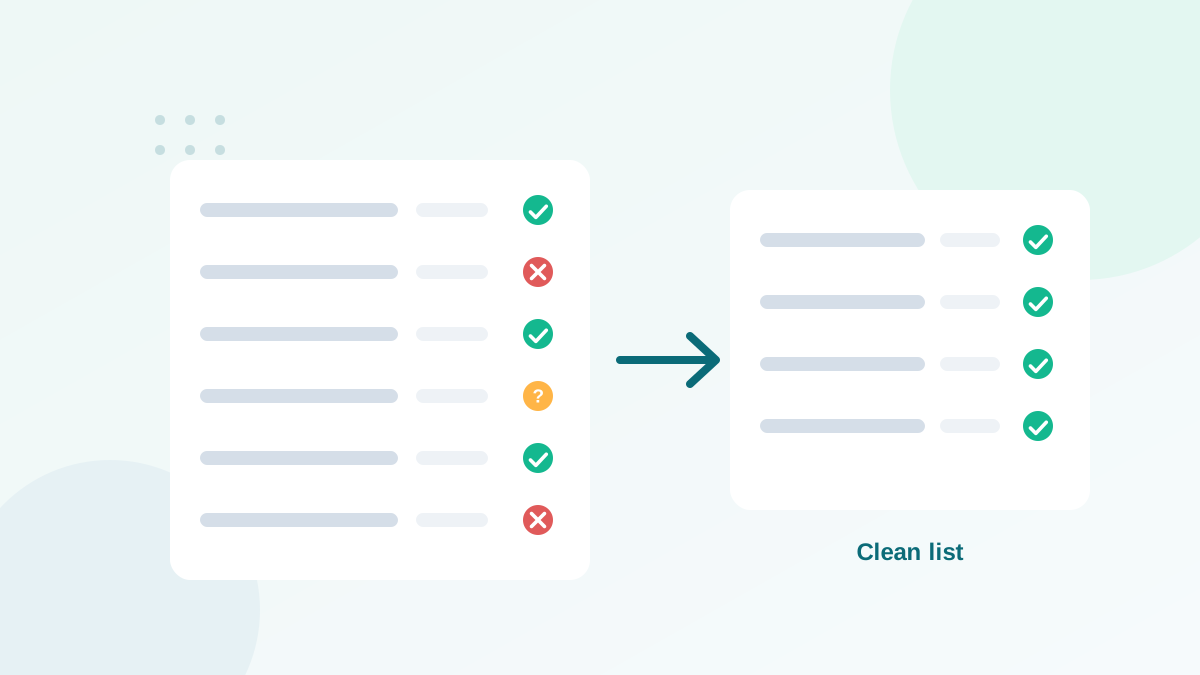
- Step 2: Clean the list that caused it
- Step 3: Request removal, list by list
- Step 4: Restart sending carefully
- How long delisting takes
- Mistakes that make things worse
- What to write in a removal request
- Communicating internally during a listing
- Delisting on a shared IP: what to ask your provider
- Signs that the cause is fixed
- Domain listings: special points
- Prevent the next listing
- Frequently asked questions
Before anything: confirm the listing and its impact
Start by confirming exactly what is listed, where, and whether it really affects your mail. Use the official lookup of each blocklist and note:
- Whether the listing concerns an IP or a domain
- Which list, and which sub-list for Spamhaus
- The reason given, if any
- Whether the IP is yours (dedicated) or your provider's (shared)
If you have not checked yet, follow how to check if your domain or IP is blacklisted first. If the IP belongs to a shared pool, stop here and contact your email provider: they manage delisting and can move your traffic.
Step 1: Stop the cause
Every serious blocklist expects you to fix the problem before asking for removal. If you request delisting and keep sending the same way, you will be listed again, often faster and for longer.
| Likely cause | How to confirm | Fix |
|---|---|---|
| Spam trap hits from old or bought lists | Listing started after sending to an old segment or an import | Stop sending to that segment, verify and clean it |
| High complaints | Complaint rate above 0.1% in your platform or Postmaster Tools | Review consent and targeting, make unsubscribe obvious |
| Compromised account or form | Mail you did not send, spikes at odd hours | Change passwords, secure forms, check scripts on your server |
| Infected computer on your network (IP listings) | Spamhaus XBL or CSS listing of an office IP | Scan and clean devices, block outbound port 25 except mail servers |
| Links to a listed domain | Domain blocklist mentions a domain in your links | Remove or replace those links |
Spam traps are the most frequent root cause I see for marketing senders. My guide on spam traps explains where they hide.
Step 2: Clean the list that caused it
- Identify the segment sent just before the listing.
- Verify every address in it and remove invalid, disposable and risky results. See how email verification works.
- Remove contacts with no engagement for a long time; recycled spam traps hide among them.
- Stop using the source if it was purchased, scraped or shared data.
Step 3: Request removal, list by list
Spamhaus
Spamhaus runs several lists, and each has its own logic:
| List | What it targets | Removal |
|---|---|---|
| SBL | IPs linked to spam operations or spam support services | Usually via the provider that owns the IP; requires a real fix |
| XBL / CSS | IPs showing signs of infection, hijacking or low-reputation sending | Self-service removal on the Spamhaus site once the cause is fixed |
| PBL | IP ranges that should not send mail directly | Not a penalty; send through a proper mail server, or the IP owner can update the range |
| DBL | Domains found in spam (sender or links) | Removal request for the domain once the cause is fixed |
Use the Spamhaus reputation checker: it tells you which list, why, and gives the right removal path. Spamhaus does not charge for removal.
Barracuda
Barracuda's reputation list is widely used by business security appliances. Look up the IP on Barracuda Central and submit the removal request form with your contact details and the corrective actions you took. Requests are reviewed, which can take some time, and approval is not automatic.
SpamCop
SpamCop lists IPs based on reports from users and spam traps. Listings expire automatically, typically around 24 hours after the reports stop. The best action is to fix the cause and wait; there is usually nothing else to submit.
Other lists
Follow the official process on the list's own website. Be cautious with lists that ask for payment to delist quickly: reputable lists do not need your money, and many paid-removal lists have little impact on delivery anyway.
Step 4: Restart sending carefully
- Send only to engaged, verified contacts for the first sends after removal.
- Reduce volume and increase gradually, as in a warm-up.
- Monitor daily for a couple of weeks: bounces, complaints, blocklist status, and Postmaster Tools.
- Document what happened, so the same source or mistake is never used again.
How long delisting takes
| List | Typical time |
|---|---|
| SpamCop | Automatic expiry, often within about a day once reports stop |
| Spamhaus XBL / CSS self-service | Fast once the issue is resolved |
| Spamhaus SBL / DBL | Depends on the case and the fix; can take longer |
| Barracuda | Review after the request; may take a while |
Even after removal, your sender reputation at Gmail and Microsoft may need a few weeks of clean sending to recover.
Mistakes that make things worse
- Requesting removal before fixing the cause, then getting relisted.
- Switching to a new domain or IP to escape the listing: the cause moves with you.
- Arguing with the list operator. Explain the cause and the fix clearly and briefly.
- Paying for "express delisting" on low-impact lists.
- Restarting at full volume right after delisting.
What to write in a removal request
When a form asks for an explanation, keep it short, factual and specific. Operators read many requests; clear ones are processed faster. A good structure:
What happened: a campaign sent on [date] to an old segment imported in 2023.
Cause identified: the segment contained invalid and long-inactive addresses.
Actions taken: segment removed, full list verified, sunset policy applied,
contacts without activity for 12 months suppressed.
Prevention: real-time verification on forms and monthly list hygiene.
Never claim that you did nothing wrong if the listing was justified, and never promise things you will not do.
Communicating internally during a listing
- Tell the team which emails are affected: marketing only, or also invoices and support replies.
- Use another channel for urgent messages to customers during the incident.
- Pause planned campaigns until delisting and the first clean sends are done.
- Write a short incident note: cause, fix, date of removal, lessons learned.
This prevents a common second mistake: a colleague launching a big campaign the day after delisting.
Delisting on a shared IP: what to ask your provider
- Is the listed IP part of the pool my account uses?
- Is my sending identified as the cause, or another customer's?
- Can my traffic be moved to another pool while delisting is in progress?
- Which of my recent campaigns, if any, showed problems?
- Do you need me to clean a specific segment before resuming?
Good providers answer quickly and handle the delisting themselves. If your own campaign was the cause, take their recommendations seriously: they see data you do not.
Signs that the cause is fixed
Before considering the incident closed, check that bounces are back under 2%, complaints under 0.1%, no new listings appeared during two weeks of normal sending, and engagement by provider is back to its usual level. Only then return to your normal schedule and audience size.
Domain listings: special points
When a domain is listed (for example on the Spamhaus DBL), check every place it appears: the From address, the DKIM signature, links, images and tracking. Sometimes the listed domain is not yours but a domain you link to, such as a link shortener or an affiliate redirect. In that case, removing or replacing the link solves the problem faster than any removal request. If your own domain is listed because your website was hacked and used in spam, clean the website first: delisting will not hold while malicious pages remain online.
Prevent the next listing
- Never send to purchased, rented or scraped lists
- Verify imports and old segments before every send
- Apply a sunset policy to long-inactive contacts
- Protect forms with bot protection and real-time verification
- Keep complaints under 0.1%
- Check major blocklists monthly
For a complete routine, follow my email list cleaning guide.
Frequently asked questions
How long does blacklist removal take?
It varies: some listings expire automatically within a day, others need a manual request and review that can take hours to several days.
Can I pay to be removed from a blacklist?
Reputable blocklists like Spamhaus do not charge for removal. Be wary of any list that asks for payment to delist you.
Why was I listed again after removal?
The root cause was not fixed. Typically, the same list source keeps sending to spam traps or invalid addresses.
What is the Spamhaus PBL?
The Policy Block List contains IP ranges that should not send email directly, such as home connections. It is not a punishment; it usually means you should send through a proper mail server.
My email provider's IP is listed. What should I do?
Tell the provider's support team. They manage shared IPs and the delisting process, and they can move your sends to another pool.