Key takeaways
- The Promotions tab is part of the inbox, not spam; many subscribers check it on purpose.
- Gmail sorts by content type, sender history and each user's own behavior.
- Personal, plain, one-to-one style emails are more likely to reach Primary.
- Asking new subscribers to move your email to Primary is the strongest signal you can get.
- Tricks that disguise promotions as personal emails can increase complaints and damage trust.
In this guide
- How Gmail tabs work
- Is the Promotions tab a problem?
- How Gmail decides which tab
- Practical ways to reach Primary (honestly)
- How subscribers move your email to Primary
- What does not work (or backfires)
- Promotions tab and annotations
- Measure the real impact
- Promotions tab vs spam folder
- A test you can run this week
- Writing a personal-style email that still converts
- Promotions tab by business type
- What to put in your welcome email
- Checklist
- Frequently asked questions
How Gmail tabs work
Gmail's default inbox can sort incoming mail into tabs: Primary, Promotions, Social, Updates and Forums. Users can turn tabs off, and many mobile users see tabs differently, but a large share of Gmail users keep them.
The important point: all these tabs are the inbox. The spam folder is a completely different place. An email in Promotions was accepted, trusted and delivered. It simply was classified as commercial.
Is the Promotions tab a problem?
It depends on what you send:
| Type of email | Promotions tab OK? | Why |
|---|---|---|
| Sales, discounts, product announcements | Yes | That is what the tab is for; subscribers browse it when shopping |
| Designed newsletter from a brand | Usually yes | Readers who value it go looking for it |
| Personal newsletter from an expert or creator | Better in Primary | Its value is the personal relationship |
| Welcome email with a requested resource | Better in Primary | The subscriber is waiting for it now |
| Receipts, password resets, account alerts | No | These should be in Primary or Updates |
Trying to push every promotional email into Primary is a mistake. It can annoy users who prefer a tidy Primary tab, and disguising promotions as personal messages tends to increase complaints.
How Gmail decides which tab
Gmail does not publish its classification rules, but the signals are well understood:
- Content type: prices, discounts, heavy design, many images and many links look commercial.
- Sender history: if your past emails were promotional, new ones from the same sender are likely to be classified the same way.
- The user's own actions: if a subscriber moves your emails to Primary, Gmail learns that for that subscriber.
- Interactions: replies and conversations look personal; one-way broadcasts look commercial.
Classification is personalized. The same email can land in Primary for one subscriber and Promotions for another.
Practical ways to reach Primary (honestly)
1. Ask new subscribers to move you
This is the most effective method. In your first welcome email, explain in one or two sentences how to move your email to Primary. When a subscriber does it, Gmail asks whether to do this for future messages, and your next emails go to Primary for that person.
2. Encourage replies
Ask a simple question and invite people to reply. Replies are strong personal signals and help engagement in general.
3. Write personal emails in a personal format
For messages whose value is personal, use a simple layout: little or no heavy design, a few links, a real name in the From field, a conversational tone. This is the format of an email between two people.
4. Separate streams
Send promotions and personal newsletters as different streams, ideally with different From addresses or subdomains. Classification of one then influences the other less. See sending from a subdomain.
5. Keep transactional emails clean
Receipts and account notifications that are stuffed with promotions risk being classified as marketing. Keep them focused on the transaction.
How subscribers move your email to Primary
You can copy this short instruction into your welcome email:
Using Gmail? If this email landed in Promotions, drag it to the Primary tab
and click "Yes" when Gmail asks. On mobile: open the email, tap the three
dots, choose "Move to", then "Primary".
What does not work (or backfires)
- Removing every image and link from promotions. You may land in Primary but lose the purpose of the email.
- Fake "Re:" or "Fwd:" subject lines. Deceptive and likely to increase complaints.
- Tricks to fool the classifier. They stop working and can damage trust.
- Judging success by tab placement alone. Clicks, replies and sales are what matter.
Promotions tab and annotations
Gmail can show extra information for promotional emails in the Promotions tab, such as deal badges, expiration dates or product images, when senders add specific markup. For online shops, this can make emails more visible within the tab. It is an option worth exploring if your audience shops through email; for most newsletters, it is not necessary.
Measure the real impact
Before investing effort, measure whether Promotions placement actually hurts your results:
- Run seed tests to see where your emails land. See inbox placement testing.
- Compare clicks from Gmail with other providers. If Gmail clicks are in line with Outlook and Yahoo, tab placement is not a big problem for you.
- Test a personal-format email against your usual design for one segment. Compare clicks and replies, not just opens.
Promotions tab vs spam folder
| Promotions tab | Spam folder | |
|---|---|---|
| Part of the inbox | Yes | No |
| Cause | Content classification | Reputation, authentication, complaints |
| Seen by subscribers | Often, especially when shopping | Rarely |
| Priority to fix | Medium, depends on email type | Urgent |
| Where to start | Format and subscriber actions | Spam diagnosis |
If your emails land in spam rather than Promotions, the fixes are completely different: authentication, list quality and sender reputation.
A test you can run this week
To find out whether a personal format helps your audience, run a simple split test on one regular send:
- Version A: your usual designed template, logo header, images, several links.
- Version B: the same message written as a plain, personal email: no header image, short paragraphs, one or two links, your name as sender.
- Send each version to a random half of the same segment, at the same time.
- Compare after 48 hours: clicks, replies and conversions, not only opens.
- Check placement with a few Gmail seeds for each version.
Many audiences respond better to the personal version for content emails, and better to the designed version for product promotions. Let your data decide.
Writing a personal-style email that still converts
- Start with the reader's problem in the first sentence
- Keep one main idea and one main link
- Use a real name in the From field and sign the email
- End with a question that invites a reply
- Keep the unsubscribe link visible in the footer
Promotions tab by business type
| Business | Recommended approach |
|---|---|
| Online shop | Accept Promotions for sales emails; keep order emails transactional |
| Consultant or coach | Personal format for content emails to aim for Primary |
| Media or newsletter business | Teach readers to move you to Primary in the welcome email |
| SaaS company | Product and account emails transactional; marketing in Promotions |
| Local business | Short, personal updates; promotions accepted in the tab |
The common thread: decide per type of email, not for the whole program.
What to put in your welcome email
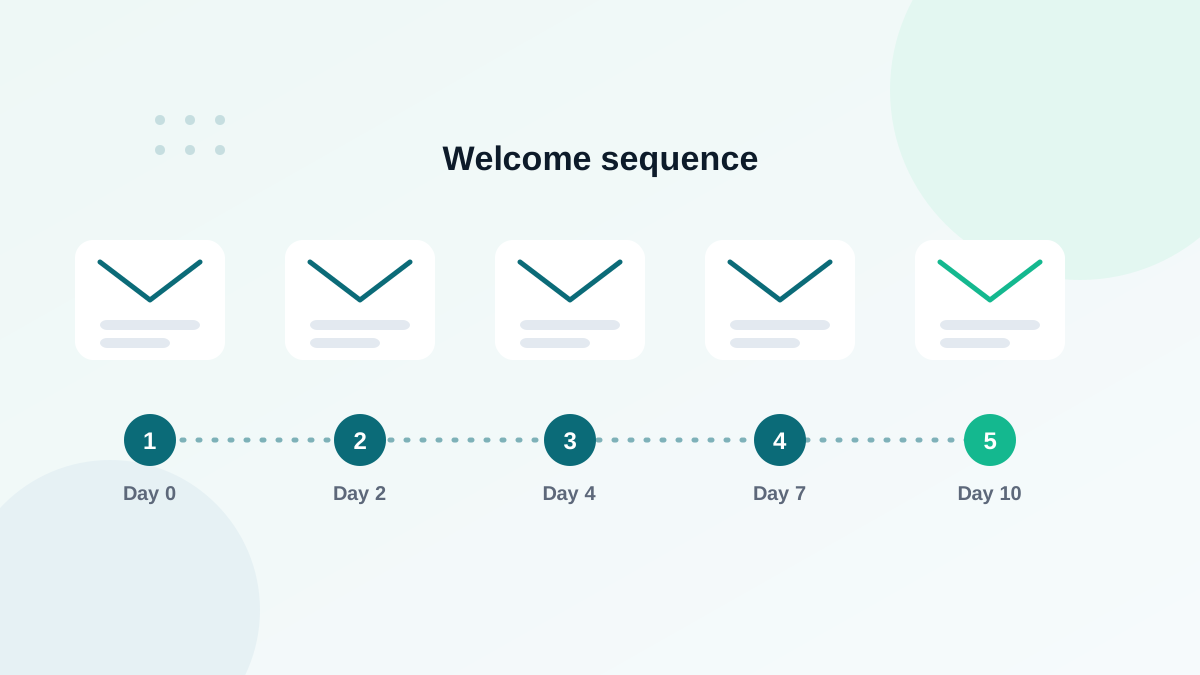
The welcome email is your best opportunity to influence tab placement, because it is sent when interest is highest. Include three elements: the resource or confirmation the subscriber expects, a one-line instruction to move your email to Primary, and a simple question that invites a reply. Together, these give Gmail clear positive signals for that subscriber from the first day. My guide on the welcome email sequence shows how to structure the rest of the series.
Avoid asking for too many actions at once. One instruction for Primary and one question are enough; a long list of requests is usually ignored.
Checklist
- Decide which emails really need Primary
- Add "move us to Primary" instructions to your welcome email
- Ask questions that invite replies
- Use a personal format for personal messages
- Keep transactional emails free of heavy promotion
- Judge results on clicks and replies, not tab placement alone
Frequently asked questions
Does the Promotions tab hurt open rates?
It can lower opens for some audiences, but subscribers who want your emails still find them. Many promotional brands perform well in Promotions.
How do subscribers move an email to Primary?
On desktop, drag the email to the Primary tab and confirm "Do this for future messages". On mobile, open the message menu and choose "Move to", then Primary.
Do images and links send emails to Promotions?
Heavy design, many images and many links make an email look promotional. A simpler format helps for personal-style messages, but content type matters most.
Is it possible to always land in Primary?
No. Gmail personalizes tabs for each user. You can improve your chances, not guarantee placement.
Should transactional emails land in Primary?
Yes, and they usually do if they are pure transactional messages. Avoid adding heavy promotions to receipts and password resets.