Key takeaways
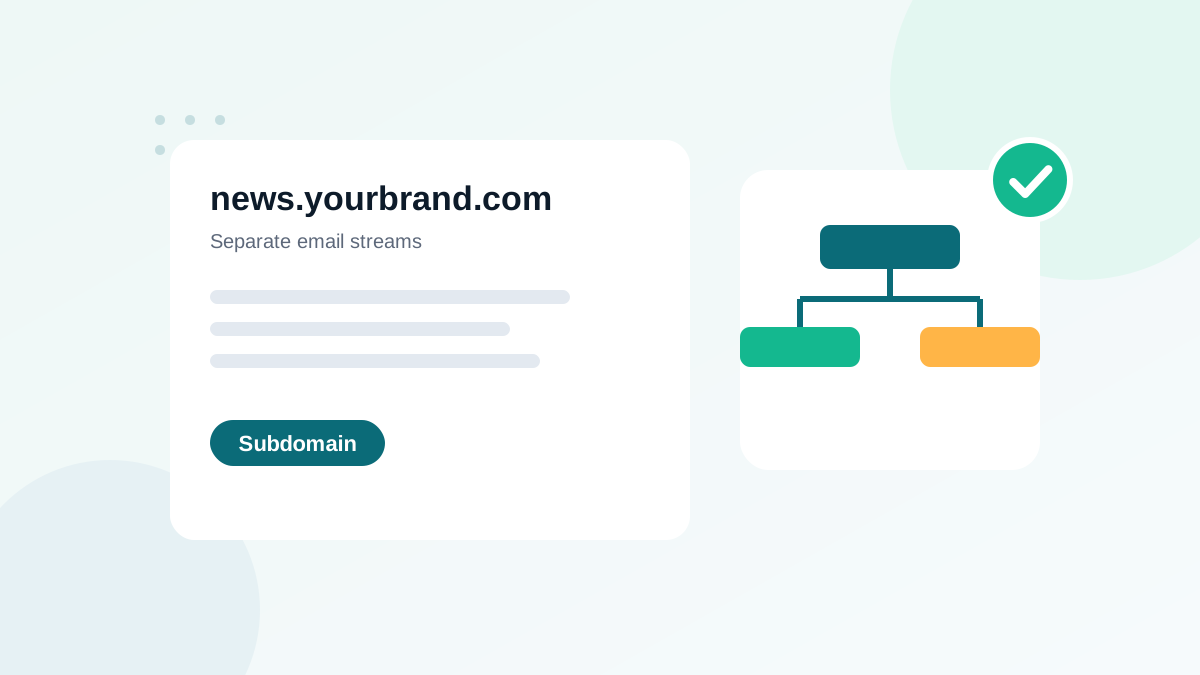
- A subdomain separates email streams so problems in one affect the others less.
- Common pattern: marketing on a subdomain, transactional on another subdomain or the main domain.
- Reputation is partly shared: mailbox providers also look at the parent domain.
- Each sending subdomain needs its own SPF and DKIM; DMARC can be inherited or set with sp=.
- A new subdomain needs a gradual warm-up, like any new sending identity.
In this guide
- What sending from a subdomain means
- The benefits
- What a subdomain does not do
- How reputation works between domain and subdomain
- Recommended setups
- Step-by-step setup of a sending subdomain
- The From address: subdomain or main domain?
- Subdomains and BIMI
- Mistakes to avoid
- Example DNS setup for a marketing subdomain
- When a subdomain is not worth it
- Subdomains and tracking links
- Moving an existing program to a subdomain
- Monitoring a sending subdomain
- Subdomain checklist
- Frequently asked questions
What sending from a subdomain means
Instead of sending every email from yourbrand.com, you use dedicated subdomains for different types of mail. For example:
| Subdomain | Used for |
|---|---|
yourbrand.com | Employees' everyday mailboxes |
news.yourbrand.com | Newsletters and marketing campaigns |
notify.yourbrand.com | Receipts, password resets, account notifications |
Each subdomain has its own authentication records, its own sending history and its own stream of data in tools like Postmaster Tools.
The benefits
- Stream separation: a marketing campaign that generates complaints affects the marketing subdomain more than your transactional or employee mail.
- Clearer diagnosis: when problems appear, you see immediately which stream is affected.
- Cleaner SPF: each subdomain has its own SPF record and its own 10-lookup budget. See SPF too many DNS lookups.
- Different policies: you can apply different DMARC settings or sending platforms per stream.
- Organization: agencies and teams can manage each stream independently.
What a subdomain does not do
A subdomain is not a firewall. Mailbox providers know that news.yourbrand.com belongs to yourbrand.com, and they can take the parent domain into account. Sending to dirty lists from a marketing subdomain can still hurt your brand's overall reputation.
Some senders create new subdomains each time one gets a bad reputation. Providers detect this pattern, and it damages the parent domain. Fix the cause instead: list quality, consent and complaints. See how sender reputation works.
How reputation works between domain and subdomain
- Subdomain reputation is built by the mail sent from that subdomain.
- Parent domain reputation is influenced by everything under it, to a degree that varies by provider.
- Organizational domain: DMARC and many filters reason at the level of the organizational domain (
yourbrand.com), which is why alignment can work in relaxed mode between a subdomain and its parent.
In practice, subdomains give you good isolation for diagnosis and moderate isolation for reputation. That is useful, but not a reason to be careless.
Recommended setups
Small business
Main domain for mailboxes, one subdomain for all marketing (news. or mail.). Transactional mail from your shop can stay on the main domain or use a second subdomain.
Online shop with high volume
Separate subdomains for marketing and transactional mail, ideally on platforms or IP pools suited to each. Receipts and password resets must never suffer from a marketing campaign that went wrong.
B2B company with cold outreach
Never send cold email from the main domain or the marketing subdomain. Cold outreach carries a higher complaint risk and should be fully separated, usually on a different domain altogether.
Step-by-step setup of a sending subdomain
- Choose a clear name linked to your brand:
news,mail,email,hello. Avoid random or misleading names; subscribers and filters should recognize your brand. - Add the subdomain in your sending platform as a sending domain to authenticate.
- Publish DKIM records for the subdomain, as provided by the platform. See how to find and check your DKIM selector.
- Publish SPF for the subdomain if the platform uses it in the envelope sender:
news.yourbrand.com TXT "v=spf1 include:[platform's SPF value] ~all" - Decide on DMARC. Subdomains inherit the parent's DMARC policy by default, or the
sp=value if set. You can also publish a specific record at_dmarc.news.yourbrand.com. See reading DMARC reports to monitor it. - Set up reverse paths and tracking if your platform offers a custom return-path or tracking domain on the subdomain.
- Add the subdomain to monitoring: Postmaster Tools, DMARC reporting, seed tests.
- Warm it up. A new subdomain has no history. Increase volume gradually; see email warm-up.
The From address: subdomain or main domain?
You have two options:
| Option | Example From | Notes |
|---|---|---|
| From on the subdomain | hello@news.yourbrand.com | Cleanest separation; alignment straightforward |
| From on the main domain, technical sending on the subdomain | hello@yourbrand.com, DKIM d=news.yourbrand.com | Works with relaxed DMARC alignment; reputation less separated |
Make sure replies go to a mailbox someone reads. A subdomain used only for sending usually needs a Reply-To address on the main domain.
Subdomains and BIMI
If you plan to show your logo with BIMI, check how each provider handles subdomains. Some look for a BIMI record on the exact subdomain in the From address; others fall back to the parent. Keeping DMARC at enforcement across subdomains is required either way.
Mistakes to avoid
- Launching a new subdomain at full volume without warm-up.
- Forgetting DMARC inheritance: a strict parent policy applies to subdomains too, which can block an unauthenticated stream.
- Too many subdomains: each one needs monitoring. Keep it simple.
- Unreadable names that look like phishing, such as
mx-48.yourbrand-mail.com. - No reply handling: replies to an unmonitored subdomain are lost.
Example DNS setup for a marketing subdomain
; Main domain: employees' mailboxes
yourbrand.com             TXT    "v=spf1 include:_spf.google.com ~all"
_dmarc.yourbrand.com      TXT    "v=DMARC1; p=quarantine; rua=mailto:dmarc@yourbrand.com"

; Marketing subdomain
news.yourbrand.com        TXT    "v=spf1 include:[platform SPF value] ~all"
[selector]._domainkey.news.yourbrand.com   CNAME/TXT   [record from your platform]
_dmarc.news.yourbrand.com TXT    "v=DMARC1; p=none; rua=mailto:dmarc@yourbrand.com"
In this example, the subdomain has its own DMARC record at p=none while it warms up, so its policy is independent from the parent's quarantine policy. Once its reports are clean, it can move to quarantine as well.
When a subdomain is not worth it
- Very small senders with one stream and a few hundred contacts: the extra setup and monitoring add little.
- When the main domain already has a strong history and you only send one type of email.
- When nobody will monitor it: an unmonitored subdomain is worse than a well-managed main domain.
Subdomains and tracking links
Many platforms let you use a custom tracking domain for links, for example links.news.yourbrand.com, instead of the platform's shared tracking domain. This keeps every domain in your email connected to your brand, avoids link reputation problems caused by other senders, and makes your emails look more consistent to filters and subscribers. Set it up at the same time as the sending subdomain, with the CNAME record your platform provides.
Moving an existing program to a subdomain
If you already send marketing from your main domain and want to move it to a subdomain, plan it like a small migration: authenticate the subdomain, keep the same From name so subscribers recognize you, start with engaged segments, and increase volume over two to four weeks. Keep the main domain for employees and transactional mail. Announcing the change is not necessary, but a consistent brand name and design reassure readers.
Monitoring a sending subdomain
Once live, a subdomain deserves the same monitoring as your main domain. Add it to Postmaster Tools if volume is high, watch its DMARC reports, and compare its bounce and complaint rates with your other streams. If its reputation drops, you will see it quickly and know exactly which program to fix, which is one of the main benefits of separating streams in the first place. See Google Postmaster Tools for the Gmail side.
Subdomain checklist
- Clear, brand-related subdomain name
- DKIM published and verified for the subdomain
- SPF published if needed, under 10 lookups
- DMARC policy for the subdomain decided (inherited or specific)
- Reply-To pointing to a monitored mailbox
- Monitoring set up and gradual warm-up planned
Separation helps, but list quality decides. Keep your bounce rate low and your list clean, whatever the domain.
Frequently asked questions
Does a subdomain protect my main domain's reputation?
Partly. It separates streams and makes diagnosis easier, but providers can still link the subdomain to the parent domain. Bad practices on a subdomain can affect the whole brand.
Will subscribers notice the subdomain?
The From address can still use your main domain in many setups, or show news@news.yourbrand.com. Most subscribers do not mind as long as the brand name is clear.
Do I need a separate DMARC record for a subdomain?
Not necessarily. Subdomains inherit the parent domain's DMARC policy unless you set an sp= tag or publish a record on the subdomain.
What is a good name for a marketing subdomain?
Short and clearly connected to your brand: news, mail, email or hello, followed by your domain. Avoid random or misleading names.
Should I send cold email from my main domain?
No. Cold outreach carries higher risk. Keep it separate from your main domain and marketing streams.