Key takeaways
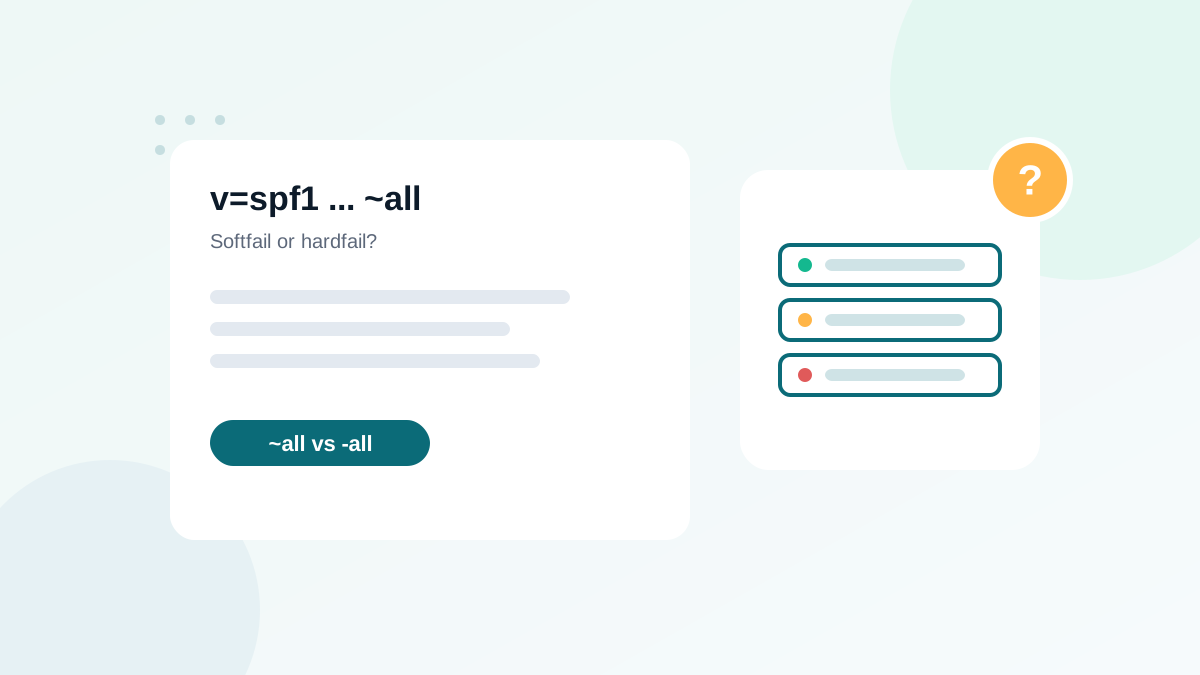
- ~all (softfail) says unlisted servers are probably not authorized; -all (hardfail) says they are definitely not.
- Never use +all: it authorizes every server on the internet.
- With DMARC enforced, receivers base decisions mainly on DMARC, so ~all is a safe default.
- -all can cause rejections of forwarded mail before DMARC and DKIM are even checked at some receivers.
- Choose -all for domains that never send email, together with a DMARC reject policy.
In this guide
- The four "all" qualifiers
- How receivers actually use softfail and hardfail
- Why DMARC changes the debate
- The real risk of -all: forwarded mail
- When -all is the right choice
- Decision table
- How to switch safely
- Common misunderstandings
- Real-world scenarios
- How SPF results appear in headers
- What the SPF standard says
- Quick checklist
- Frequently asked questions
The four "all" qualifiers
Every SPF record ends with an all mechanism, preceded by a qualifier. It tells the receiving server what to conclude about any server not listed earlier in the record.
| Ending | Name | Meaning | Use it? |
|---|---|---|---|
-all | Fail (hardfail) | Unlisted servers are not authorized | Yes, in specific cases |
~all | Softfail | Unlisted servers are probably not authorized | Yes, the safe default |
?all | Neutral | No statement about unlisted servers | Rarely |
+all | Pass | Every server on the internet is authorized | Never |
The +all ending deserves a warning of its own: it turns SPF upside down by authorizing anyone to send as your domain. I still find it in audits, usually copied from an old tutorial. If you see it, replace it today.
How receivers actually use softfail and hardfail
The SPF standard leaves receivers free to decide what to do with each result. In practice:
- Softfail results are rarely rejected on their own. The message is usually accepted and the result becomes one signal among many in spam filtering.
- Hardfail results may be rejected at the connection stage by some servers, especially smaller or older business mail systems, sometimes before DKIM and DMARC are even evaluated.
Large providers such as Gmail and Microsoft evaluate the whole picture: SPF, DKIM, DMARC and reputation. For them, once DMARC is in place, the DMARC result is what matters most.
Why DMARC changes the debate
Before DMARC, the SPF qualifier was one of the few ways to tell receivers how strict to be. Today, that job belongs to DMARC. Your DMARC policy (p=none, quarantine or reject) tells receivers what to do when a message fails authentication and alignment.
For DMARC, an SPF softfail and an SPF hardfail are both simply "SPF did not pass". DMARC then checks DKIM. If DKIM passes and is aligned with your From domain, DMARC passes, whatever your SPF qualifier says.
With a correct DMARC policy and aligned DKIM, ~all gives you the same protection against spoofing as -all, with less risk of losing legitimate mail. That is why I use ~all by default on domains that send email.
The real risk of -all: forwarded mail
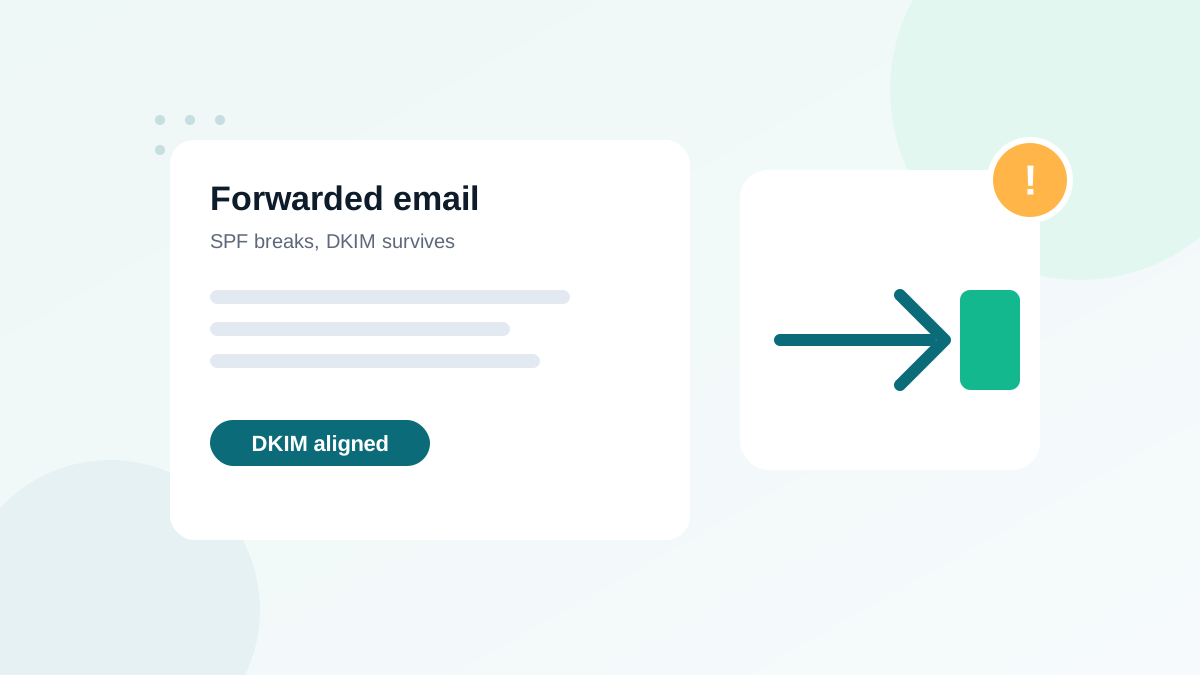
When someone forwards your email (an automatic forward from an old address, a university mailbox, a mailing list), the forwarding server delivers it to the final destination. That server is not in your SPF record, so SPF fails.
With ~all, the receiver sees a softfail and goes on to check DKIM and DMARC. With -all, a strict receiver may reject the message immediately, even though DKIM would have passed. You lose a legitimate email to a real subscriber, and you will never know it happened. I explain the full mechanism in why forwarded emails fail DMARC.
When -all is the right choice
Domains that never send email
Parked domains, defensive domains you bought to protect your brand, or domains used only for a website. These are favorite targets for spoofing because nobody watches them. Publish:
yourbrand-old.com         TXT  "v=spf1 -all"
_dmarc.yourbrand-old.com  TXT  "v=DMARC1; p=reject;"
That tells every receiver that no server may send mail for that domain.
Tightly controlled sending domains
A subdomain used by one single system, with fixed IP addresses and no forwarding, can safely use -all. For example, a transactional subdomain used only by one application.
Organizations with a security requirement
Some security audits require -all. If you must comply, make sure DKIM is aligned on every stream and review your DMARC reports for forwarding losses.
Decision table
| Your situation | Recommended ending | Why |
|---|---|---|
| Main domain, several sending tools, DMARC not yet enforced | ~all | Safe while you identify all senders |
| Main domain, DMARC at quarantine/reject, DKIM aligned everywhere | ~all (or -all) | DMARC does the enforcement; -all adds little |
| Domain that never sends email | -all | No legitimate mail can be lost |
| Single-purpose subdomain with fixed IPs | -all | Fully known senders, no forwarding expected |
| You are not sure who sends for your domain | ~all | Read DMARC reports first |
Record currently ends in +all | ~all immediately | +all authorizes everyone |
How to switch safely
- Check that your record is valid first. One SPF record only, under the 10-lookup limit. If not, fix that before anything else; see fixing too many DNS lookups.
- Confirm DKIM alignment for every legitimate sender using your DMARC aggregate reports.
- Change only the qualifier, and nothing else in the record on the same day.
- Watch bounces and DMARC reports for two weeks. Look for new SPF-related rejections, especially from business domains.
- Roll back if needed. Switching back to
~allis instant once DNS updates.
Common misunderstandings
- "-all improves deliverability." It does not. Receivers do not trust your legitimate mail more because of it. Deliverability comes from passing authentication, alignment and good reputation.
- "~all means spoofers get through." Not if DMARC is enforced. DMARC decides, and spoofed mail fails DMARC.
- "SPF protects the address people see." SPF checks the technical envelope sender, not the visible From address. Only DMARC alignment connects the two. See SPF, DKIM and DMARC explained.
- "I need -all to meet Gmail's requirements." No. Gmail, Yahoo and Microsoft require SPF and DKIM to pass and DMARC to be published; they do not require the -all qualifier.
Real-world scenarios
Scenario 1: A shop with three sending tools
The shop uses Google Workspace, an email marketing platform and its e-commerce platform's notification service. DMARC is at p=none while the team reads reports. Recommended ending: ~all. Switching to -all now would add risk without benefit, because DMARC is not yet enforced and the senders are still being checked.
Scenario 2: A brand protecting old domains
A company owns five domains from previous brand names, none of which send email. Recommended: v=spf1 -all on each, plus DMARC p=reject. Spoofers lose an easy target, and no legitimate mail exists to lose.
Scenario 3: A security audit requires -all
The IT team must apply -all on the main domain. Before switching, they confirm in DMARC reports that every stream passes DKIM aligned, and they monitor bounces from business recipients for two weeks after the change. Forwarded mail mostly survives through DKIM.
How SPF results appear in headers
When you open "Show original" in Gmail or the message source in Outlook, you will see results like spf=pass, spf=softfail, spf=fail, spf=neutral or spf=permerror. A softfail on a message you sent yourself means the sending server is missing from your record: add it, or make sure DKIM is aligned for that stream.
| Header result | Most likely reason |
|---|---|
| spf=pass | Server listed in the record |
| spf=softfail | Server not listed, record ends in ~all |
| spf=fail | Server not listed, record ends in -all |
| spf=permerror | Broken record: two records or too many lookups |
| spf=none | No SPF record found for the domain checked |
What the SPF standard says
RFC 7208, the SPF specification, defines the results but leaves the final decision to receivers. A "fail" result is described as an explicit statement that the client is not authorized, and receivers may reject such messages. A "softfail" is described as a weak statement: the host is probably not authorized, and receivers should not reject on that basis alone but may treat the message with more suspicion. That difference in wording is why many receivers treat the two very differently in practice, and why -all carries more risk for legitimate forwarded mail.
DMARC, defined later in RFC 7489, does not distinguish between the two at all: for DMARC, only an SPF "pass" with alignment counts as a pass.
Quick checklist
- No
+allor?allon sending domains ~allon main sending domains by default-allplus DMARCp=rejecton domains that never send- DKIM aligned for every legitimate stream
- DMARC reports reviewed before and after any change
Frequently asked questions
Is -all more secure than ~all?
In theory, yes. In practice, once you have DMARC at quarantine or reject, the difference is small, because receivers follow your DMARC policy. -all mainly adds risk for forwarded mail.
What does ?all mean?
?all is neutral: it gives no opinion about unlisted servers. It offers almost no protection and is rarely recommended.
Should a domain that sends no email have SPF?
Yes. Publish v=spf1 -all, plus a DMARC record with p=reject. This tells receivers that no server is allowed to send for that domain.
Does changing ~all to -all improve deliverability?
No. It does not make legitimate mail more trusted. Deliverability depends on authentication passing, alignment and reputation.
Will -all break my email?
Only if a legitimate service is missing from your record, or for some forwarded messages. Check your DMARC reports before switching.