Key takeaways
- List decay is the gradual loss of valid, engaged addresses in your list.
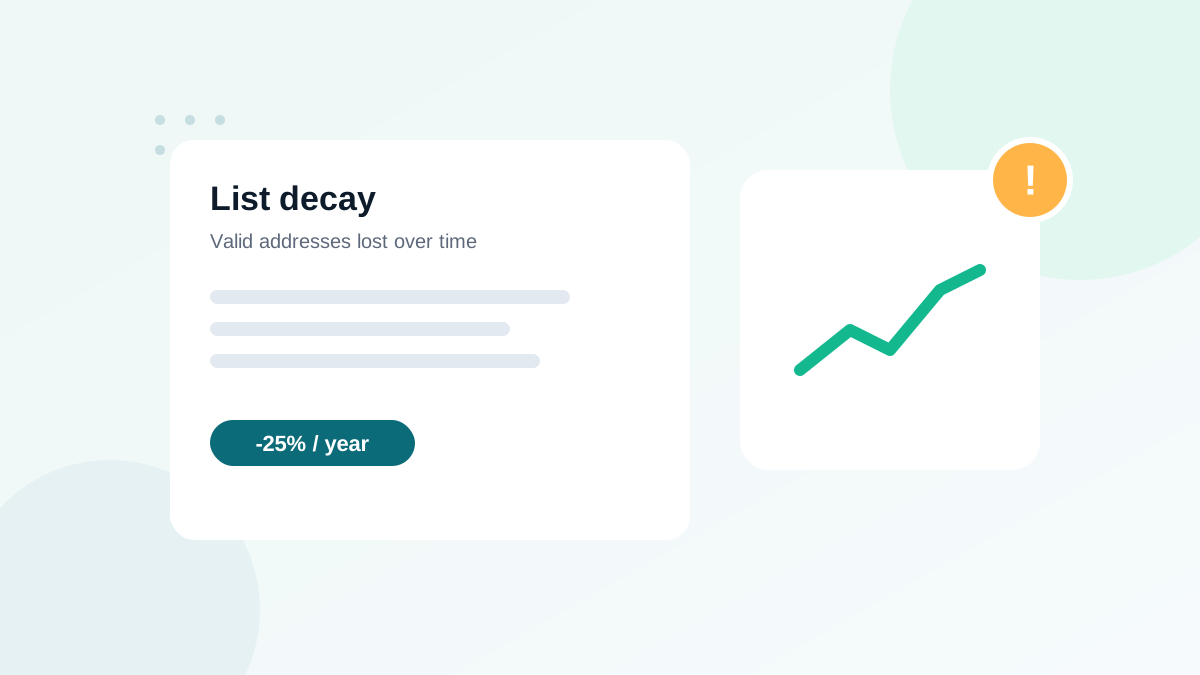
- Commonly cited estimates put decay at roughly a fifth to a quarter of a list per year; B2B lists often decay faster.
- Decay has two sides: technical (addresses that stop existing) and behavioral (people who stop engaging).
- Measure your own rate from hard bounces and inactivity per cohort, rather than relying on industry averages.
- Regular verification, a sunset policy and steady sending keep decay under control.
In this guide
- What list decay is
- The two kinds of decay
- How fast lists decay
- Measure your own decay rate
- Warning signs that decay is hurting you
- How to slow decay down
- Decay in B2B lists
- Decay and your costs
- A simple decay dashboard
- Decay after a long pause
- Decay by acquisition channel
- Decay and segmentation
- List decay checklist
- Frequently asked questions
What list decay is
Email list decay is the gradual loss of value in your list over time. Addresses that worked when people signed up stop working, and people who were interested stop reading. Even a list built entirely with permission, using double opt-in, loses quality every month.
Decay matters because mailbox providers judge you on the whole list you send to. If a growing share of your addresses bounce or never open anything, your sender reputation drops, and your emails reach fewer of the people who still want them.
The two kinds of decay
| Technical decay | Behavioral decay | |
|---|---|---|
| What happens | The address stops existing or accepting mail | The address works, but the person stops engaging |
| Typical causes | Job changes, closed accounts, expired domains, abandoned inboxes | Lost interest, too many emails, irrelevant content, emails landing in spam |
| How you see it | Hard bounces, verification results | No clicks or replies for months |
| Main fix | Verification and bounce suppression | Re-engagement, then a sunset policy |
Both matter. Technical decay creates bounces and can feed recycled spam traps. Behavioral decay drags your engagement down and makes filters treat your emails as less wanted.
How fast lists decay
Industry estimates commonly put annual decay somewhere between about 20% and 30% of a list, and higher for some B2B audiences. Treat these numbers as a rough order of magnitude, not a rule. The real rate depends on:
- Audience type: work addresses disappear when people change jobs; personal addresses last longer.
- Industry: sectors with high staff turnover decay faster.
- Collection method: forms without verification let typos and temporary addresses in from day one.
- Sending frequency: lists emailed rarely accumulate dead addresses unnoticed.
- Content relevance: lists that receive irrelevant emails disengage faster.
Measure your own decay rate
Rather than relying on averages, measure your own list. It takes an hour and tells you how often you really need to clean.
- Export your contacts with signup date, last click and status (active, bounced, unsubscribed).
- Group them by signup cohort: by quarter or by year.
- For each cohort, calculate the share of hard bounces and the share with no click in the last 6 to 12 months.
- Compare cohorts. You will usually see older cohorts with much higher bounce and inactivity rates. The difference per year is your practical decay rate.
- Run a verification on a sample of each cohort to see technical decay that has not bounced yet.
| Signup cohort | Invalid at verification | No click in 12 months |
|---|---|---|
| Last 6 months | Low | Low |
| 6 to 12 months | Rising | Moderate |
| 1 to 2 years | Noticeably higher | High |
| More than 2 years | Highest | Very high |
The pattern is almost always the same: the older the cohort, the more decayed it is. That is why sending to an old segment without checking it first is risky.
Warning signs that decay is hurting you
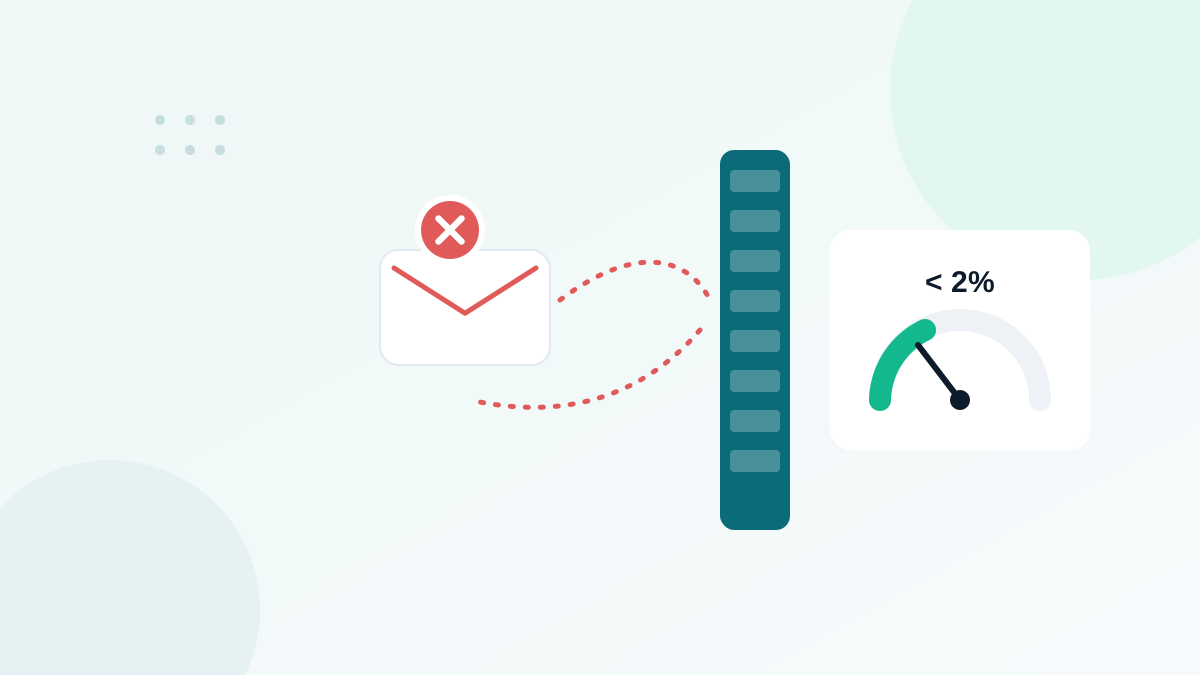
- Your bounce rate creeps above 2% on regular campaigns.
- Click rates fall slowly but steadily over several months.
- Campaigns to older segments generate more bounces and complaints than recent ones.
- Your email platform warns you about bounces or complaints.
- Spam placement increases, especially at Microsoft and Yahoo.
How to slow decay down
1. Verify at the door
A share of "decay" is really bad data that entered on day one: typos, fake and temporary addresses. Real-time verification on your forms removes that part. See real-time email verification for signup forms.
2. Send regularly
A list emailed every week or two reveals dead addresses quickly through bounces, so they are suppressed before they accumulate. A list emailed twice a year hides months of decay, which all shows up at once.
3. Verify on a schedule
Run a bulk verification every three to six months, and always before emailing a segment that has not been contacted for three months or more. My list cleaning guide gives the full process.
4. Re-engage, then sunset
Behavioral decay cannot be fixed by verification. Run a re-engagement sequence for contacts without clicks for six to twelve months, then remove those who still do not respond.
5. Keep content relevant
Segment by interest and send people what they signed up for. Relevance is the best protection against behavioral decay.
Decay in B2B lists
B2B lists decay faster because work addresses are tied to jobs. When someone leaves a company, their mailbox is usually closed, sometimes immediately and sometimes after a few weeks of forwarding. Company acquisitions and rebrandings can also make whole domains disappear.
For B2B senders, I recommend verifying before every major campaign rather than on a fixed schedule, and paying special attention to catch-all domains, which hide closed mailboxes. Before importing leads into a CRM, verify them too; see verifying emails before a CRM import.
Decay and your costs
Most email platforms charge by number of contacts or emails sent. Decayed addresses cost you money every month while delivering nothing. Removing them lowers your bill and improves your metrics at the same time, because your averages are calculated on real readers.
A smaller list of people who read your emails is worth more than a big list of addresses that no longer exist. Cleaning does not make your audience smaller; it makes your numbers honest.
A simple decay dashboard
You do not need a complex tool to monitor decay. A monthly table with four numbers is enough to see trends early:
| Metric | Where to find it | Warning level |
|---|---|---|
| Hard bounces per campaign | Your email platform reports | Above 0.5% |
| Share of contacts with no click in 6 months | Segment in your platform | Rising month after month |
| Invalid share at last verification | Verification tool summary | Higher than the previous check |
| New signups verified at entry | Form or verification logs | Any form without verification |
Write these numbers down every month. After a quarter, you will know your own decay pace, and you can plan verifications before problems appear instead of after a bad campaign.
Decay after a long pause
The most dangerous moment is restarting a list that has not been emailed for six months or more. All the decay of that period hits in one send. Before restarting, verify the whole list, start with the most recent and engaged contacts, and increase volume gradually, as in a warm-up. This one habit prevents most of the bounce disasters I see.
Decay by acquisition channel
Different sources decay at different speeds. When you measure your cohorts, add the signup source as a second dimension:
| Source | Typical decay behavior |
|---|---|
| Website newsletter form with verification | Slowest technical decay |
| Checkout customers | Slow, addresses are used for orders |
| Lead magnets promoted on social media | Faster behavioral decay |
| Events and trade shows | Fast, many transcription errors |
| Giveaways and contests | Fastest, many low-intent signups |
If one channel decays much faster than the others, improve that channel first: add verification, double opt-in or a better welcome sequence for its subscribers. See welcome email sequence.
Decay and segmentation
Instead of treating the whole list the same way, send your regular campaigns to contacts engaged in the last six months, and handle older contacts in a separate re-engagement flow. This limits the effect of decay on your main sends while you decide what to do with older segments.
List decay checklist
- Decay rate measured by signup cohort at least once a year
- Real-time verification on every signup form
- Regular sending rhythm so bounces surface quickly
- Bulk verification every 3 to 6 months and before old segments
- Re-engagement sequence for inactive contacts
- Sunset policy applied automatically
- Hard bounces suppressed and never re-imported
Frequently asked questions
What is a normal email list decay rate?
There is no single official figure. Industry estimates commonly range from about 20% to 30% per year, with B2B lists at the higher end. Your own rate depends on your audience and how you collect addresses.
Why do B2B lists decay faster?
Work addresses disappear when people change jobs or companies close or rebrand. Consumer addresses tend to last longer, although they can be abandoned.
Does list decay happen if I email regularly?
Yes, but you notice it sooner. Regular sending reveals bounces quickly, so you can remove dead addresses before they accumulate.
How often should I verify a list to counter decay?
Every three to six months for an active list, and always before emailing a segment that has not been contacted for three months or more.
Can decayed addresses become spam traps?
Yes. Some abandoned addresses are later reactivated as recycled spam traps, which is one reason long-inactive contacts should be removed.