Key takeaways
- Validation has layers: syntax, domain and MX, then mailbox existence.
- Use built-in validators (PHP filter_var, HTML5 type="email") rather than home-made regex.
- MX lookups catch domains that cannot receive email, in a few lines of code.
- Only a verification service can reliably check whether a mailbox exists.
- Never trust client-side validation alone; always validate again on the server.
In this guide
- The layered approach
- Layer 1: Normalize the input
- Layer 2: Syntax validation
- Layer 3: Domain and MX check
- Layer 4: Mailbox verification with an API
- Why not check mailboxes yourself?
- Common developer mistakes
- Testing your validation
- Where the checks belong in your architecture
- Normalizing before storing
- Logging and monitoring
- Putting it together
- Frequently asked questions
The layered approach
Email validation in code works best as a series of layers, from the cheapest and fastest to the most complete:
- Normalize: trim spaces, lowercase the domain.
- Syntax check: use the language's built-in validator when there is one.
- Domain and MX check: confirm that the domain can receive email.
- Mailbox check: call a verification API to know whether the mailbox exists and whether the address is disposable or risky.
The first three layers are free and run in milliseconds. The fourth needs a verification service, because checking mailboxes yourself is slow, unreliable and can harm your server's reputation.
Layer 1: Normalize the input
Before any check, clean what the user typed. Leading and trailing spaces are the most common cause of "invalid" addresses that are actually fine. Lowercasing the domain is always safe; most providers also treat the local part as case-insensitive, so storing the whole address in lowercase is a reasonable choice for marketing lists.
Layer 2: Syntax validation
PHP
<?php
function is_valid_syntax(string $email): bool {
    $email = trim($email);
    return filter_var($email, FILTER_VALIDATE_EMAIL) !== false;
}

var_dump(is_valid_syntax(' anna@example.com ')); // bool(true)
var_dump(is_valid_syntax('anna@@example.com'));  // bool(false)
filter_var with FILTER_VALIDATE_EMAIL is maintained by the PHP project and handles the common cases well. By default it does not accept non-ASCII (Unicode) local parts.
Python
Python's standard library has no complete email validator. A widely used option is the email-validator package, which checks syntax and can also check the domain:
# pip install email-validator
from email_validator import validate_email, EmailNotValidError

def is_valid_syntax(email: str) -> bool:
    try:
        validate_email(email.strip(), check_deliverability=False)
        return True
    except EmailNotValidError:
        return False

print(is_valid_syntax("anna@example.com"))   # True
print(is_valid_syntax("anna@example"))       # False
The library also returns a normalized form of the address, which is useful for storage and deduplication.
JavaScript (browser)
In the browser, the simplest and most robust option is the native HTML5 input:
<input type="email" id="email" name="email" required autocomplete="email">

<script>
const input = document.getElementById('email');
input.addEventListener('blur', () => {
  input.value = input.value.trim();
  if (!input.checkValidity()) {
    input.setCustomValidity('Please check your email address.');
  } else {
    input.setCustomValidity('');
  }
});
</script>
type="email" also shows the right keyboard on mobile. Remember that anything in the browser can be bypassed: validate again on the server.
JavaScript (Node.js)
On the server, a simple, permissive pattern is enough for syntax, followed by the MX check below:
function isValidSyntax(email) {
  const value = String(email).trim();
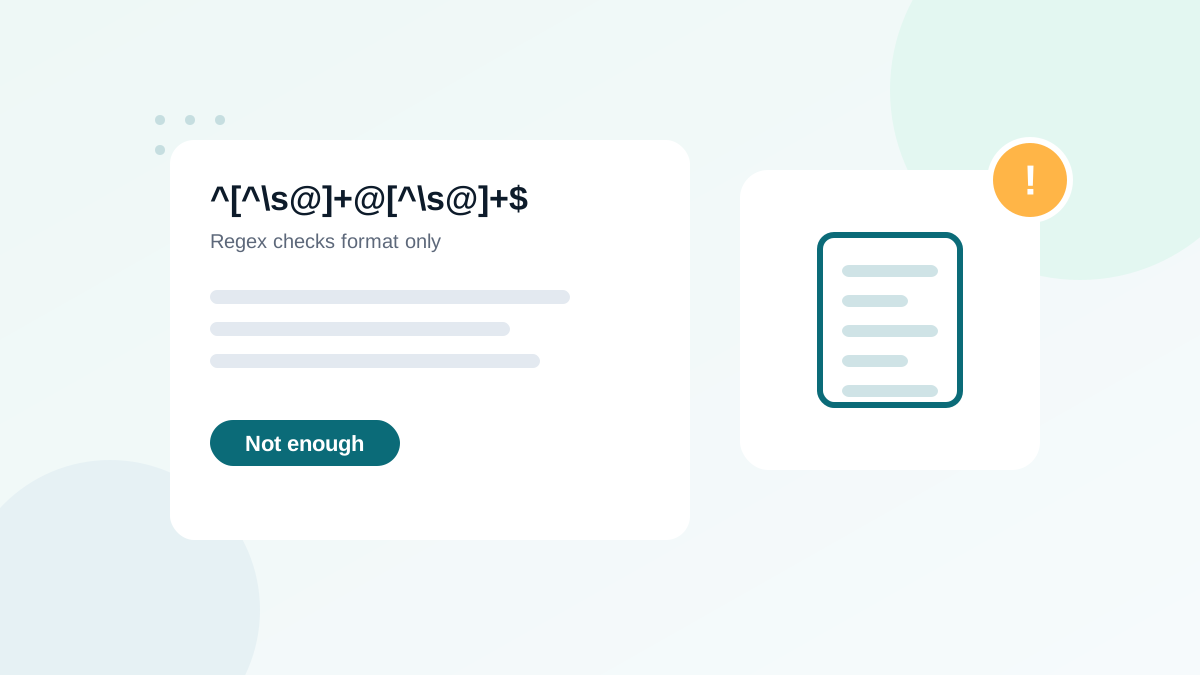
  return /^[^\s@]+@[^\s@]+\.[^\s@]+$/.test(value) && value.length <= 254;
}
Why such a simple pattern? Because strict patterns reject real addresses. I explain the trade-offs in email validation regex: why it is not enough.
Layer 3: Domain and MX check
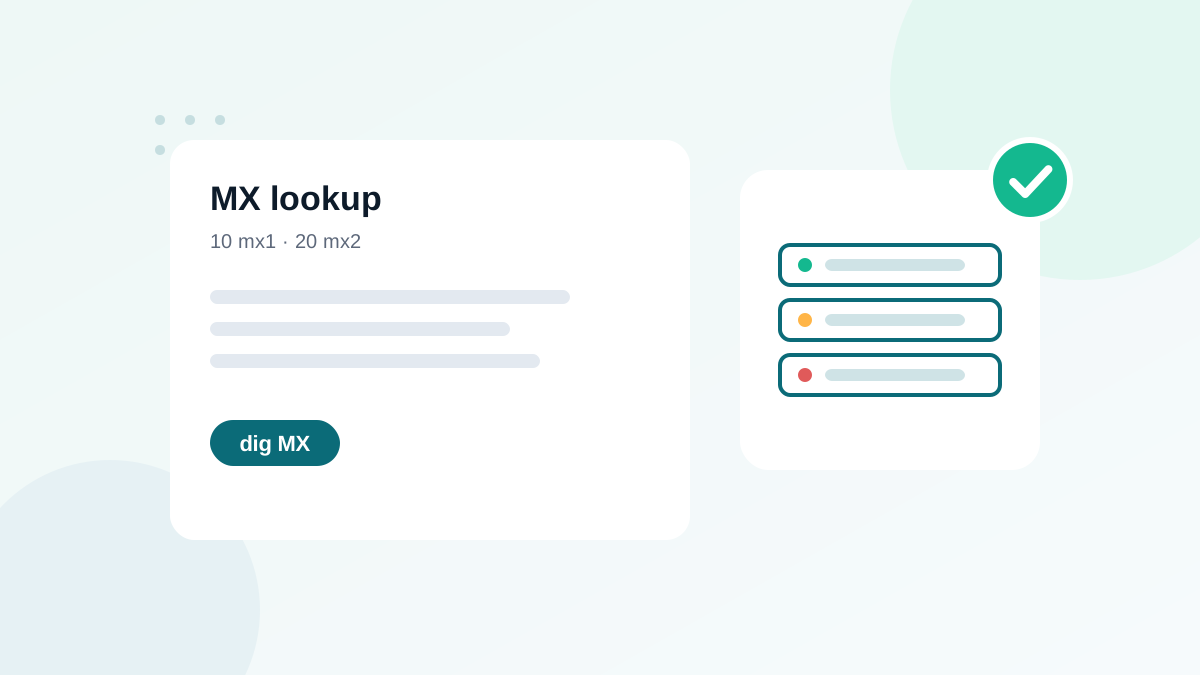
A domain that has no mail servers cannot receive email. Checking MX records catches made-up domains and many typos. See MX record lookup for the background.
PHP
function has_mx(string $email): bool {
    $domain = substr(strrchr($email, '@'), 1);
    return $domain !== '' && (checkdnsrr($domain, 'MX') || checkdnsrr($domain, 'A'));
}
Python
# pip install dnspython
import dns.resolver

def has_mx(email: str) -> bool:
    domain = email.rsplit("@", 1)[-1]
    try:
        return len(dns.resolver.resolve(domain, "MX")) > 0
    except Exception:
        return False
The email-validator package can also do this for you with check_deliverability=True.
Node.js
const dns = require('node:dns').promises;

async function hasMx(email) {
  const domain = email.split('@').pop();
  try {
    const records = await dns.resolveMx(domain);
    return records.length > 0;
  } catch {
    return false;
  }
}
The PHP example falls back to an A record, as mail standards allow. In practice, domains without MX records rarely receive email, so many verifiers treat them as invalid.
Layer 4: Mailbox verification with an API
To know whether anna@example.com really exists, a verification service connects to the mail server, checks the mailbox without sending a message, and combines this with disposable, role-based and catch-all detection. From your code, it is a simple HTTPS request. The pattern is the same in every language:
# Pseudocode
result = call_verification_api(email, timeout=3 seconds)
if result is None:            # timeout or error
    accept(email)             # fail open, verify later in bulk
elif result.status in ("invalid", "disposable"):
    reject(email, message)
else:                         # valid, catch-all, role, unknown
    accept(email)
    store(email, result.status, today)
Use your provider's documentation for the exact endpoint and response fields. Keep the API key in environment variables on the server, never in front-end code.
Why not check mailboxes yourself?
- Blocked connections: many hosting providers block outgoing port 25, which SMTP checks need.
- Reputation risk: repeated probing from your server's IP can get it listed on blocklists, affecting your real email.
- Greylisting and protection: large providers deliberately make probing unreliable.
- Catch-all servers: they accept everything, so a naive check says "valid" for invented addresses.
A verification service has infrastructure, retry logic and reputation management built for this job.
Common developer mistakes
- Validating only in the browser. Bots and modified requests skip front-end checks. Validate on the server every time.
- Using a very strict regex that rejects plus signs, long top-level domains or apostrophes. See email validation regex.
- Blocking the form when DNS or the API fails. Fail open and verify later.
- Doing SMTP checks from the application server. It risks your sending reputation and is often blocked anyway.
- Not storing the result. Without the status and date, you cannot segment or re-verify later.
- Putting a secret API key in JavaScript. Anyone can read it in the browser.
Testing your validation
Keep a small test file with addresses that must pass and addresses that must fail, and run it in your automated tests:
| Must pass | Must fail |
|---|---|
anna@example.com | anna@ |
anna.smith+news@example.co.uk | anna@@example.com |
o'neil@example.ie | anna example@example.com |
info@my-company.agency | anna@example |
Use domains reserved for documentation, such as example.com, in automated tests, so you never send real traffic or verification requests to real people.
Where the checks belong in your architecture
Put syntax and MX checks in a shared validation module used by every entry point: signup forms, checkout, admin screens and imports. Call the verification API from the same module, so the rules are identical everywhere. For imports of existing data, run bulk verification instead of calling the real-time API line by line; it is faster and usually cheaper. See verifying emails before a CRM import.
Normalizing before storing
After validation, store addresses in a consistent form to avoid duplicates: trimmed, with a lowercase domain and, for most marketing uses, a lowercase local part. Be careful with provider-specific rules: some providers ignore dots or plus suffixes in addresses, but others do not, so do not strip them automatically for all domains. More on that in common email typos.
Logging and monitoring
Log the verification result for each signup (without storing more personal data than needed), and watch the share of invalid and disposable results over time. A sudden rise often signals a bot attack or a broken form, which you can then investigate quickly.
Putting it together
| Layer | Cost | Speed | Catches |
|---|---|---|---|
| Normalize | Free | Instant | Spaces, case issues |
| Syntax | Free | Instant | Malformed addresses |
| MX | Free | Milliseconds | Fake domains, many typos |
| Verification API | Per check | Usually a second or two | Non-existent mailboxes, disposable, role, catch-all |
Run the free layers first and call the API only for addresses that pass them. This saves credits and keeps forms fast. For a no-code alternative on marketing forms, see real-time email verification for signup forms.
Frequently asked questions
Is filter_var enough to validate emails in PHP?
It is enough for syntax. It does not check whether the domain receives email or whether the mailbox exists. Add an MX check and, for important forms, a verification API.
Should I do SMTP checks myself?
It is not recommended. SMTP probing from your own servers is slow, often blocked, and can harm your IP reputation. Use a verification service instead.
Does HTML5 type="email" validate addresses?
It checks basic syntax in the browser and helps mobile keyboards. It can be bypassed, so always validate on the server too.
How do I handle international email addresses?
Many validators reject non-ASCII characters by default. If you serve international audiences, check how your validator handles Unicode domains and local parts.
What should happen when the verification API is down?
Accept the address and verify it later. A signup form should never fail because a third-party service is unavailable.